How to Get Your Land Information Using a Government App
Land is one of the most valuable assets a person can own. Keeping accurate land records is essential for proving ownership, checking property details, selling or purchasing land, and resolving property disputes. Today, many Indian state governments provide online land record services through official websites and mobile applications. These digital services help citizens access important information conveniently without visiting government offices for every enquiry.
1. Choose the Official Government App
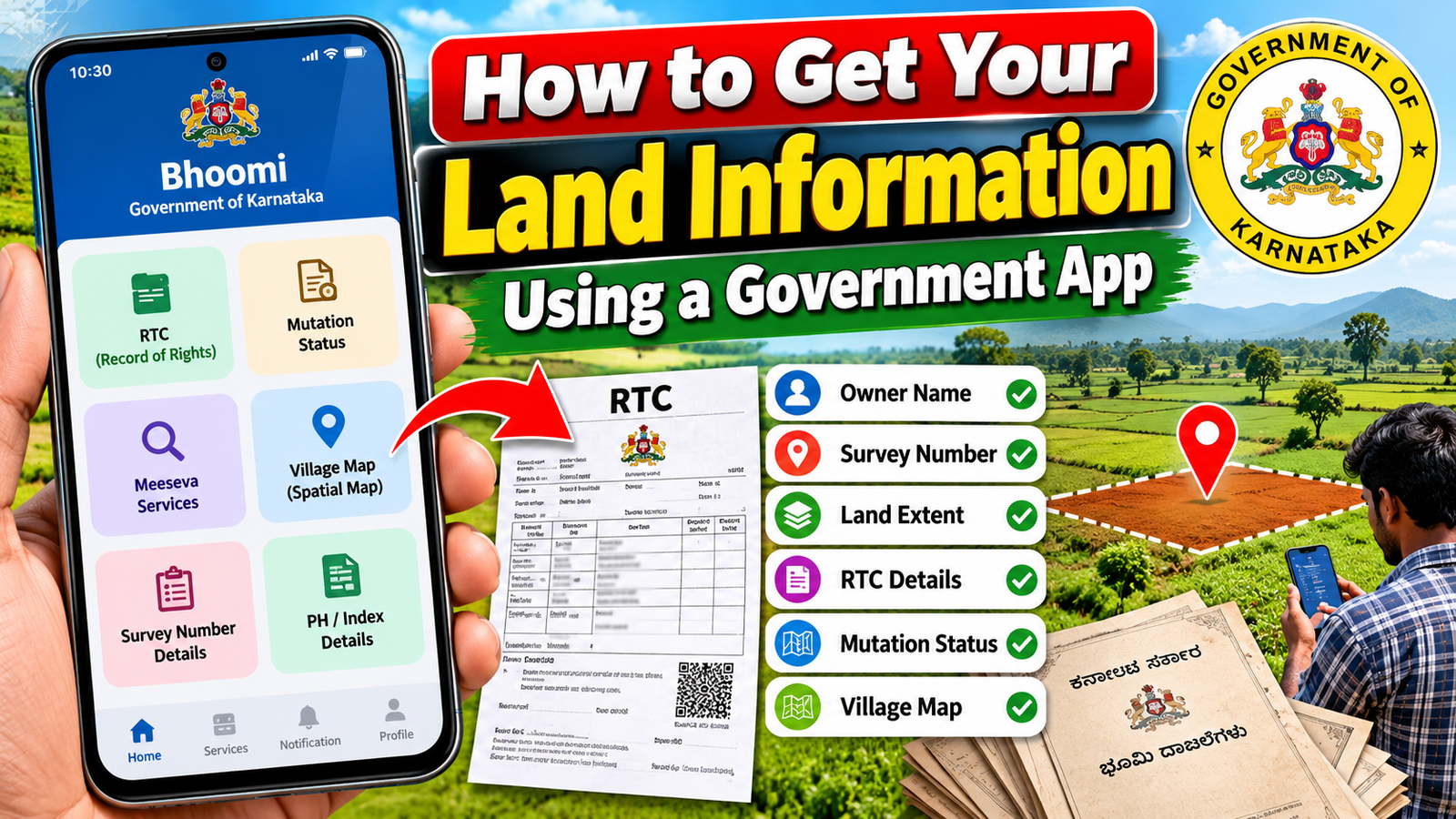
The first step is to identify the official land records application for your state. Different states use different platforms. For example, Karnataka provides the Bhoomi land records system, while Andhra Pradesh offers MeeBhoomi. You should always select an application published by the relevant government department to avoid fraudulent services.
2. Download the Application
Open the Google Play Store on your smartphone and search for your state’s official land records application. Before installing it, check the developer’s name and government affiliation. You can also visit the official state land records website to find the appropriate application or online service.
For Karnataka, visit the official Bhoomi Land Records Portal. The official website is a useful starting point for accessing available land record services.
3. Keep Your Land Details Ready
Before searching for your property, collect the basic information required to identify the land. This may include the district, taluk, hobli, village, survey number, and subdivision or hissa number. Having these details ready makes the search easier and helps reduce errors.
If you do not know your survey number, check your existing land documents, previous tax receipts, sale deed, or other relevant property papers.
4. Search for Your Land Information
Open the official application or website and select the relevant land records service. Choose the required district and village, then enter the survey number and other requested details. Submit the information to view the available record.
Depending on the state and service, you may be able to see the recorded owner’s name, land area, land classification, cultivation details, and other revenue information. In Karnataka, the Record of Rights, Tenancy and Crops (RTC), commonly called Pahani, is an important document containing land-related information.
5. Download or Save Your Land Records
After locating the correct property, review the displayed details carefully. If a download or print option is available, save the document as a PDF or print a copy for future reference. Some services provide digitally signed records, while others offer only an informational view. Check whether an official or certified copy is required for legal or administrative purposes.
6. Verify the Information
Always compare the online record with your existing property documents. If you notice incorrect ownership details, an incorrect survey number, or missing information, contact the local revenue office or the appropriate land records authority. Changes to ownership records may require a formal mutation application and supporting documents.
Conclusion
Government land record applications make it easier for citizens to access property information from their smartphones. By using the correct official platform, keeping survey details ready, and checking records carefully, landowners can save time and improve their understanding of their property. However, online land records should not be treated as the only proof of clear legal title. Before buying, selling, or transferring land, verify the relevant documents with the appropriate authorities. Using official government services responsibly helps protect property interests and supports transparent land administration.