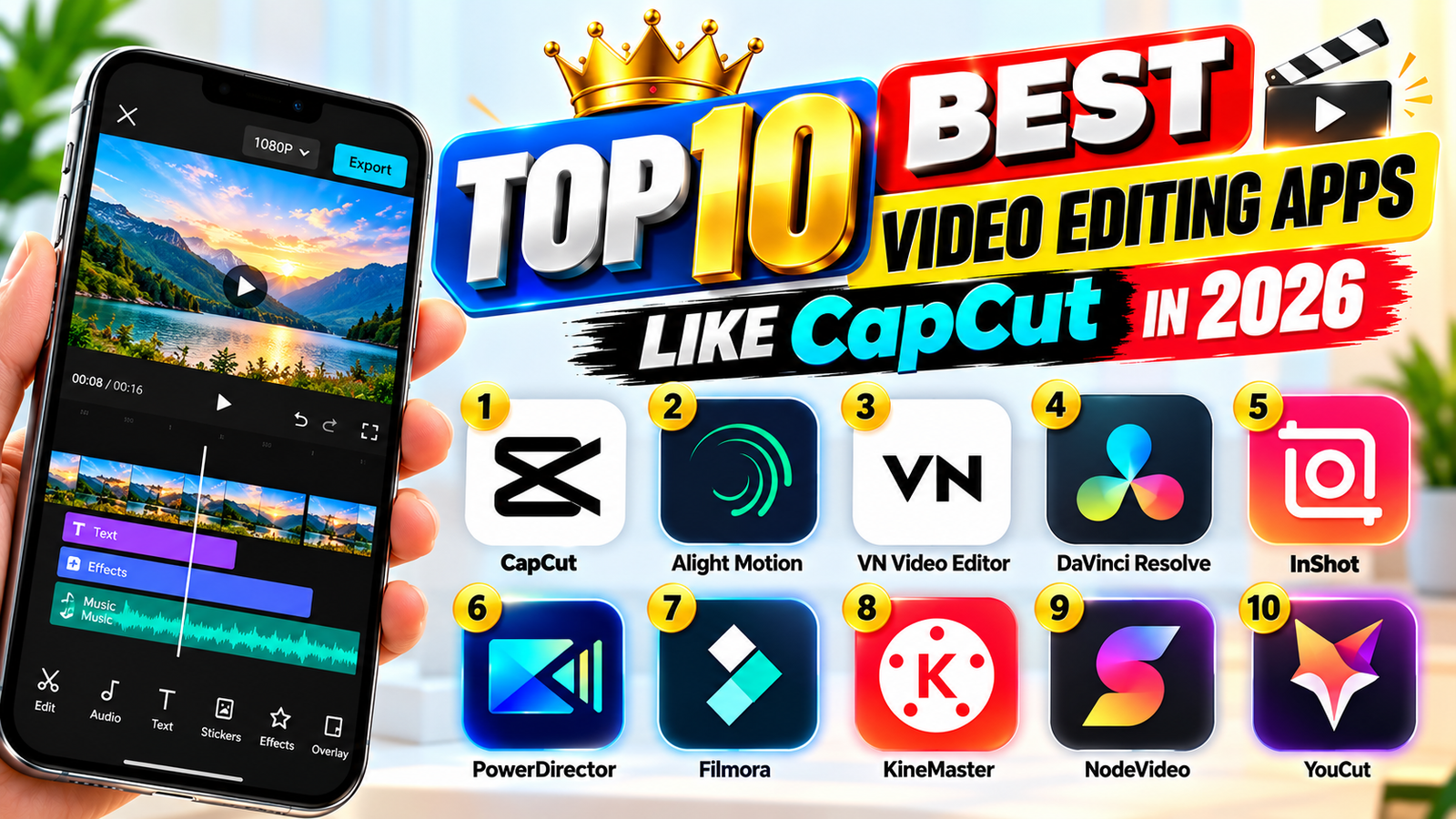
Top 10 Best Video Editing Apps Like CapCut in 2026
Video editing has become an important part of creating Instagram Reels, YouTube Shorts, Facebook videos, and other social media content. In 2026, many mobile video editing applications offer powerful features similar to CapCut, including transitions, filters, effects, music, text animations, and AI-powered editing tools.
If you are searching for the best video editing apps like CapCut, here are ten useful options to consider for creating professional-looking videos directly from your smartphone.
1. VN Video Editor
VN Video Editor is a popular choice for creators who want to edit videos without complicated software. It offers a multitrack timeline, transitions, speed controls, text overlays, and music editing. It is suitable for beginners and experienced creators.
2. InShot
InShot is an easy-to-use video editing application for Instagram Reels, YouTube Shorts, and other social media videos. It includes trimming, filters, stickers, background adjustments, and audio tools. Some features may require a paid subscription.
3. KineMaster
KineMaster provides advanced editing options for creators who want more control over their projects. Users can work with multiple video layers, add voiceovers, apply visual effects, and adjust audio. It is useful for tutorial videos and professional-style mobile editing.
4. Alight Motion
Alight Motion is especially useful for motion graphics, animated text, and stylish video effects. It supports keyframe animation and layered editing, making it a good option for creators who produce status videos, logo animations, and promotional content.
5. Filmora
Filmora offers user-friendly editing tools alongside creative effects and AI-assisted features. Depending on the version, users can access templates, transitions, captions, and audio tools. It is suitable for both short-form content and longer videos.
6. PowerDirector
PowerDirector is designed for users who want advanced editing features on mobile devices. It offers timeline editing, transitions, effects, and various tools for improving video presentation. Feature availability can vary by device and subscription.
7. Canva
Canva is a useful option for creating social media videos with ready-made templates. It allows users to combine video clips, animated text, images, music, and branding elements. It is particularly helpful for promotional videos and informative content.
8. Adobe Premiere Rush
Adobe Premiere Rush has offered a simplified editing workflow for creators who want to arrange clips, adjust audio, and create social media videos. However, its availability and support status should be checked before choosing it for a new project.
9. YouCut
YouCut is a practical option for basic mobile video editing. It provides trimming, merging, music, filters, speed adjustment, and aspect-ratio controls. It can be useful for creators who want to prepare videos quickly without learning complicated editing techniques.
10. VivaVideo
VivaVideo provides creative editing tools, effects, transitions, text, and templates. It can help beginners make engaging videos for social media. Some advanced tools may be available only through paid plans.
Which CapCut Alternative Is Best?
| Application | Best For |
|---|---|
| VN Video Editor | General video editing |
| InShot | Instagram Reels |
| KineMaster | Multilayer editing |
| Alight Motion | Motion graphics |
| Filmora | Creative effects |
| PowerDirector | Advanced editing |
| Canva | Templates and promotional videos |
| Premiere Rush | Simple editing workflow |
| YouCut | Quick video editing |
| VivaVideo | Effects and templates |
Conclusion
Choosing the best video editing app like CapCut in 2026 depends on your editing requirements. VN Video Editor is worth trying for general editing, Alight Motion is suitable for animations, and InShot is convenient for short social media videos. Before installing an application, check its current availability, supported features, pricing, and privacy permissions through its official store listing.