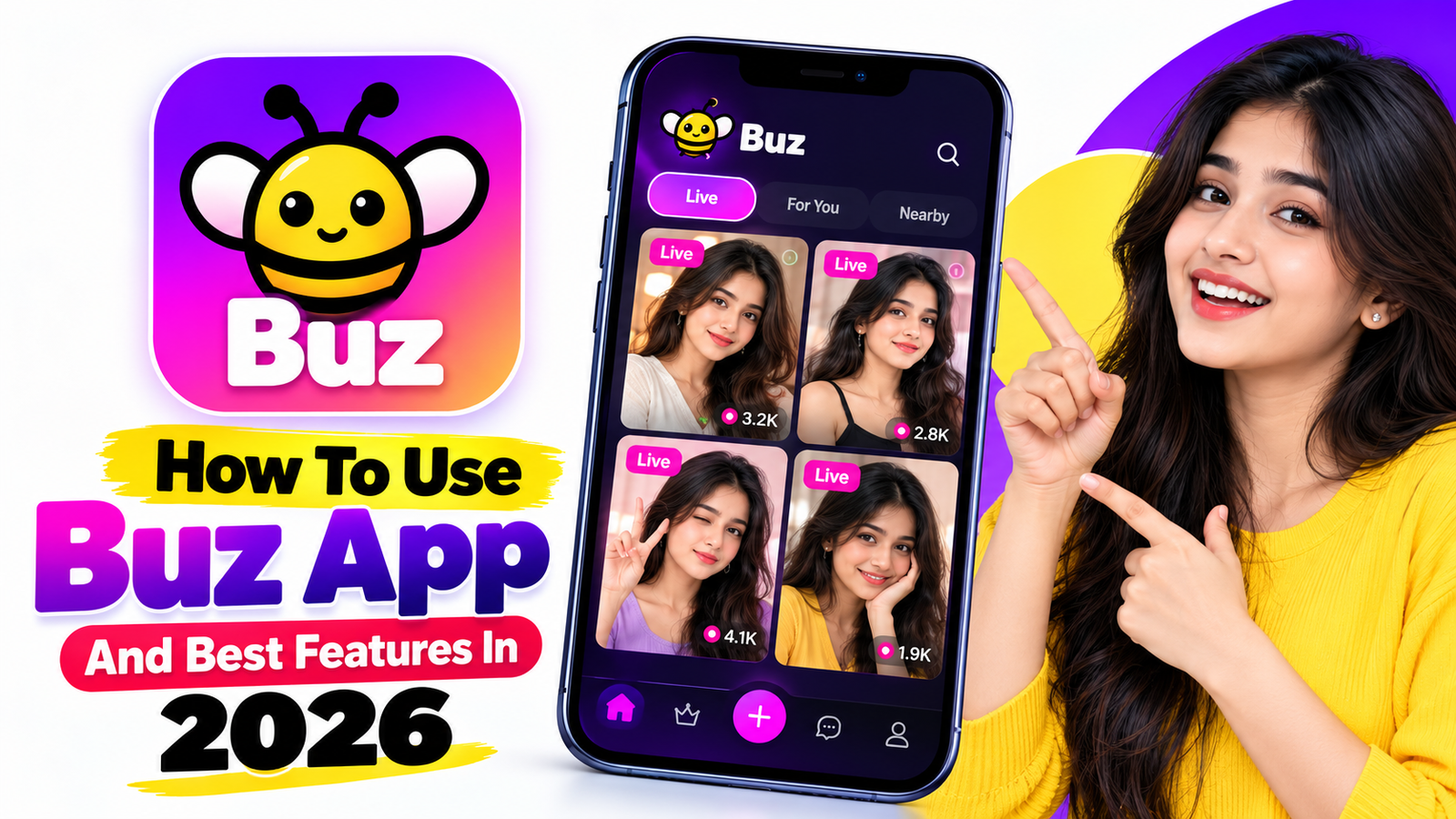
How To Use Buz App And Best Features In 2026
The Buz app is a modern communication application designed to make voice messaging faster and more natural. Instead of typing long messages, users can simply press a button, speak, and send their voice to friends. In 2026, Buz also offers useful features such as voice-to-text, instant translation, voice filters, video calls, Live Place, and an AI Buddy.
What Is Buz App?
Buz is a voice-focused social communication app available for mobile devices and tablets. Its main feature is push-to-talk messaging, allowing users to communicate quickly through voice. The app can also automatically play received voice messages, making conversations feel more like real-time communication.
How To Download Buz App
First, open the Google Play Store on an Android phone or the App Store on an iPhone. Search for “buz – voice connects” and check that the developer is listed as BUZ TECHNOLOGY. Download and install the official application rather than using modified or unofficial versions.
After installation, open Buz and follow the on-screen setup instructions. You can then create or access your account and start connecting with friends.
How To Send Voice Messages
One of the easiest ways to use Buz is the Push-to-Talk feature. Open a conversation and press and hold the Talk button while speaking. Release the button when you finish, and the voice message will be sent.
If you want to cancel a recording before sending it, the Buz Help Center explains that you can drag the recording toward the delete option. You can also preview a recording before sending it.
How To Use Voice-To-Text
Buz can convert incoming voice messages into text when transcription is enabled. This is useful when you are somewhere that you cannot listen to audio.
You can enable automatic transcription through your profile and Message Settings, then turn on Auto-transcribe. The availability and accuracy of transcription can vary by region and language.
How To Use Translation
Buz supports translation features that can help people communicate across different languages. This can be especially useful in group conversations where participants speak different languages. Current app information says Buz supports translation across more than 20 languages, with the exact availability depending on the feature and version.
Other Useful Buz Features
Buz also provides several additional communication tools:
- Voice Filters: Add different effects to your voice messages.
- Video Calls: Make face-to-face calls with friends.
- Live Place: Create a personalized space where friends can join conversations.
- AI Buddy: Ask questions, get ideas, and interact with an AI assistant.
- Overlay: On Android, the Buz overlay can help you communicate while using other applications.
Is Buz Easy To Use?
Yes. Buz is designed around simple voice communication, so users can quickly start conversations without typing everything. It can be particularly convenient when you are busy, walking, gaming, or multitasking.
Final Words
Buz App in 2026 provides more than basic voice messaging. Its combination of push-to-talk communication, voice-to-text, translation, voice effects, video calling, Live Place, and AI features makes it a useful communication platform. For the best experience, download the official version, keep the application updated, and review the app’s privacy and permission settings before using its communication features