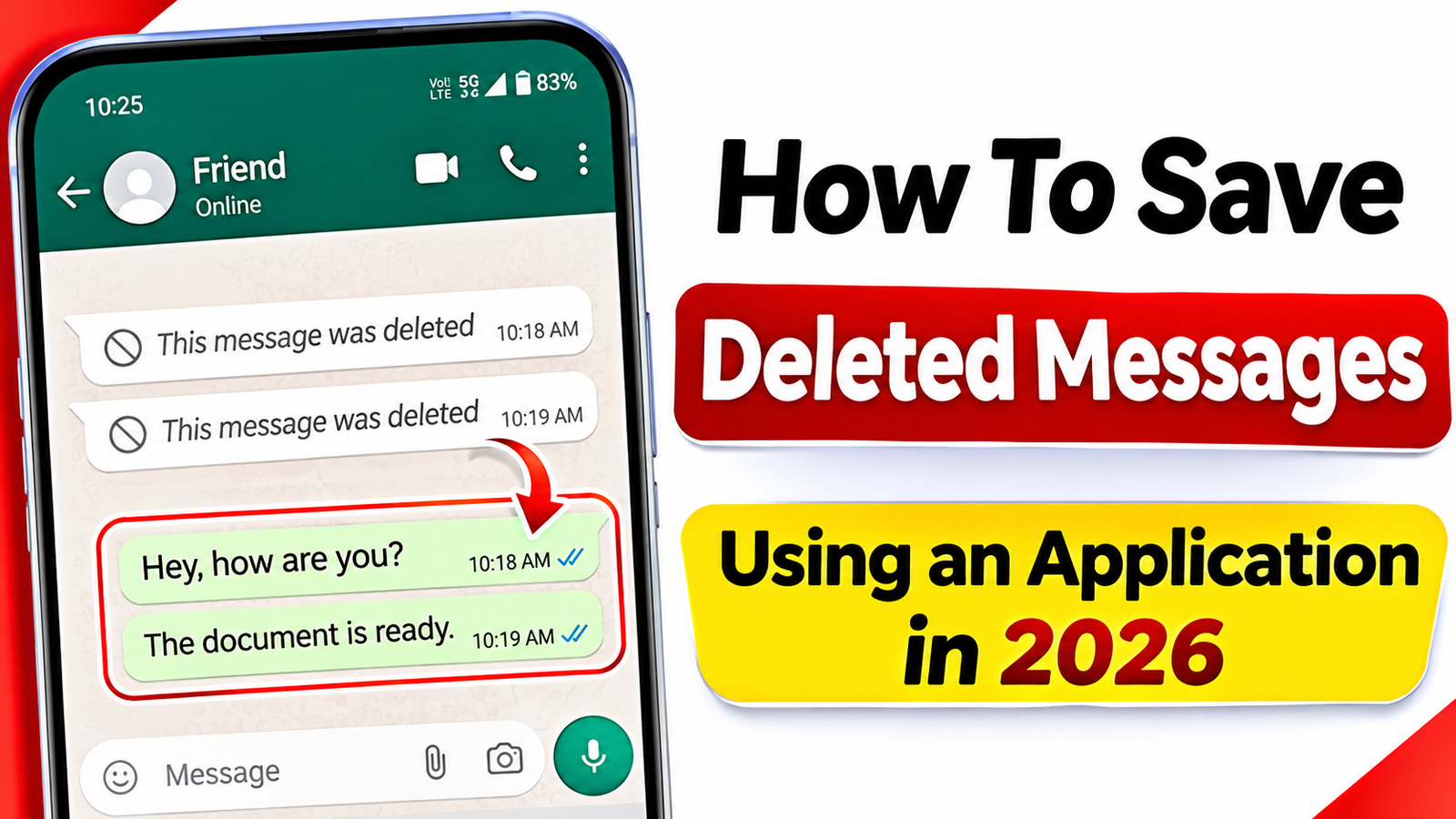
How To Save Deleted Messages Using an Application in 2026
Have you ever received a WhatsAppmessage that was deleted by the sender before you could read it? Many people want to recover or view deleted messages on their mobile phones. With the help of certain notification history applications, you can save and read some deleted messages easily. In this article, let’s learn how to use an application to save deleted messages on Android smartphones.
What Is a Deleted Message Saver Application?
A deleted message saver application is a mobile tool that records incoming notifications from supported messaging applications. When someone sends you a message and later deletes it, the notification saver may still contain the original notification text.
These applications are useful for checking messages that disappeared before you had a chance to read them. However, they cannot recover every deleted message, especially messages that were never delivered as notifications.
Best Features of Deleted Message Saver Apps
Some useful features available in these applications include:
- Save Deleted Messages: Store message notifications before they disappear from the chat.
- Notification History: View previously received notifications in one place.
- Media Notifications: Some applications can save information about received images, videos and voice messages, depending on device settings.
- Easy Interface: Check saved notifications without complicated steps.
- Multiple App Support: Certain tools support WhatsApp, Telegram, Instagram and other messaging applications.
How To Save Deleted Messages Using an Application
Follow these simple steps to set up a notification saver application on your Android mobile.
Step 1: Open the Google Play Store on your smartphone.
Step 2: Search for a trusted notification history or notification saver application. Check its ratings, reviews and privacy policy before installing it.
Step 3: Install the application and open it.
Step 4: Allow notification access when Android displays the permission request. This permission is necessary for the application to read incoming notifications.
Step 5: Select the messaging applications whose notifications you want to monitor, if the application provides this option.
Step 6: Keep notification previews enabled for those messaging applications.
Step 7: Whenever a new message arrives, the application may save its notification. If the sender deletes the message later, you can check the saved notification inside the application.
Important Things To Remember
These applications do not magically recover messages from WhatsApp servers. They generally save notification information available on your phone. If notifications are disabled, a message is muted, or the content is hidden, the application may not capture it.
Avoid applications that request unnecessary permissions, display suspicious advertisements or promise to recover every deleted message. Never share your private messages or account details with unknown services.
Conclusion
Saving deleted messages on Android can be easier with a notification history application. By installing a trusted app and enabling the necessary notification permissions, you may be able to read messages that senders delete later. Always protect your privacy and use these applications responsibly. This method is helpful for people who want to keep track of important notifications on their smartphones.