
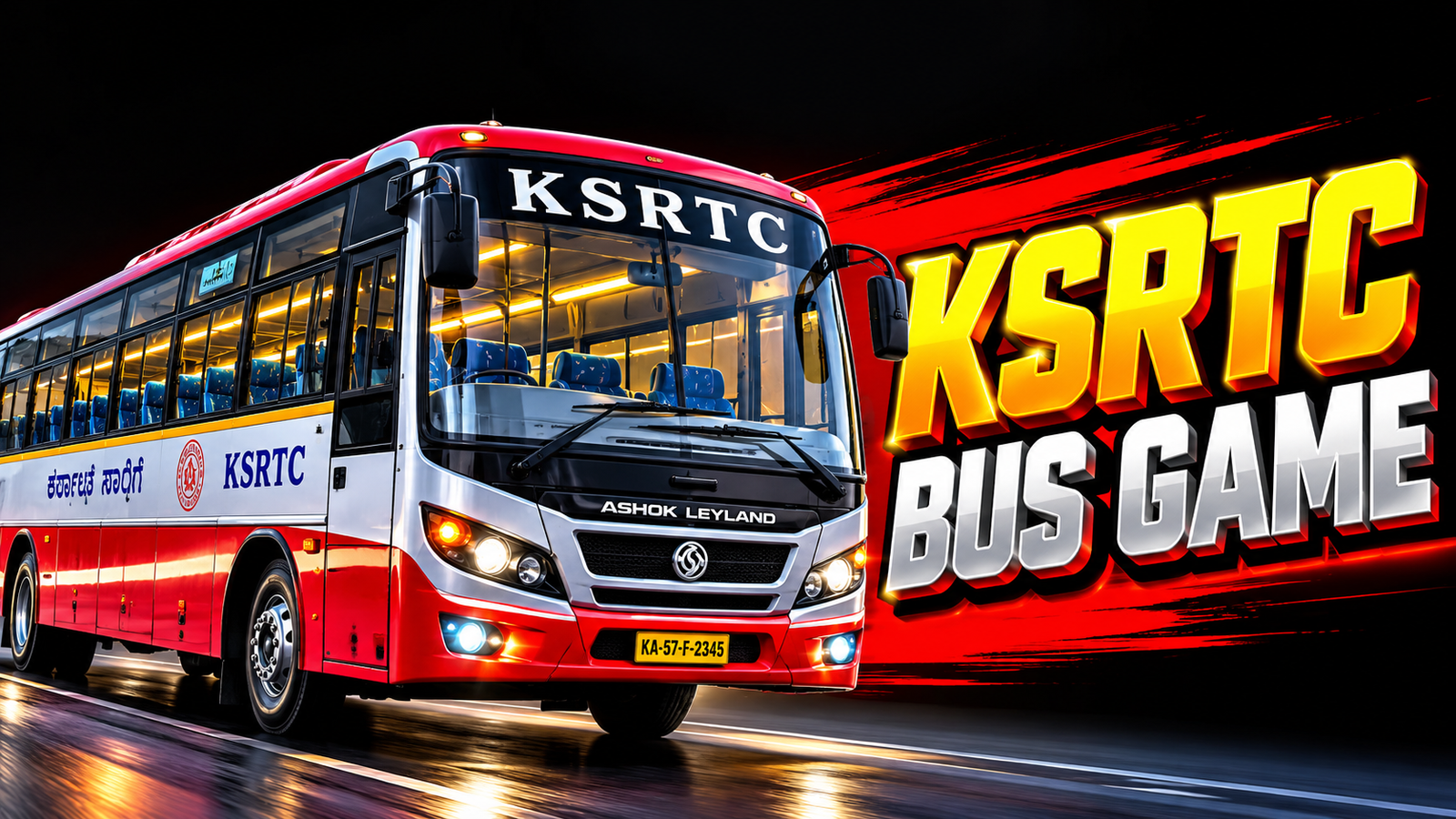
How to Download the KSRTC Bus Game in 2026 for Free
Are you a fan of Karnataka KSRTC buses and realistic driving games? In 2026, bus simulation games offer an exciting way to experience bus driving, explore virtual roads, and enjoy Indian-style buses on your mobile phone. If 6you want to download the KSRTC Bus Game for free, this guide explains the installation process, the available game options, system requirements, and important safety tips.
Before downloading, remember that “KSRTC Bus Game” can refer to different games or bus modifications. Some are standalone simulators, while others provide KSRTC bus designs for an existing game called Bus Simulator Indonesia (BUSSID).
1. Choose the Right KSRTC Bus Game
First, decide which type of experience you want. If you prefer Karnataka KSRTC buses, look for a compatible BUSSID bus modification or livery. If you enjoy Kerala roads and regional buses, Kerala Bus Simulator is another option available on Google Play.
You can find the Kerala Bus Simulator listing here:
Check the game name, developer, latest update, user reviews, and device compatibility before installing it.
2. How to Download and Install the Game
Follow these simple steps to install a compatible bus game on your Android phone.
Step 1: Open Google Play Store
Unlock your smartphone and launch the Google Play Store application.
Step 2: Search for the Game
Enter “Kerala Bus Simulator,” “Bus Simulator Indonesia,” or “Karnataka KSRTC Bus Mod” in the search bar, depending on your preference.
Step 3: Check the Details
Open the correct listing and review the developer information, screenshots, permissions, and recent reviews. Make sure you select the intended game rather than an unrelated application.
Step 4: Tap Install
Press the Install button and wait for the download to finish. A stable Wi-Fi connection can help you download the game more quickly and avoid unnecessary mobile data usage.
Step 5: Open the Game
Once installation is complete, tap Open. Follow the initial instructions, adjust the graphics settings if necessary, and begin playing.
3. How to Add KSRTC Buses to BUSSID
If you want to drive a Karnataka KSRTC bus in BUSSID, you may need a compatible community-created mod or livery. First, install BUSSID from its official store listing. Then obtain a compatible file from a trustworthy source and follow the creator’s installation instructions.
Depending on the file type, you may need to import the mod through the game’s designated vehicle or mod-import feature. Compatibility can vary by game version, so always read the instructions carefully.
4. Minimum Requirements and Performance Tips
A compatible Android phone, sufficient free storage, and an updated operating system will help provide a smoother experience. Exact requirements depend on the selected game.
Close unnecessary background applications, reduce graphics quality on older phones, and keep enough storage available for updates. Some games support offline play, while downloads, updates, and certain features may require an internet connection.
5. Is the KSRTC Bus Game Free?
Many bus simulators and bus-mod applications are free to download. However, some contain advertisements, optional in-app purchases, or additional downloadable content. Read the pricing information before installing anything.
Avoid suspicious websites offering modified APKs, unlimited money, or password-protected files from unknown sources. Such downloads can expose your phone to malware or unwanted permissions.
Conclusion
Downloading a KSRTC-style bus game in 2026 is straightforward when you choose a compatible title and use a trusted download source. Search the Play Store, verify the game details, install it, and explore the available driving features. If your goal is to drive a Karnataka KSRTC bus specifically, check whether you need a BUSSID mod rather than a separate game. With the right setup, you can enjoy a fun virtual bus-driving experience on your Android device.






