How to Forward WhatsApp Chats in 2026
WhatsApp has become an essential communication platform for sharing messages, photos, videos, documents, and important information. Sometimes, you may want to share an entire conversation or a particular message with another person. Instead of typing the same information again, you can use WhatsApp’s built-in forwarding option.
The forwarding feature makes communication faster and easier. Whether you are using an Android smartphone or an iPhone, you can share messages with your contacts in just a few seconds.
In this article, let’s understand how to forward WhatsApp messages and multiple chats in 2026.
1. How to Forward WhatsApp Messages on Android
If you have an Android smartphone, follow these instructions:
- Open the WhatsApp application on your mobile.
- Select the conversation from which you want to forward a message.
- Find the particular message you want to share.
- Press and hold that message for a few seconds.
- Tap the Forward icon appearing at the top.
- Select the person or group with whom you want to share it.
- Finally, tap the Send button.
Your selected message will now be delivered to the chosen WhatsApp chat.
2. How to Forward Multiple Messages Together
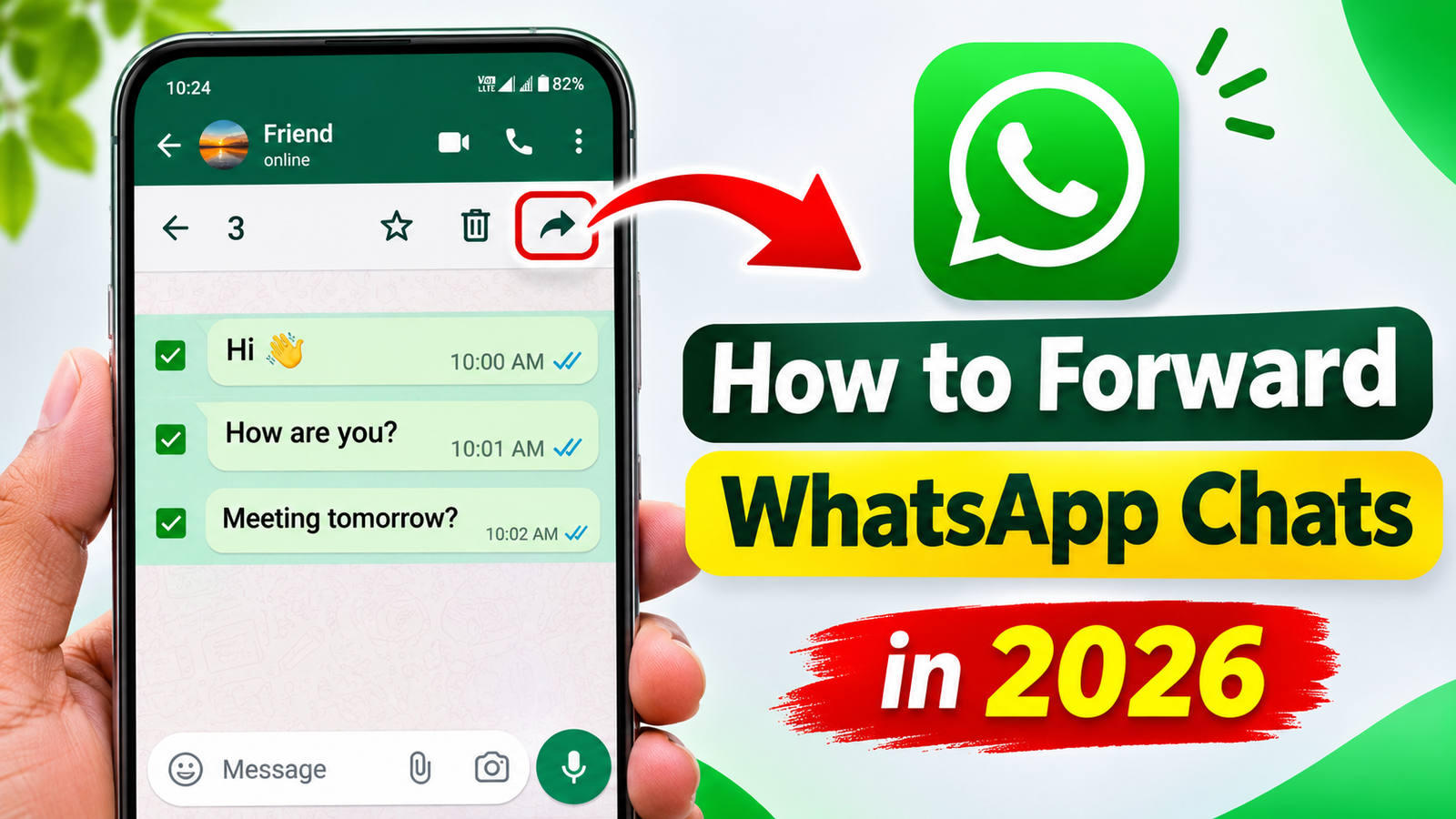
If you want to share more than one message, WhatsApp provides an option to select multiple messages at once.
- Open the conversation containing the messages.
- Long-press the first message.
- Select the other messages you want to share.
- Tap the Forward option.
- Choose your preferred contact or group.
- Press Send to complete the process.
This method is especially helpful when sharing important information from a conversation.
3. How to Forward WhatsApp Messages on iPhone
The process is also simple for iPhone users.
- Launch WhatsApp on your iPhone.
- Open the chat containing the required message.
- Touch and hold the message.
- Select Forward from the available options.
- Choose the recipient.
- Tap Send.
The message will be forwarded successfully.
4. How to Forward Photos, Videos and Documents
You can also share media files through WhatsApp forwarding.
Open the conversation, press and hold the photo, video, or document you want to share, select the Forward icon, choose the recipient, and tap Send.
This allows you to share useful files without downloading and uploading them again.
5. Important Things to Know
WhatsApp has certain forwarding restrictions to reduce spam and the unnecessary circulation of misleading information. Some frequently forwarded messages may have additional sharing limits. Always check the information before sending it to others and respect the privacy of personal conversations.
Conclusion
Forwarding WhatsApp messages in 2026 is a convenient way to share useful information without repeating the same work. By following the steps above, you can forward individual messages, multiple messages, photos, videos, and documents easily. Make sure you use this feature responsibly and keep your WhatsApp application updated for the latest improvements.