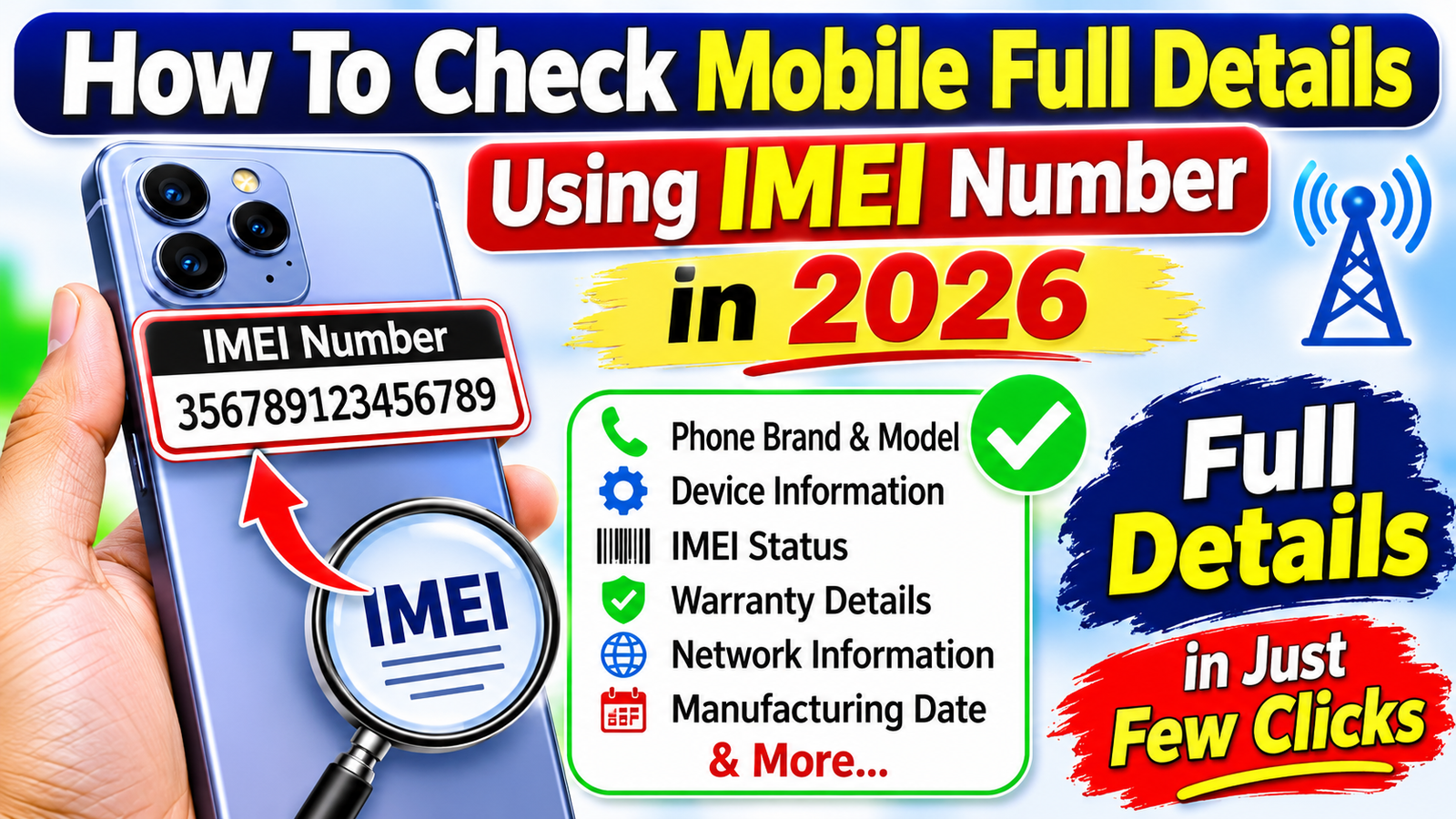
How To Check Mobile Full Details Using IMEI Number in 2026
In 2026, checking mobile phone details using an IMEI number is a useful way to identify your smartphone’s brand, model, device information, and network-related status. Every mobile phone has a unique 15-digit IMEI (International Mobile Equipment Identity) number. This number can help users verify their device details, check whether a phone is genuine, and report a lost or stolen mobile phone.
You can find your mobile phone’s IMEI number in a few seconds and use official services to verify important information.
1. How to Find Your IMEI Number
Finding your IMEI number is very easy. Follow these steps:
- Open the dial pad on your mobile phone.
- Dial
*#06#. - Your IMEI number will appear on the screen.
- If your mobile supports dual SIM, you may see IMEI 1 and IMEI 2.
- You can also find it under Settings → About Phone → IMEI Information.
2. How to Check Mobile Details Using IMEI
You can use the official Indian government Sanchar Saathi portal to check your mobile phone information.
- Open Chrome or any browser on your mobile.
- Enter your mobile number and complete OTP verification if requested.
- Enter your 15-digit IMEI number.
- Complete the CAPTCHA and submit your details.
- Check the information displayed about your mobile device.
The verification service can help you check your mobile brand, model name, manufacturer information, and device genuineness.
3. Check IMEI Through SMS
You can also use the Know Your Mobile (KYM) service:
- Open your Messages application.
- Type
KYMfollowed by a space and your 15-digit IMEI number. - Send the message to 14422.
- Follow the instructions or check the reply received.
4. Why IMEI Checking Is Important
IMEI verification is useful when buying a second-hand smartphone. It helps you check whether the device is genuine or has a suspicious status. Before purchasing a used mobile, verify its IMEI and compare it with the number shown in the phone settings and on the bill or box.
If the device is reported as blacklisted, duplicated, or suspicious, avoid purchasing it until the issue is resolved.
5. Important Safety Information
Never share your IMEI number publicly or with unknown websites. Avoid websites that promise to reveal private information, live location, call history, SMS messages, or personal details using only an IMEI number. IMEI verification does not provide access to someone’s private data or live tracking.
Conclusion: Using the official IMEI verification service is a simple way to check your mobile phone’s basic identity and genuineness in 2026. Always use trusted government services and verify your smartphone before purchasing a second-hand device.