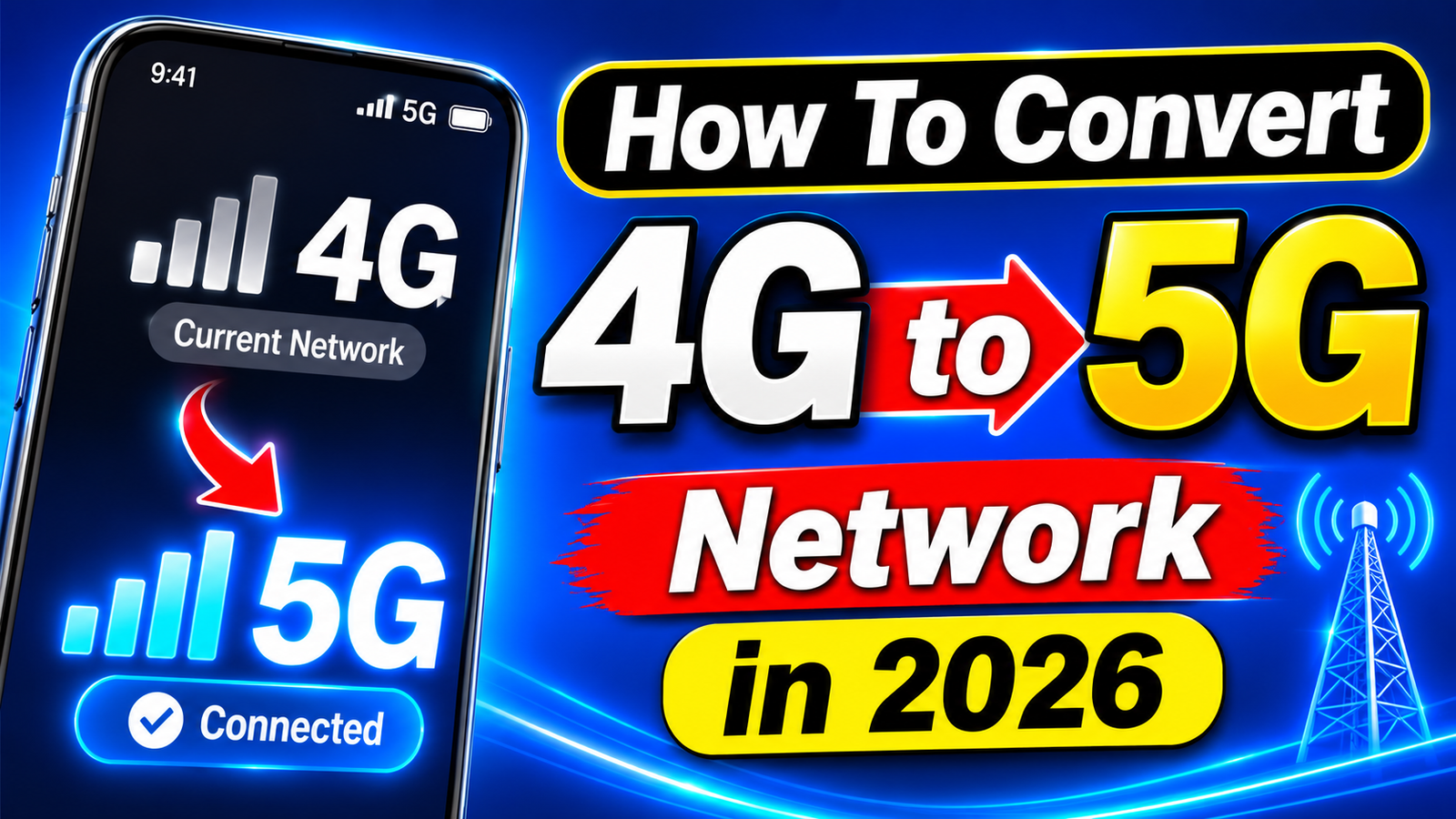
How To Convert 4G to 5G Network in 2026
In 2026, 5G technology has become an important part of mobile internet connectivity. It offers faster internet speeds, improved network performance, smoother video streaming and better online gaming experiences. Many smartphone users want to upgrade their existing 4G network to 5G. If you are also looking for a simple way to activate 5G on your mobile phone, follow this complete guide.
What Is the Difference Between 4G and 5G?
4G and 5G are mobile network technologies used to access the internet. 4G provides good internet connectivity for everyday activities, while 5G offers higher potential download speeds, lower latency and improved network capacity. However, actual speed depends on network coverage, your device and your mobile operator.
Requirements to Convert 4G to 5G
Before activating a 5G network, make sure you have the following:
- A 5G-supported smartphone.
- An active Airtel, Jio or other compatible mobile connection.
- 5G network coverage in your location.
- An eligible recharge plan, if required by your operator.
- Updated mobile software.
Important: You cannot convert a 4G-only smartphone into a 5G phone using an application or secret code. You need a smartphone with built-in 5G hardware.
How To Activate 5G Network on Android Mobile
Follow these simple steps to enable 5G:
- Open the Settings application on your smartphone.
- Select Mobile Network or SIM Card Settings.
- Choose your active SIM card.
- Open the Preferred Network Type option.
- Select 5G/4G/3G/2G Auto.
- Enable mobile data.
- Restart your smartphone if necessary.
Your mobile phone can now connect to an available 5G network automatically.
How To Enable 5G on iPhone
If you are using a compatible iPhone, follow these instructions:
- Open Settings.
- Select Mobile Data.
- Tap Mobile Data Options.
- Select Voice & Data.
- Choose 5G Auto or 5G On.
Your iPhone will use the available 5G network when supported by your operator and location.
Do You Need a New 5G SIM Card?
In many cases, you do not need to purchase a new SIM card. For example, existing Jio SIM cards are 5G-ready. Airtel also supports 5G on compatible devices. Check your operator’s official website for the latest SIM and recharge requirements.
What To Do If 5G Is Not Working?
If your mobile continues showing 4G instead of 5G, try these solutions:
- Check whether your smartphone supports 5G.
- Enable the 5G network option.
- Update your phone software.
- Check 5G coverage in your area.
- Confirm your recharge plan eligibility.
- Turn Airplane Mode on and off.
- Restart your smartphone.
Benefits of Using a 5G Network
5G technology provides several benefits, including faster downloads, smoother online gaming, improved video streaming, quicker file uploads and better connectivity in supported areas.
Conclusion
Converting your mobile network from 4G to 5G is simple if you have a compatible smartphone and an eligible mobile connection. You only need to enable the 5G option in your phone settings and check network availability. Remember that no application can turn a 4G-only phone into a genuine 5G device.