
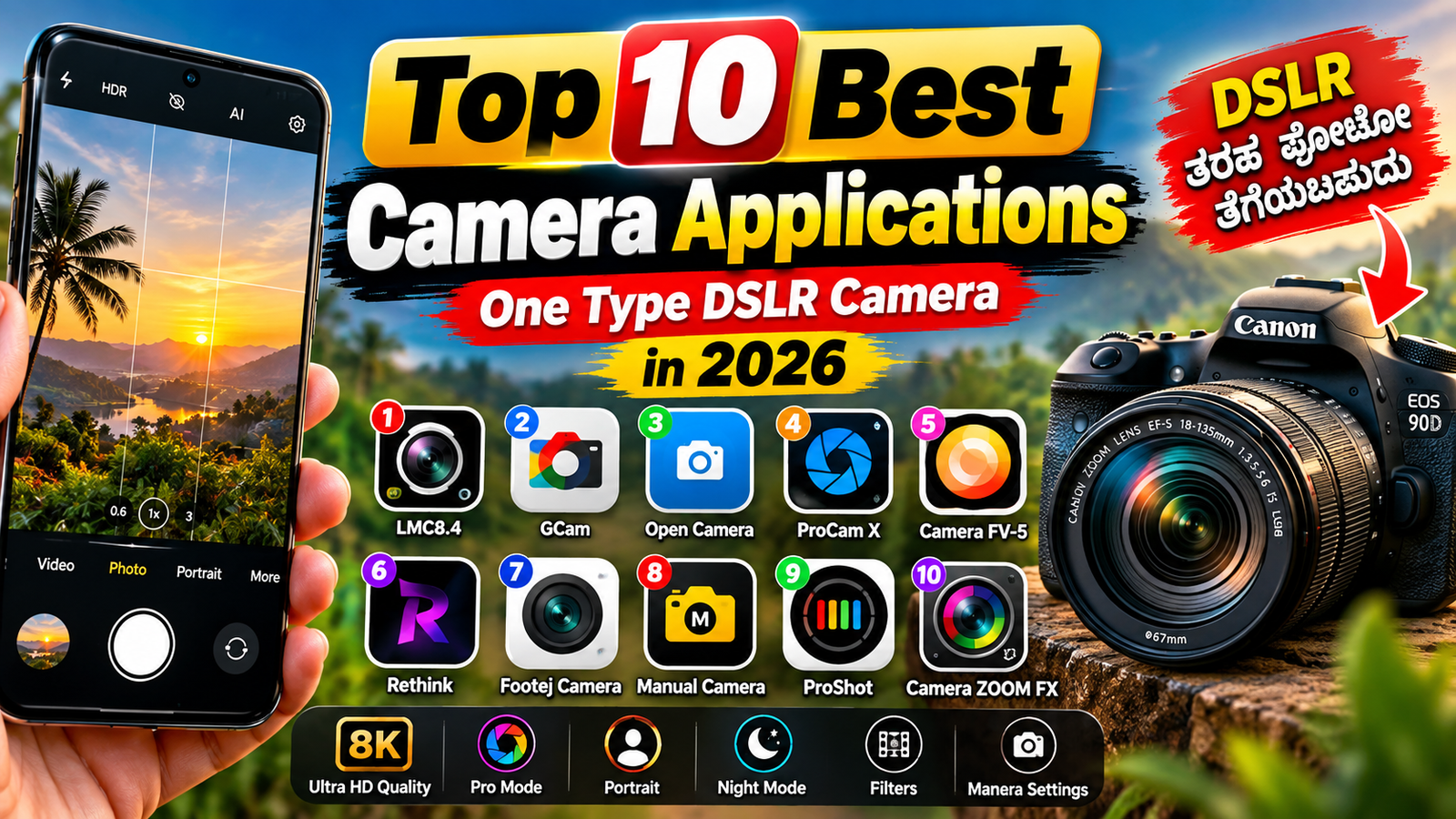
Top 10 Best Camera Applications One Type DSLR Camera in 2026
Smartphone photography has become an important part of everyday life. People now use their phones for taking photos, making Reels, recording YouTube videos, capturing travel moments and creating social-media content. Although most smartphones already include a good built-in camera, third-party camera applications can provide additional manual controls, RAW photography, creative effects and professional video options. In 2026, several camera apps are available for Android and iPhone users.
1. Adobe Lightroom
Adobe Lightroom is more than a photo-editing application because it also includes a camera with advanced capture options. It supports RAW photography on compatible devices and allows users to move directly from capturing an image to editing it. It is useful for creators who want photography and editing tools in one application.
2. Open Camera
Open Camera is a popular free Android camera application. It provides features such as manual exposure, focus, white balance, ISO and other controls on compatible devices. RAW/DNG and advanced functions depend on the phone’s Camera2 API support.
3. ProShot
ProShot is designed for users who want DSLR-style controls on their smartphones. Depending on the device, users can access manual shooting modes, shutter-speed controls, ISO, focus controls, histogram and RAW photography. It is available on Android and iPhone.
4. Camera FV-5
Camera FV-5 focuses on manual photography. It provides controls for exposure, ISO, shutter speed, focus and white balance, along with features such as exposure bracketing and interval shooting. It is particularly useful for people interested in more technical photography.
5. Halide Mark III
Halide Mark III is a professional-style camera application for iPhone users. It offers manual controls, RAW photography and tools designed for photographers who want greater control over the image-making process. Its availability and advanced features depend on the iPhone and iOS version.
6. Blackmagic Camera
Blackmagic Camera is focused mainly on professional mobile video recording. It provides a more filmmaking-oriented interface and advanced video controls on supported smartphones. It can be useful for vloggers, filmmakers and content creators.
7. Samsung Expert RAW
Samsung Expert RAW is designed for supported Samsung Galaxy smartphones. It is aimed at photographers who want greater control and RAW files instead of relying entirely on automatic processing. Compatibility is limited to supported Galaxy devices.
8. Google Pixel Camera
Google’s Pixel Camera is designed specifically around Pixel smartphones and Google’s computational photography system. It combines automatic processing with features designed for portrait, night and other types of photography. For supported Pixel phones, the built-in camera can take advantage of processing features that third-party applications may not fully reproduce.
9. ProCamera
ProCamera is an iPhone photography application that combines automatic and manual shooting options. It supports features such as RAW photography and manual controls, making it suitable for users who want more control over their iPhone camera.
10. VSCO
VSCO is widely used for creative photography and social-media content. Its camera and editing tools focus more on artistic looks, filters and creative presentation than on traditional professional camera controls. It can be useful for users who want to create attractive images quickly.
How to Choose the Right Camera App
Before installing a camera application, check whether it supports your smartphone’s camera hardware. Some advanced features such as RAW capture, manual focus, ISO control and additional lenses may not work on every device. Android camera applications are particularly dependent on the capabilities exposed by the phone manufacturer.
For free manual controls, Open Camera is worth considering. For photography plus editing, Lightroom is useful. iPhone users looking for advanced controls can explore Halide or ProCamera, while Samsung and Pixel users may benefit from their phone’s dedicated camera applications.
Conclusion
The best camera application depends on your smartphone and photography requirements. Some apps concentrate on manual photography, while others focus on RAW editing, professional video or creative effects. Before downloading any application, check its official store listing, device compatibility, privacy information and available features. This will help you choose a camera app that matches your needs in 2026.






