
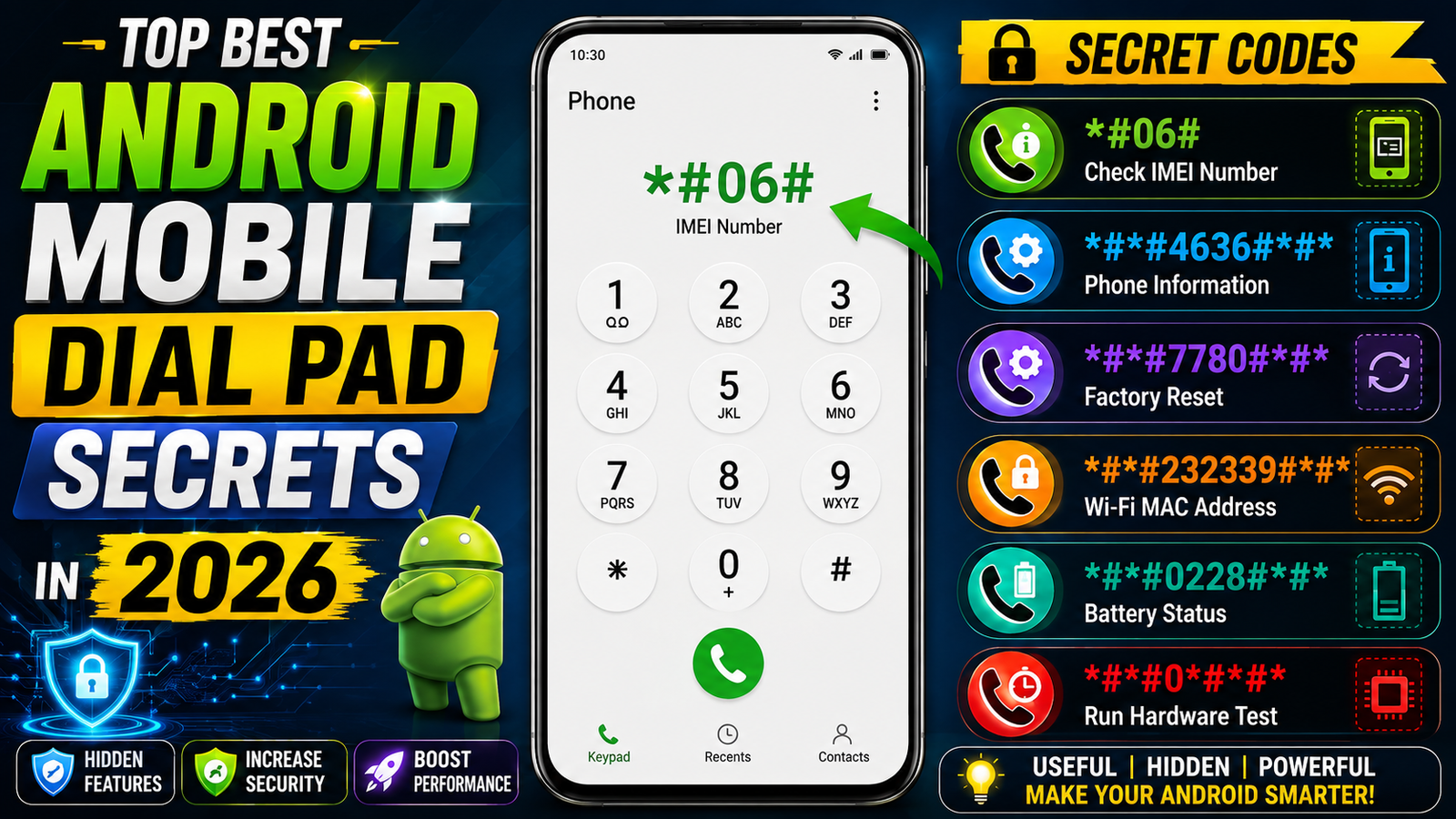
Top Best Android Mobile Dial Pad Secrets in 2026
Most Android users use the mobile dial pad only for making calls, but it can also provide quick access to useful device information, network details, and diagnostic features. These hidden dialer commands are commonly known as USSD, MMI, or Android secret codes. However, the available codes can vary depending on the phone brand, Android version, carrier, and software version.
1. Check IMEI Number – *#06#
The *#06# code is one of the most useful dial-pad shortcuts. Enter it in your Phone application to display your device’s IMEI number. Dual-SIM phones may display more than one IMEI. This number can be useful when checking device information or reporting a lost phone.
2. Open the Android Testing Menu – ##4636##
On compatible Android devices, *#*#4636#*#* can open a testing or phone-information menu. Depending on the device, it may provide information about mobile networks, Wi-Fi, usage statistics, and other technical details. This code is not supported universally, so it may simply do nothing on some phones.
3. Samsung Hardware Test – #0#
Samsung Galaxy users may find *#0*# particularly useful. On supported models, it can open a hardware diagnostic screen for testing components such as the display, touch panel, speakers, vibration and sensors. Availability depends on the Samsung model and software configuration.
4. Check Call Waiting – *#43#
The *#43# command can be used on compatible networks to check the status of call waiting. Related call-service codes can vary by carrier and region, so users should verify the result shown by their network.
5. Check Call Forwarding
Codes such as *#21# may provide information about certain call-forwarding settings on supported networks. Because these are carrier services rather than universal Android functions, the response can differ between networks and countries.
6. Find Network Information
Some Android phones provide technical network information through hidden testing menus. These menus can show details such as network type and signal measurements, which can help when troubleshooting mobile connectivity.
Important Safety Tips
Do not randomly enter unknown dialer codes. Some commands can modify network settings, open engineering menus, or potentially reset device data. Secret codes are not universal, and a code that works on Samsung may not work on Google Pixel, Xiaomi, OnePlus, Vivo, Oppo, or another Android device.
Before using advanced codes, back up important photos, contacts, documents, and other personal data. For everyday troubleshooting, the phone’s normal Settings and official diagnostic tools are usually safer.
Conclusion
Android’s dial pad can be more powerful than it appears. From checking your IMEI to accessing diagnostic information and network settings, these shortcuts can save time and help users understand their smartphones better. Always remember that compatibility depends on the manufacturer, model, Android version, and mobile network. Use only codes you understand and avoid experimental commands that could change important settings or erase data.






