
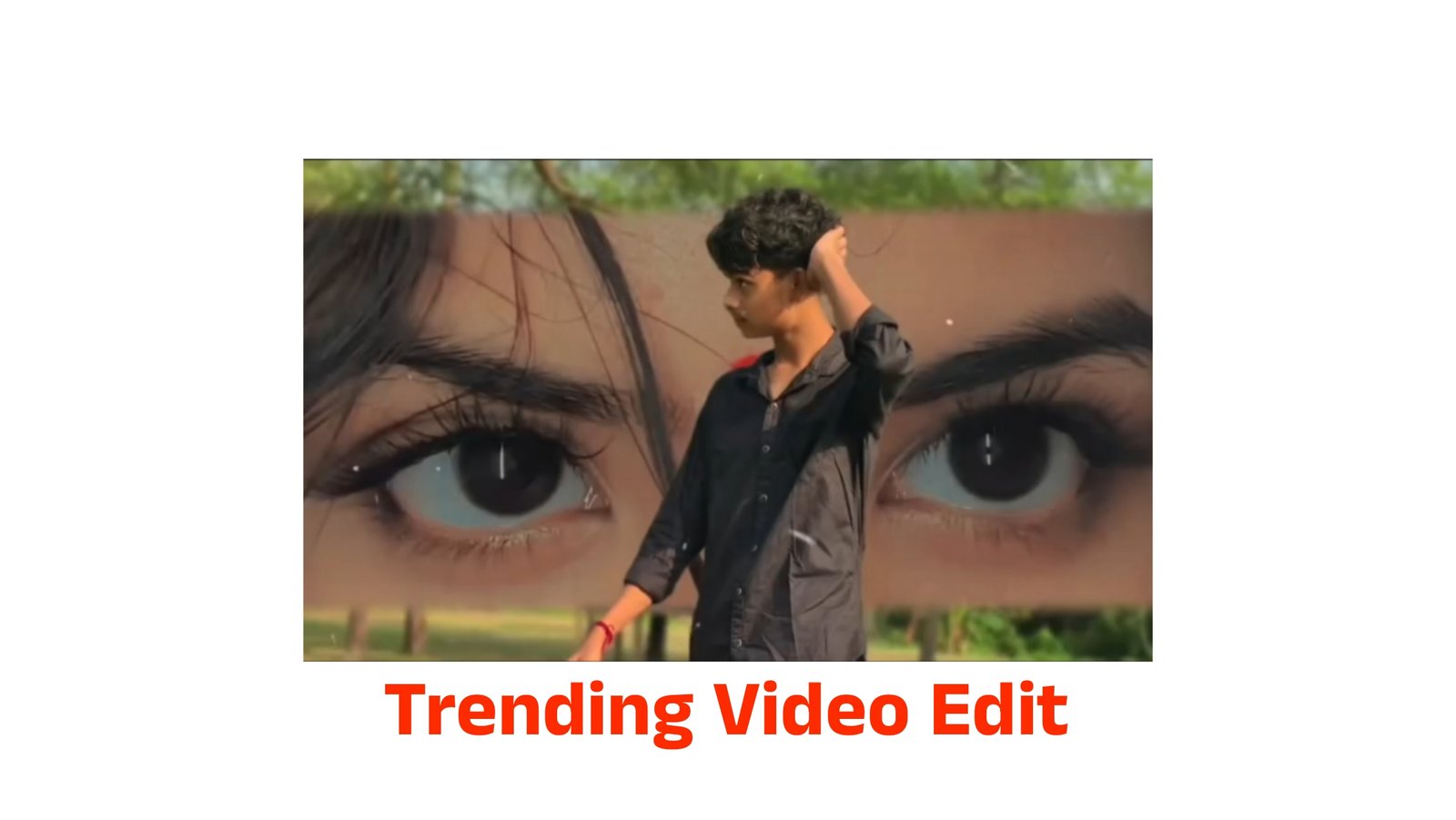
How to Edit Videos Using a VN QR Code
Introduction
VN Video Editor is one of the most popular free video editing apps for Android, iPhone, Windows, and Mac. One of its best features is the VN QR Code option, which allows users to instantly import complete editing projects, templates, transitions, text styles, filters, and effects by simply scanning a QR code. This feature is especially useful for content creators who want to create professional-looking videos without spending hours editing from scratch.
What Is a VN QR Code?
A VN QR Code is a unique code generated by the VN Video Editor app that contains editing settings or a project template. Instead of manually recreating an edit, users can scan the QR code and instantly apply the same editing style to their own video clips. This makes it easy to create trending Instagram Reels, YouTube Shorts, Facebook videos, and TikTok content.
How to Edit Using a VN QR Code
Follow these simple steps:
Step 1: Install VN Video Editor
Download and install the latest version of the VN Video Editor app from the Google Play Store or Apple App Store.
Step 2: Open the App
Launch VN Video Editor and allow the required permissions to access your photos and videos.
Step 3: Find the QR Code Option
On the home screen, tap the Scan QR Code or Template option available in the app.
Step 4: Scan the QR Code
Use your phone’s camera to scan the VN QR Code provided by a creator or saved on another device. You can also import a QR code image from your gallery if supported.
Step 5: Download the Template
After scanning, VN will automatically download the editing template or project settings linked to the QR code.
Step 6: Add Your Own Videos
Replace the sample clips with your own videos and photos. The transitions, effects, text animations, and music timing will remain the same.
Step 7: Customize the Edit
You can further personalize the video by changing text, music, colors, stickers, filters, speed, or adding extra effects to match your style.
Step 8: Export the Video
Once your editing is complete, tap Export, choose your preferred resolution (such as 1080p or 4K if supported), and save the video to your device.
Benefits of Using VN QR Codes
- Saves significant editing time.
- Creates professional-quality videos quickly.
- Easy for beginners to use.
- Perfect for viral social media content.
- Templates can be customized after importing.
- Supports high-quality video exports.
Tips for Better Results
- Use the latest version of VN Video Editor.
- Record high-resolution videos for the best quality.
- Replace all sample clips carefully to match the template timing.
- Preview the video before exporting.
- Use copyright-free music if you plan to publish your video online.
Conclusion
Editing videos with a VN QR Code is one of the easiest ways to create attractive and professional content in 2026. Whether you are making YouTube Shorts, Instagram Reels, Facebook videos, or TikTok clips, VN QR templates help you achieve impressive results in just a few minutes. Simply scan the QR code, replace the clips with your own content, customize the project if needed, and export your finished video. This feature is ideal for both beginners and experienced creators who want fast, high-quality video editing without complicated tools






