
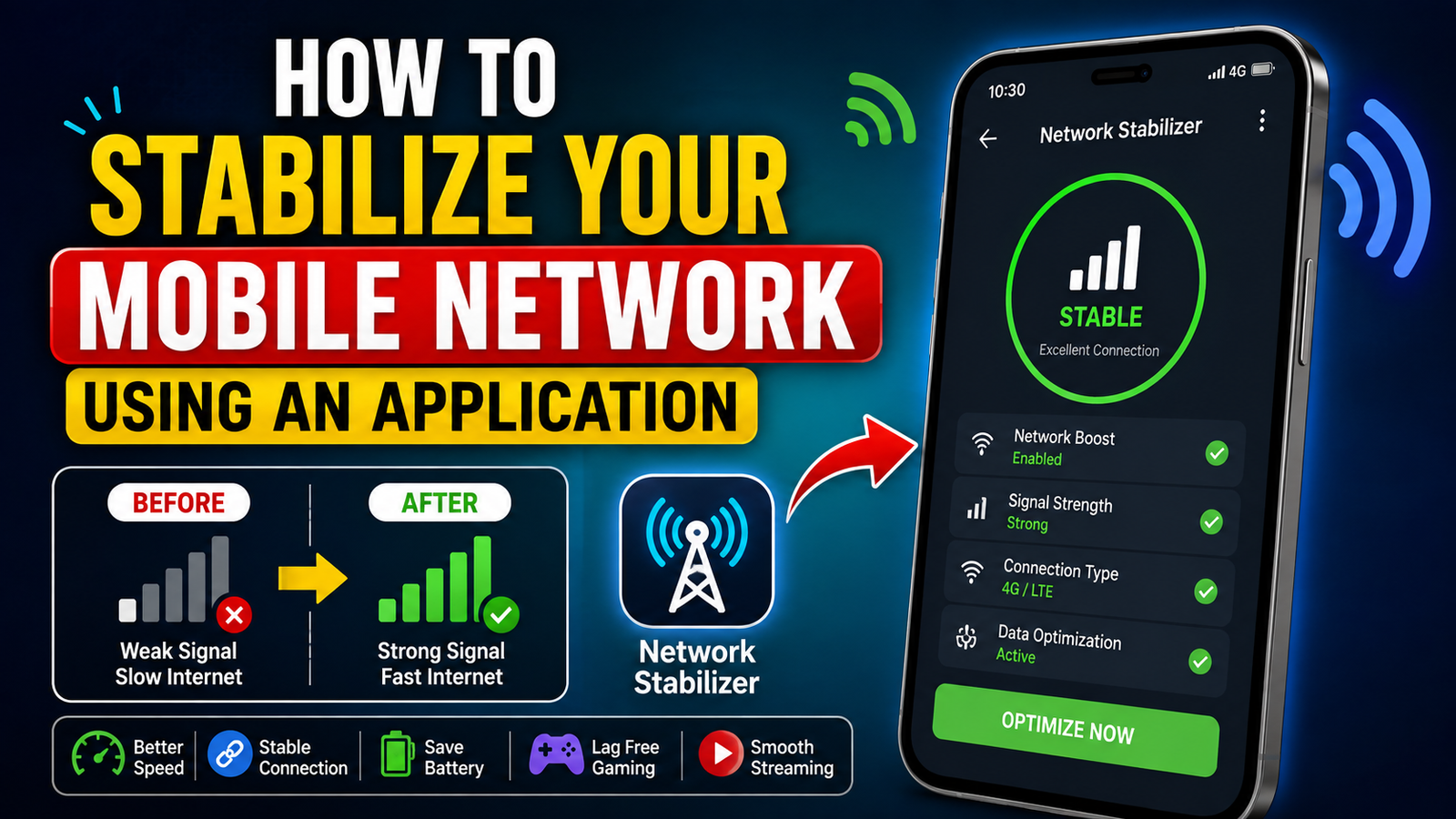
How to Stabilize Your Mobile Network Using an Application
A weak or unstable mobile network can interrupt calls, slow down internet browsing, and affect online activities such as video streaming, gaming, and video meetings. While no application can increase your mobile carrier’s signal strength directly, some apps can help you monitor your network, identify the best signal locations, optimize your connection, and switch to faster networks when available. This guide explains how to stabilize your mobile network using a mobile application.
What Is a Mobile Network Stabilizer App?
A mobile network stabilizer app is a tool that helps users monitor signal strength, analyze nearby mobile towers, check internet speed, and troubleshoot connectivity issues. These apps provide useful information that can help improve your overall network experience, even though they cannot physically boost the signal.
Benefits of Using a Network Monitoring App
- Displays real-time signal strength.
- Identifies the strongest network available.
- Helps locate areas with better reception.
- Measures download and upload speeds.
- Detects network interruptions.
- Provides detailed information about your mobile connection.
How to Use a Network Monitoring Application
- Install a trusted network monitoring app from your device’s official app store.
- Open the app and allow the required permissions.
- Check your current signal strength and network type (4G, 5G, or LTE).
- Walk around your home or office to identify locations with stronger signal reception.
- If your phone supports it, switch to the network mode that provides the most stable connection.
- Restart your mobile data or enable Airplane Mode for a few seconds before reconnecting if the network becomes unstable.
- Regularly monitor your connection quality using the app.
Additional Tips to Improve Mobile Network Stability
- Keep your phone software updated.
- Remove thick phone cases if they interfere with signal reception.
- Stay near windows or open spaces when indoors.
- Avoid crowded areas during peak hours if possible.
- Restart your smartphone occasionally.
- Reset network settings if connectivity problems continue.
- Contact your mobile service provider if the issue persists for a long time.
Can These Apps Increase Signal Strength?
No. Mobile applications cannot increase the physical strength of your mobile network signal because signal quality depends on your mobile operator, nearby cell towers, weather conditions, and your location. However, they can help you identify the best signal areas and troubleshoot common connectivity problems.
Best Types of Apps for Network Analysis
Some popular categories include:
- Network signal monitoring apps
- Internet speed testing apps
- Wi-Fi analyzer apps
- Mobile network diagnostic tools
Always download applications from your device’s official app store and avoid apps that promise to “boost” your network with a single tap, as such claims are generally misleading.
Conclusion
Using a reliable network monitoring application is an effective way to understand your mobile network performance and improve connection stability through better troubleshooting and optimization. While these apps cannot strengthen the actual signal, they can help you find stronger coverage areas, monitor network quality, and make informed decisions for a smoother mobile internet experience. Combining a trusted network analysis app with good device maintenance and proper network settings can significantly improve your daily mobile connectivity experience.






