
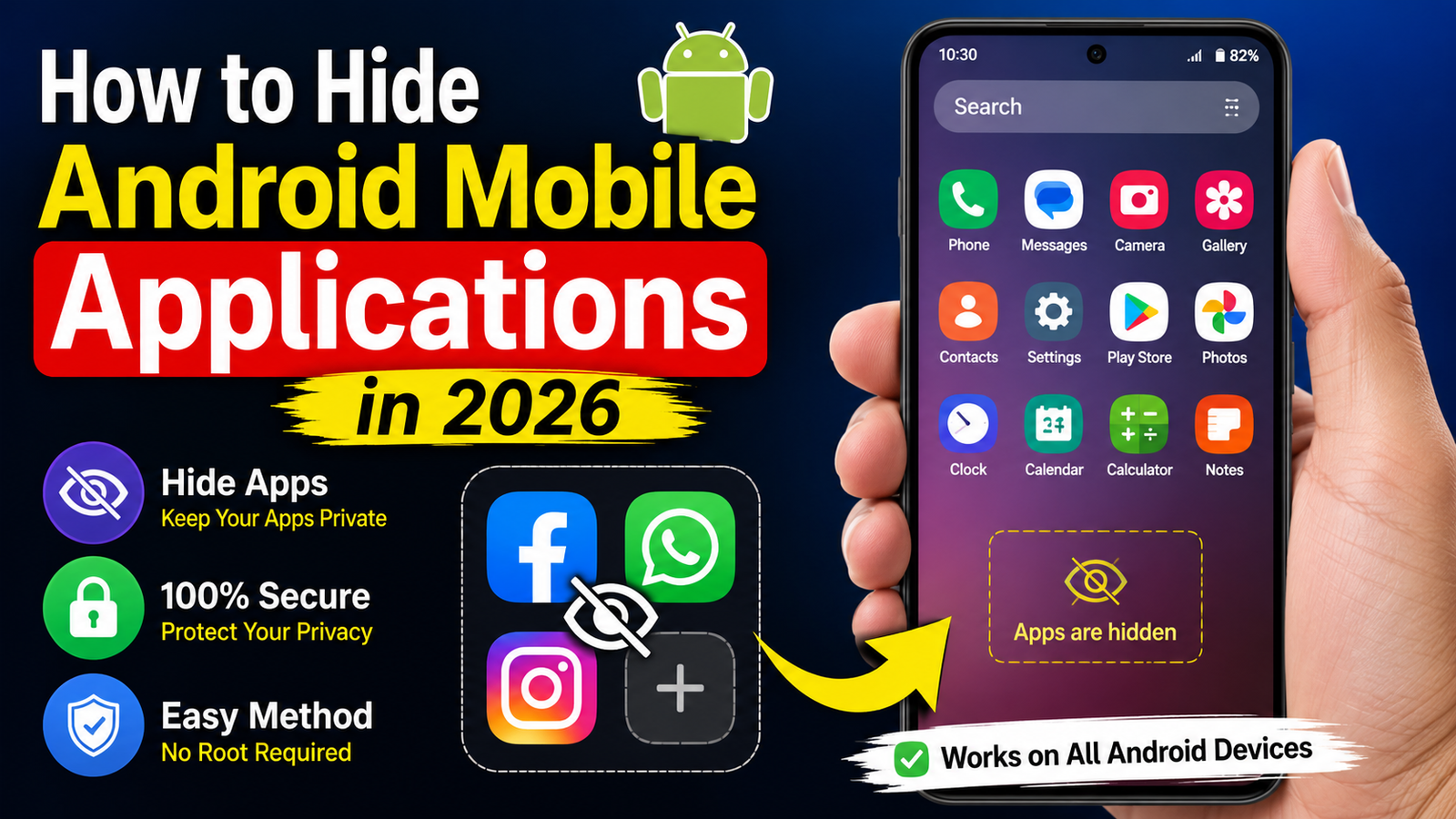
How to Hide Android Mobile Applications in 2026
Introduction
Keeping certain apps private is an important part of protecting your personal information. Whether you want to hide banking apps, work-related apps, personal photo vaults, or other sensitive applications, Android offers several ways to keep them out of sight. In 2026, many smartphone brands include built-in app hiding features, and there are also trusted third-party launchers that provide additional privacy options. This guide explains the safest methods to hide Android applications without affecting their functionality.
Method 1: Use the Built-in App Hide Feature
Many Android smartphone manufacturers now provide an App Hide option in their system settings or launcher. Brands such as Samsung, OnePlus, OPPO, realme, Xiaomi, vivo, and HONOR include this feature.
Steps:
- Open Settings on your phone.
- Navigate to Home Screen, Privacy, or Security (the location varies by brand).
- Tap Hide Apps or App Lock & Hide Apps.
- Select the applications you want to hide.
- Confirm using your PIN, password, or fingerprint.
The hidden apps remain installed and continue working normally. They simply disappear from the app drawer and home screen.
Method 2: Use a Secure Launcher
If your device does not support app hiding, you can install a trusted Android launcher that includes app hiding functionality. After setting the launcher as the default, open its settings and enable the Hide Apps feature. This method works on most Android devices and provides additional customization options.
Method 3: Use Private Space or Secure Folder
Some Android phones include a Private Space or Secure Folder, allowing you to store selected apps separately. These apps are protected by a password, fingerprint, or face unlock, making them inaccessible to anyone else using your phone.
This is one of the most secure ways to protect sensitive applications such as banking, digital wallets, document storage, and personal files.
Tips for Better Privacy
- Always use a strong screen lock.
- Enable fingerprint or face authentication whenever available.
- Keep your Android system updated to receive the latest security improvements.
- Download apps only from trusted sources such as the Google Play Store.
- Avoid installing unknown app-hiding tools that request unnecessary permissions.
Things to Remember
Hiding an app does not uninstall it or stop it from running. Notifications may still appear unless you disable them in the app’s notification settings. If someone knows your phone’s password, they may still be able to access hidden apps through device settings. For maximum privacy, combine app hiding with App Lock or a Secure Folder.
Conclusion
Hiding Android applications in 2026 is simple and effective thanks to built-in privacy features available on most modern smartphones. Whether you use the native App Hide option, a secure launcher, or a Private Space, these methods help protect your personal information while keeping your apps accessible only to you. Choose the method that best matches your device and security needs, and regularly update your phone to enjoy the latest privacy features.






