
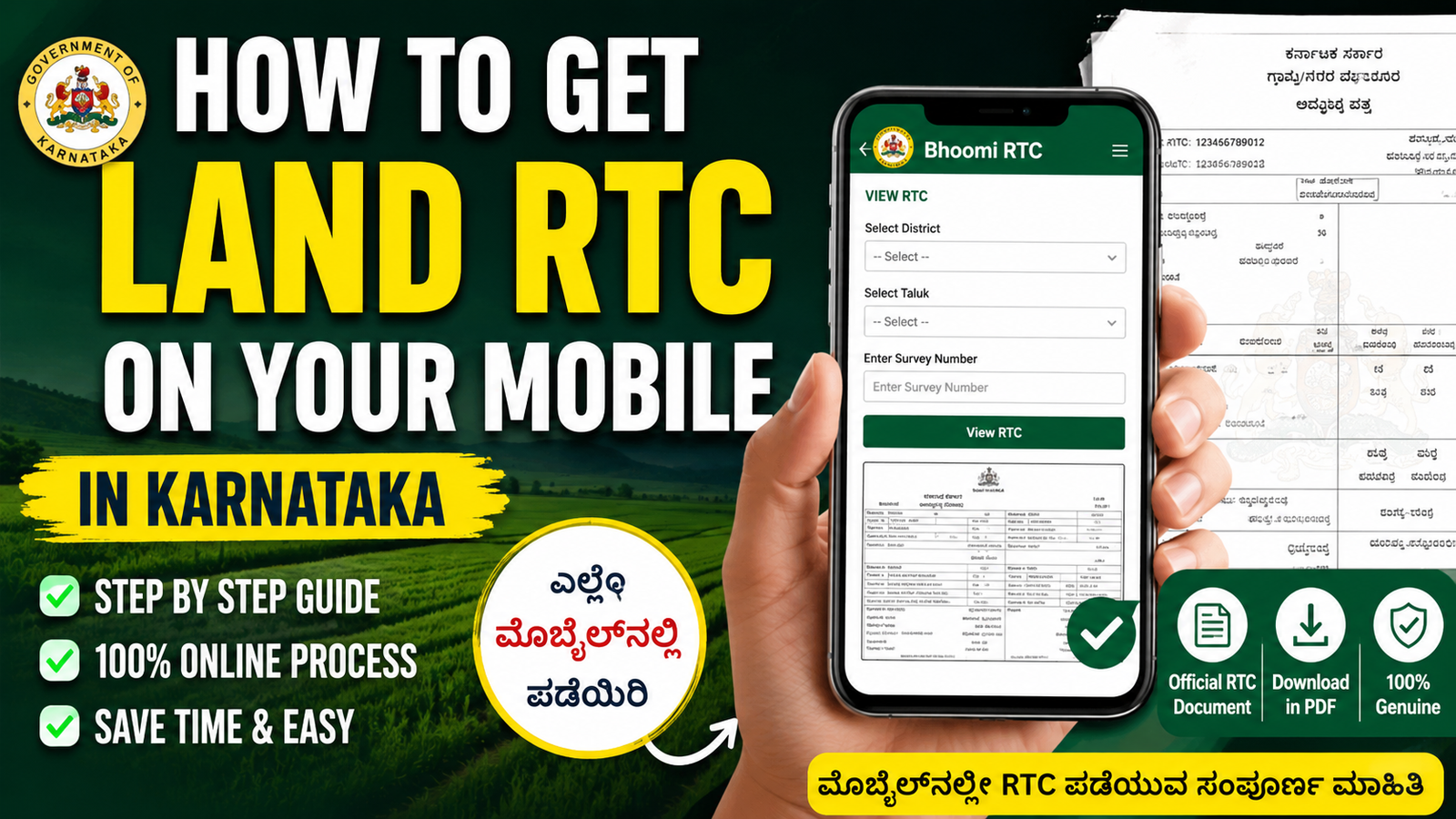
How to Get Land RTC on Your Mobile in Karnataka Useing A Link
Introduction
RTC (Record of Rights, Tenancy and Crops), commonly known as Pahani, is an important land document in Karnataka. It contains details about land ownership, survey number, cultivation information, land extent, and other revenue records. Farmers and landowners often need RTC documents for loans, government schemes, land verification, and legal purposes. The Karnataka Government has made it easy to obtain RTC online through mobile phones without visiting government offices.
What is RTC?
RTC is an official land record maintained by the Revenue Department of Karnataka. It provides information related to:
- Land owner’s name
- Survey number
- Land area and classification
- Crop details
- Mutation records
- Water source details
- Tenancy information
This document is widely used for agricultural loans, subsidies, property transactions, and government scheme applications.
Benefits of Downloading RTC Online
- Access land records anytime and anywhere
- Saves time and travel costs
- Reduces dependency on intermediaries
- Provides quick verification of land ownership
- Useful for government scheme applications
- Easy to download and print
Documents Required
To view or download RTC online, you generally need:
- Survey Number of the land
- District name
- Taluk name
- Hobli name
- Village name
- Mobile phone with internet connection
Steps to Get RTC on Your Mobile
Step 1: Open the Official Portal
Open your mobile browser and visit the Karnataka Land Records portal.
Step 2: Select “View RTC”
On the homepage, choose the option for viewing RTC or Pahani details.
Step 3: Enter Land Details
Select:
- District
- Taluk
- Hobli
- Village
- Survey Number
Ensure all details are entered correctly.
Step 4: Verify Information
After entering the details, click on the search button. The system will display the RTC information related to the selected land.
Step 5: Download RTC
Review the land details carefully and download the RTC document if required. Some services may require a small fee for certified copies.
Step 6: Save or Print
Save the RTC PDF on your mobile or take a printout for future use.
Information Available in RTC
| Details Included | Description |
|---|---|
| Owner Name | Name of landowner |
| Survey Number | Unique land identification number |
| Land Extent | Total area of land |
| Crop Details | Crops grown on the land |
| Land Type | Agricultural or non-agricultural |
| Mutation Details | Ownership transfer records |
| Water Source | Irrigation information |
Uses of RTC
- Applying for farmer loans
- Availing government subsidies
- Land ownership verification
- Property transactions
- Court and legal matters
- Crop insurance applications
Important Tips
- Always use the official government portal.
- Verify survey numbers before searching.
- Check ownership details carefully.
- Download the latest RTC whenever required.
- Keep a digital copy stored safely on your mobile.
Conclusion
The Karnataka Government’s digital land record system has made accessing RTC documents simple and convenient. Farmers and landowners can now check and download their land records directly from their mobile phones within minutes. By following the correct steps and entering accurate land details, you can obtain your RTC quickly without visiting revenue offices






