
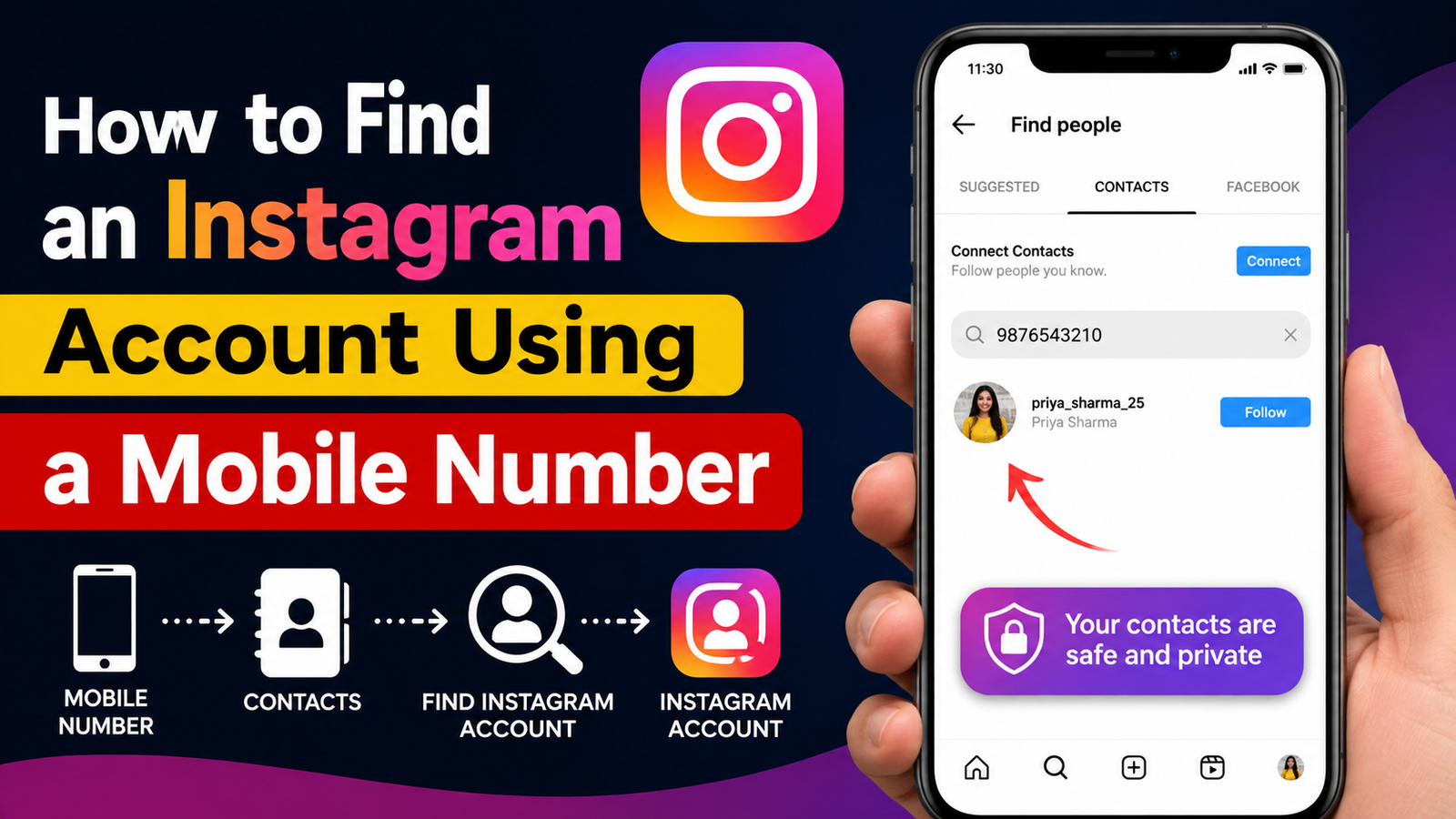
How to Find an Instagram Account Using a Mobile Number
Finding an Instagram account using a mobile number can be useful when you want to reconnect with a friend, colleague, or someone you already know. However, Instagram does not provide a direct search box where you can simply enter any phone number and see the account connected to it. The available method mainly depends on whether the person has linked their phone number to Instagram and allowed their account to be discoverable through contact syncing.
Use Instagram Contact Sync
The easiest method is to use Instagram’s contact-sync feature. First, save the person’s mobile number in your phone’s Contacts app. Open Instagram and log in to your account.
Go to your Profile and open the menu. Look for options related to Discover People or finding people from your contacts. Instagram may ask for permission to access your contacts. Allow the permission if you are comfortable sharing your contacts with Instagram.
Instagram can then compare your phone contacts with accounts associated with those numbers. If the person has an Instagram account that Instagram can match and recommend, their profile may appear in your suggested accounts.
Make Sure the Number Is Saved Correctly
The phone number should be saved correctly, including the country code when appropriate. For example, an Indian number can be saved with the +91 country code.
An incorrectly saved number may prevent Instagram from matching the contact. After saving the number, close and reopen Instagram and check the people or account suggestions again.
Search by Name or Username
If contact syncing does not find the account, try searching for the person’s name, nickname, or known Instagram username. Many users do not use their phone number as their public Instagram identity.
You can also check other information you already know, such as their profile picture, location, workplace, school, or mutual friends. This can help you identify the correct account without attempting to obtain private information.
Why the Account May Not Appear
There are several reasons why a phone number may not produce an Instagram account. The person may not have added the number to Instagram, may use a different number, or may have privacy settings that prevent easy discovery. They may also have created the account using an email address instead of a phone number.
Instagram’s recommendations can also change, so contact syncing does not guarantee that a particular account will appear.
Avoid Unofficial Search Websites
Be careful with websites and applications that claim they can reveal any Instagram account from a phone number. Some may request your Instagram password, contacts, verification codes, or other personal information. Sharing these details can put your account and privacy at risk.
Never use methods designed to bypass someone’s privacy settings or access private account information.
Final Words
You can try finding an Instagram account associated with a mobile number by saving the number in your contacts and using Instagram’s contact-discovery feature. However, there is no guaranteed method because Instagram controls what account information can be discovered through contact matching. If the account does not appear, searching by name, username, or mutual connections is a safer alternative. Always respect the other person’s privacy and avoid third-party services that promise access to hidden Instagram information






