
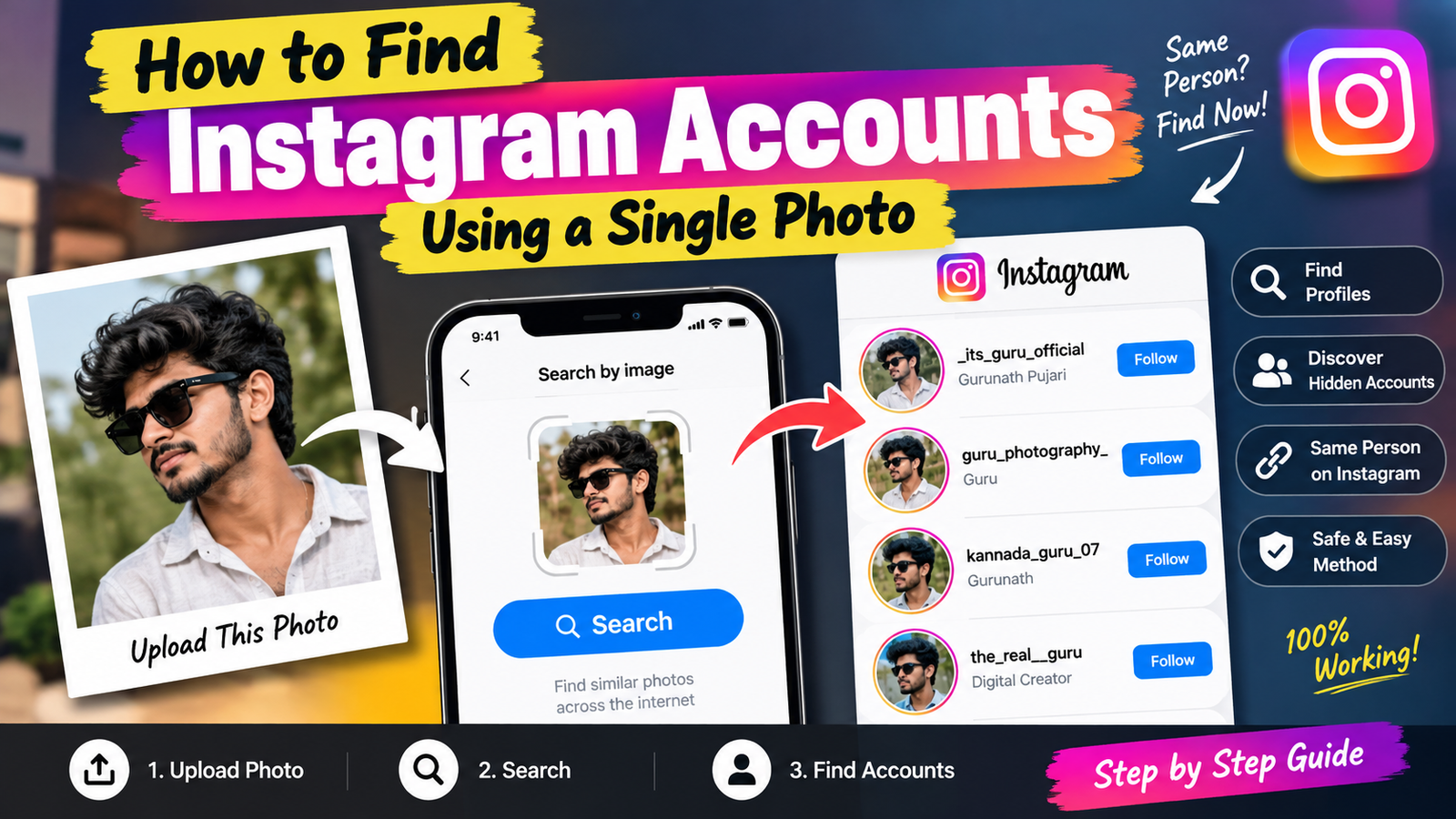
How to Find Instagram Accounts Using a Single Photo
Finding an Instagram account from a single photo can be useful when you want to identify the original source of an image, locate a public profile, or discover where a particular picture was posted online. However, there is no guaranteed Instagram feature that lets you upload any photo and automatically reveal the account behind it. You can instead use reverse image search and other publicly available methods.
Use Google Lens to Search the Photo
Google Lens is one of the easiest options for searching an image. Open Google or the Google app on your mobile phone and select the Lens option. Upload the photo from your gallery or take a picture using your camera.
Google Lens can identify visually similar images and may show webpages or social-media pages where the same or similar image appears. If the Instagram profile is publicly indexed, you may find a relevant result.
Search Using a Reverse Image Search Tool
Another method is to use a reputable reverse image-search service. Upload the photo and allow the service to compare it with publicly available images on the internet.
Results can sometimes include websites, public social-media pages, blogs, or other locations where the image has appeared. Try searching with the original, unedited version of the image for better results.
Crop the Photo Before Searching
If the image contains several people or objects, cropping can make the search more focused. For example, if you are looking for the source of a particular public profile photo, crop the image around the relevant subject and upload that version.
You can also try multiple crops if the first search does not provide useful results.
Search Instagram With Additional Information
If you know information connected to the photograph, combine it with Instagram’s search feature. Useful information may include a person’s publicly known name, business name, creator name, location, or username.
For example, if the photograph belongs to a public creator or business, searching their known name together with a relevant keyword may help locate the correct public account.
Check the Original Source Carefully
Reverse image results can sometimes show duplicate, edited, or unrelated photographs. Before considering an account to be the original source, compare the profile picture, captions, dates, posts, and other publicly available information.
Do not assume that the first result is the correct Instagram account.
Respect Privacy and Safety
A photo search should be used responsibly. It is appropriate for finding the source of publicly available content, verifying an image, or locating a public creator’s account. Avoid using image-search techniques to identify, track, harass, or expose private individuals.
Also remember that private Instagram accounts and images that have never been publicly indexed may not appear in reverse image-search results.
Conclusion
Finding an Instagram account using a single photo is possible in some cases, but success depends on whether the image or related information is publicly available online. Google Lens, reverse image-search tools, cropping, and Instagram keyword searches can all be useful. For the best results, use the original image, compare multiple results, and respect people’s privacy while searching.






