
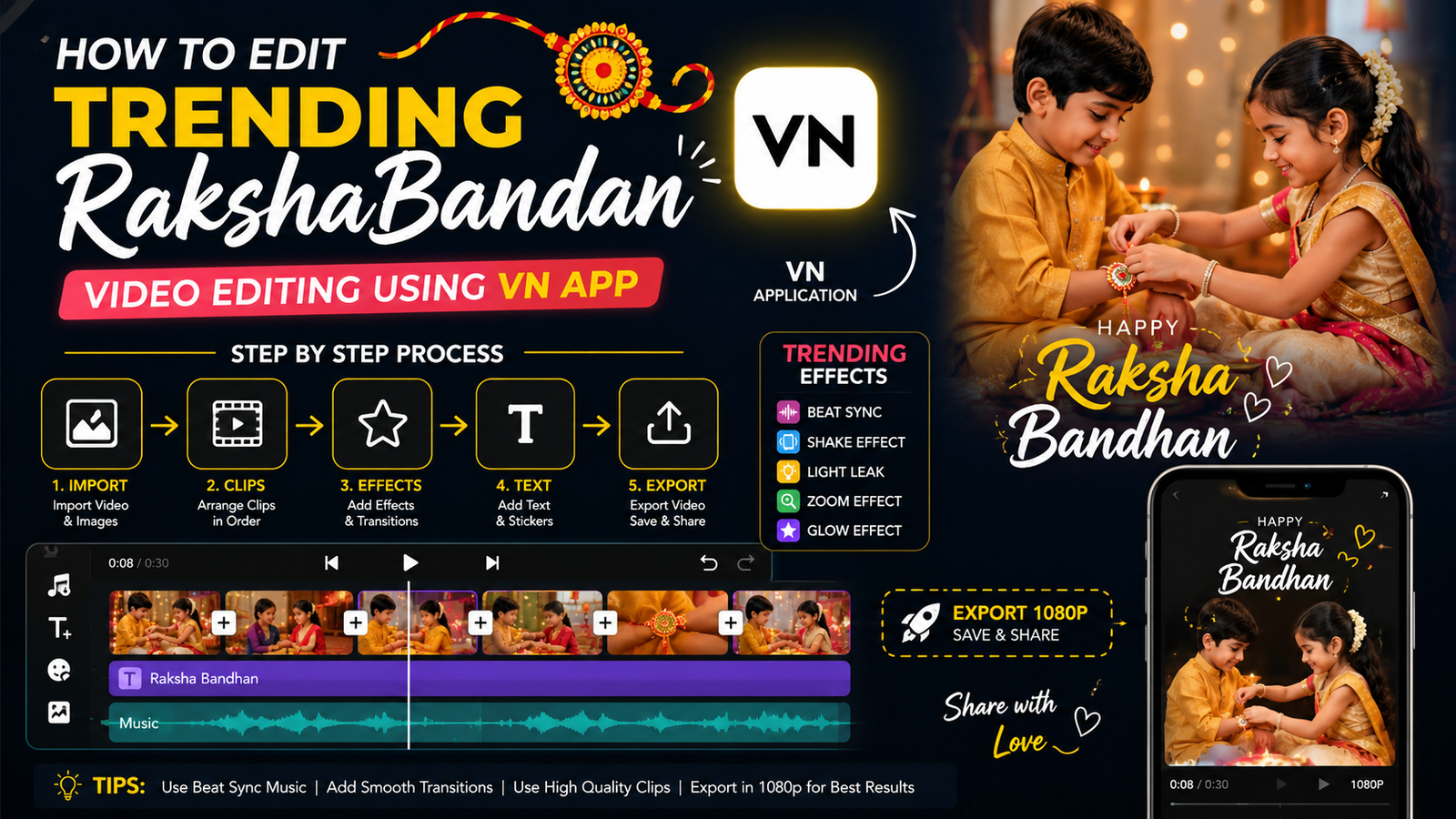
How to Edit a Trending Raksha Bandhan Video Using VN Application
Raksha Bandhan is a special festival that celebrates the beautiful bond between brothers and sisters. Creating a stylish Raksha Bandhan video for Instagram Reels, YouTube Shorts, or WhatsApp Status is now easy with the VN Video Editor application. You can combine photos, videos, music, transitions, text, and effects to create an attractive festival video directly from your mobile phone.
Step 1: Install and Open VN
First, install the VN Video Editor application on your Android or iPhone. Open the app and select New Project. Choose the Raksha Bandhan photos and short video clips you want to use. Arrange them in the order you want your final video to appear.
Step 2: Choose the Right Video Ratio
For Instagram Reels, YouTube Shorts, and WhatsApp Status, select a 9:16 vertical format. This gives your video a full-screen appearance on mobile devices. Keep the important part of every photo or video in the center so that it is clearly visible.
Step 3: Add Photos and Trim Clips
Import your best brother-sister photographs and festival moments. Adjust the duration of each photo according to the music beat. For a fast-paced trending edit, keep most photos on screen for around one to two seconds. Trim unnecessary portions from video clips to make the final result more engaging.
Step 4: Add Trending Transitions
VN provides several transition options between clips. Try smooth transitions such as fade, zoom, slide, or blur. Avoid using too many different transitions because a consistent editing style usually looks more professional.
Step 5: Add Music and Beat Effects
Tap the music or audio option and add a suitable Raksha Bandhan song or instrumental track that you have permission to use. Match photo changes with important beats in the music. Beat-based editing can make a simple collection of photographs look much more dynamic.
Step 6: Add Text and Festival Effects
Add short text such as “Happy Raksha Bandhan”, “Brother & Sister Forever”, or “Beautiful Bond of Love.” Choose a clean font and position the text carefully. You can also add light effects, overlays, or subtle animations to create a festive atmosphere without making the video look crowded.
Step 7: Use Color Adjustment
Use VN’s adjustment tools to improve brightness, contrast, saturation, and sharpness. Keep the colors natural and consistent across all clips. A warm and bright appearance can work well for family and festival videos.
Step 8: Export the Final Video
Preview the entire video before exporting. Check the text, transitions, music synchronization, and video quality. For social media, export in 1080p when available and choose a suitable frame rate. Save the finished video to your phone and upload it to your preferred social media platform.
Final Tips
Use your own photos and original video clips whenever possible. Keep the video short, emotional, and visually clean. Most importantly, choose music that you are legally allowed to use on the platform where you publish the video.
With VN Video Editor, you can create a professional-looking Raksha Bandhan video using only your smartphone, without needing advanced video-editing experience






