
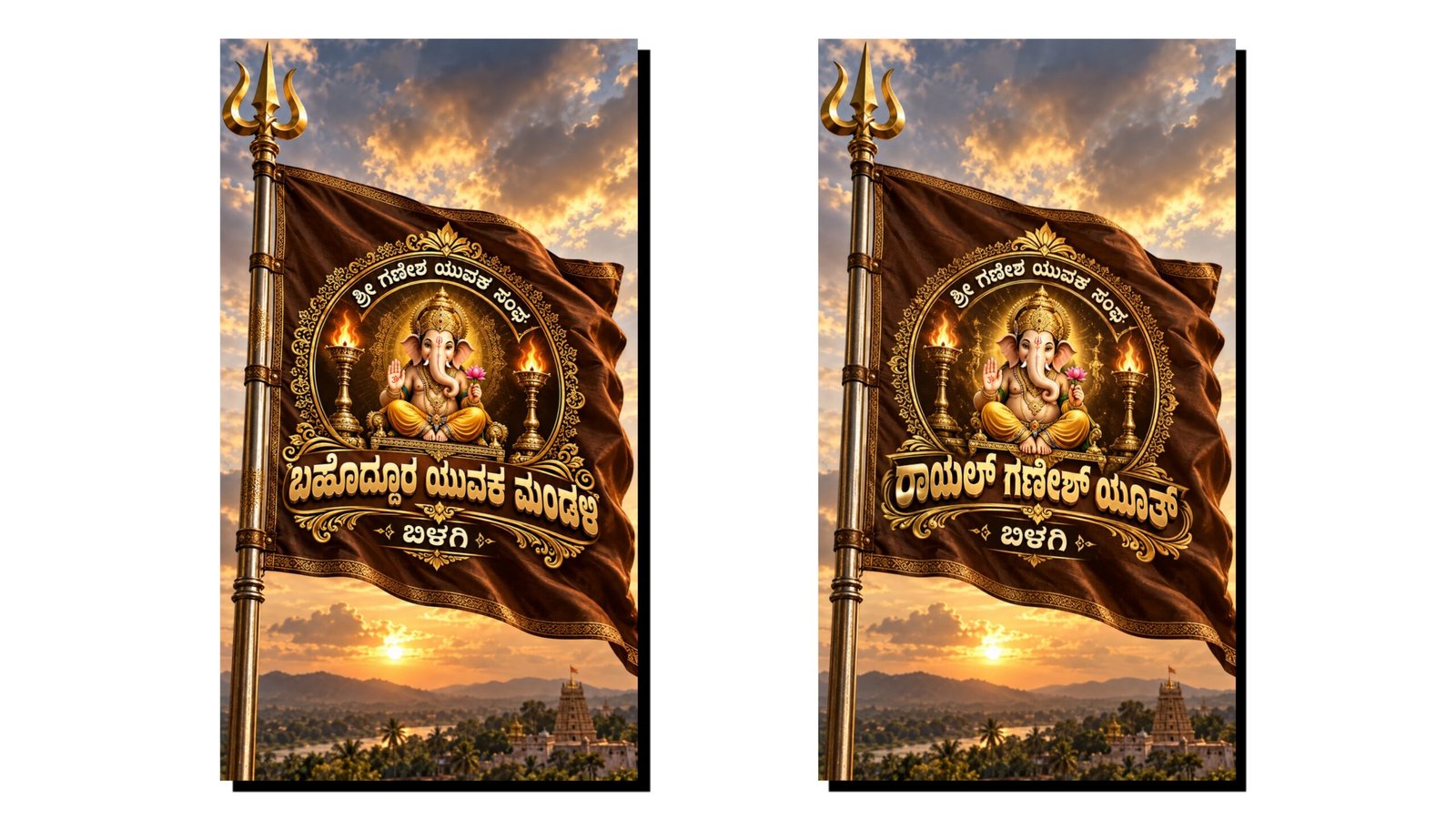
How To Create a Trending Ganesh Flag Video Using ChatGPT
Ganesh Chaturthi is one of the most popular festivals in India, and creative festival videos are widely shared on Instagram, YouTube Shorts, Facebook and WhatsApp. If you want to create a trending Ganesh flag video using AI, ChatGPT can help you develop the concept, text, visual prompts and editing plan. You do not need advanced video-editing skills to get started.
What You Need
Before creating the video, keep these things ready:
| Requirement | Purpose |
|---|---|
| ChatGPT | Create ideas and AI prompts |
| Mobile phone | Generate and organize content |
| AI image tool | Create Ganesh and flag visuals |
| Video editing app | Add motion, music and effects |
| Festival music | Give the video a devotional feel |
Step 1: Create a Ganesh Flag Image Prompt
Open ChatGPT and ask it to create a detailed image prompt. You can request a realistic Lord Ganesha design with a beautiful traditional flag, temple-style background, glowing lights and festive decorations.
For example, you can ask ChatGPT:
“Create a detailed AI image prompt for a cinematic Lord Ganesha festival flag, traditional Indian decorations, glowing lights, realistic details, devotional atmosphere and vertical 9:16 composition.”
You can then use the generated prompt with a suitable AI image-generation tool.
Step 2: Choose the Right Video Format
For Instagram Reels, YouTube Shorts and similar platforms, use a 9:16 vertical format. A short video between 10 and 20 seconds can work well for a festival status or Reel.
Use several images or generate different scenes so the video does not look static.
Step 3: Add Motion Effects
Import your Ganesh images into a video-editing application. Apply slow zoom-in, zoom-out and camera-motion effects. Add transitions between scenes.
You can also create an effect where the Ganesh flag appears to move gently in the wind. Keep the movement smooth rather than using too many effects.
Step 4: Add Kannada or English Text
Text can make the video more attractive and understandable. You can ask ChatGPT for short festival captions such as:
“ಗಣೇಶ ಚತುರ್ಥಿಯ ಶುಭಾಶಯಗಳು”
or
“Ganpati Bappa Morya”
Use large, readable text and keep it on screen long enough for viewers to read.
Step 5: Add Music and Final Effects
Choose suitable devotional or festival music and synchronize important visual changes with the beat. You can add light particles, glow effects and a subtle cinematic appearance.
Avoid adding too many effects because they can make the video look crowded.
Step 6: Export and Share
Watch the complete video before exporting it. Check the spelling, image quality, audio level and text placement. Export the final video in high quality and upload it to Instagram Reels, YouTube Shorts or Facebook.
Conclusion
Creating a trending Ganesh flag video with ChatGPT can be simple when you combine AI-generated ideas with good video editing. ChatGPT can help with image prompts, captions, scene concepts and editing instructions, while your editing app can turn those ideas into a polished festival video. With creative visuals, suitable music and clean editing, you can create an attractive Ganesh festival video directly from your mobile






