
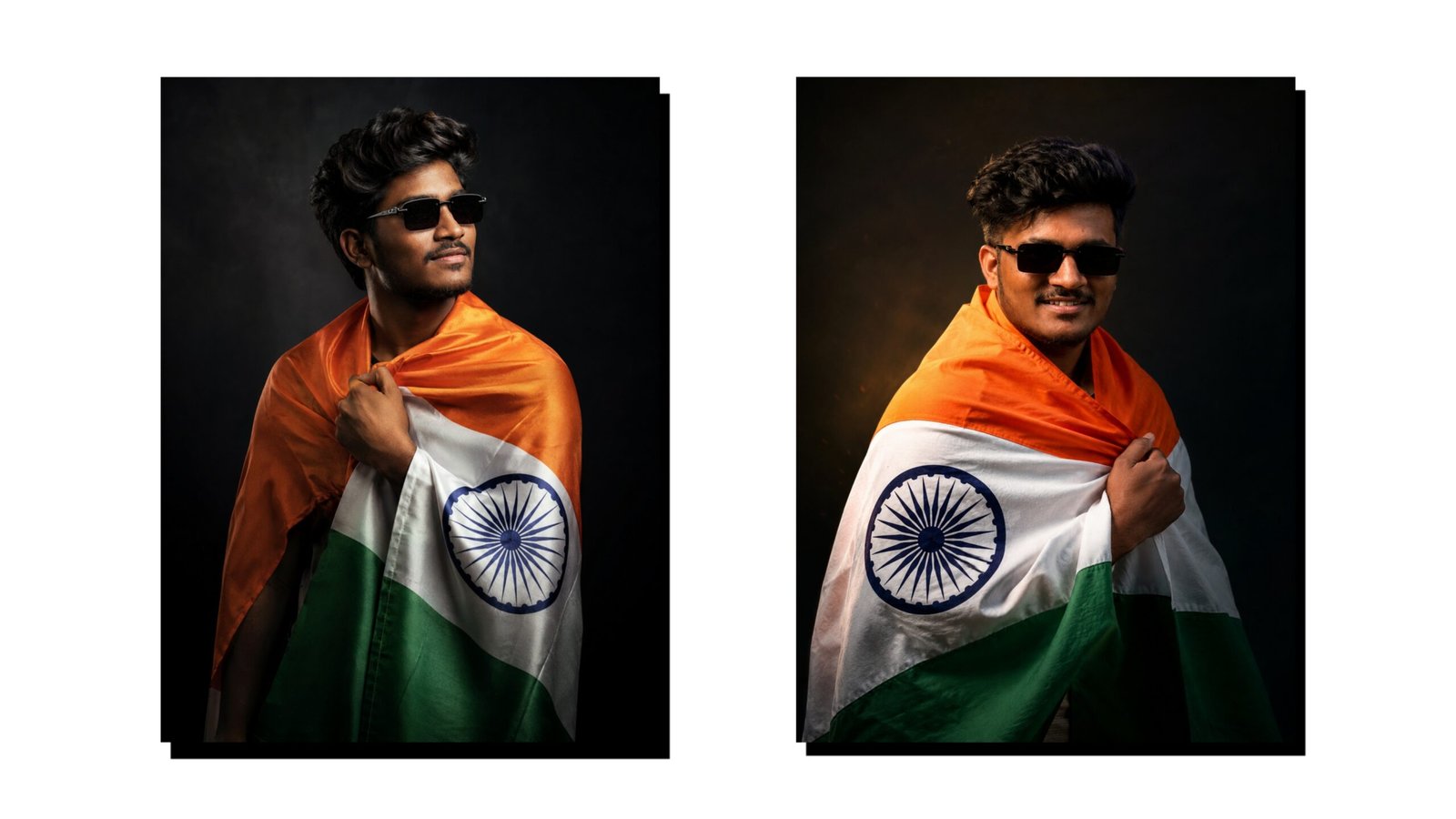
How to Create Independence Day Images Using ChatGPT in 2026
Independence Day is one of the most important national celebrations in India. Every year on August 15, people share patriotic photos, posters, WhatsApp statuses, Instagram posts, and social media graphics. With the help of ChatGPT and AI image generation tools, you can now create attractive Independence Day images without needing advanced graphic-design skills.
In this guide, you will learn how to create a professional Independence Day image using ChatGPT, along with useful AI prompts and editing tips.
What You Need
To create an Independence Day image, you mainly need a smartphone, an internet connection, and access to ChatGPT with image-generation capabilities. You do not necessarily need Photoshop or other complicated editing software.
Step 1: Open ChatGPT
First, open the ChatGPT application or website on your smartphone. Sign in to your account and start a new conversation.
Explain clearly what type of Independence Day image you want. Mention the background, people, Indian flag, text, colors, clothing, and image size if necessary.
Step 2: Use a Detailed AI Prompt
A detailed prompt helps the AI understand your idea more accurately. For example, you can enter:
“Create a high-quality Indian Independence Day poster for August 15, featuring the Indian national flag waving in the background, a patriotic atmosphere, beautiful saffron, white and green lighting, realistic photography style, elegant composition, and space for Independence Day greeting text. Make it suitable for Instagram and WhatsApp.”
You can customize this prompt according to your requirements.
Step 3: Create a Personalised Image
If you want a photo featuring yourself, upload a suitable photograph when the feature allows image editing. Then describe how you want the final image to look.
For example:
“Create a realistic Independence Day portrait using my uploaded photo. Keep my facial appearance natural, add an Indian flag background, patriotic lighting, traditional Indian clothing, and an elegant Independence Day celebration theme. Make the image suitable for a social media profile picture.”
For the most accurate result, use a clear, well-lit photograph.
Step 4: Create Different Sizes
You can create images for different social media platforms by specifying the required format. For Instagram posts, request a square or portrait design. For Instagram Stories and WhatsApp Status, request a vertical image. For YouTube thumbnails, ask for a 16:9 layout.
Step 5: Add Your Name or Greeting
You can also ask ChatGPT to design a poster with a personalized greeting such as “Happy Independence Day”, your name, business name, or social media page name. If AI-generated text appears incorrectly, you can add the final wording later using Canva or another photo-editing application.
Tips for Better Results
Use clear and detailed prompts instead of short instructions. Mention the image style, subject, background, lighting, clothing, composition, and intended platform. Avoid requesting too many elements at once because a simple composition often produces a cleaner result.
Conclusion
Creating Independence Day images with ChatGPT is simple and accessible even for beginners. By using detailed prompts, you can create patriotic posters, profile pictures, social media posts, WhatsApp statuses, and YouTube thumbnails in different styles. Experiment with different backgrounds, compositions, and photography styles to create an Independence Day image that matches your personal preference






