
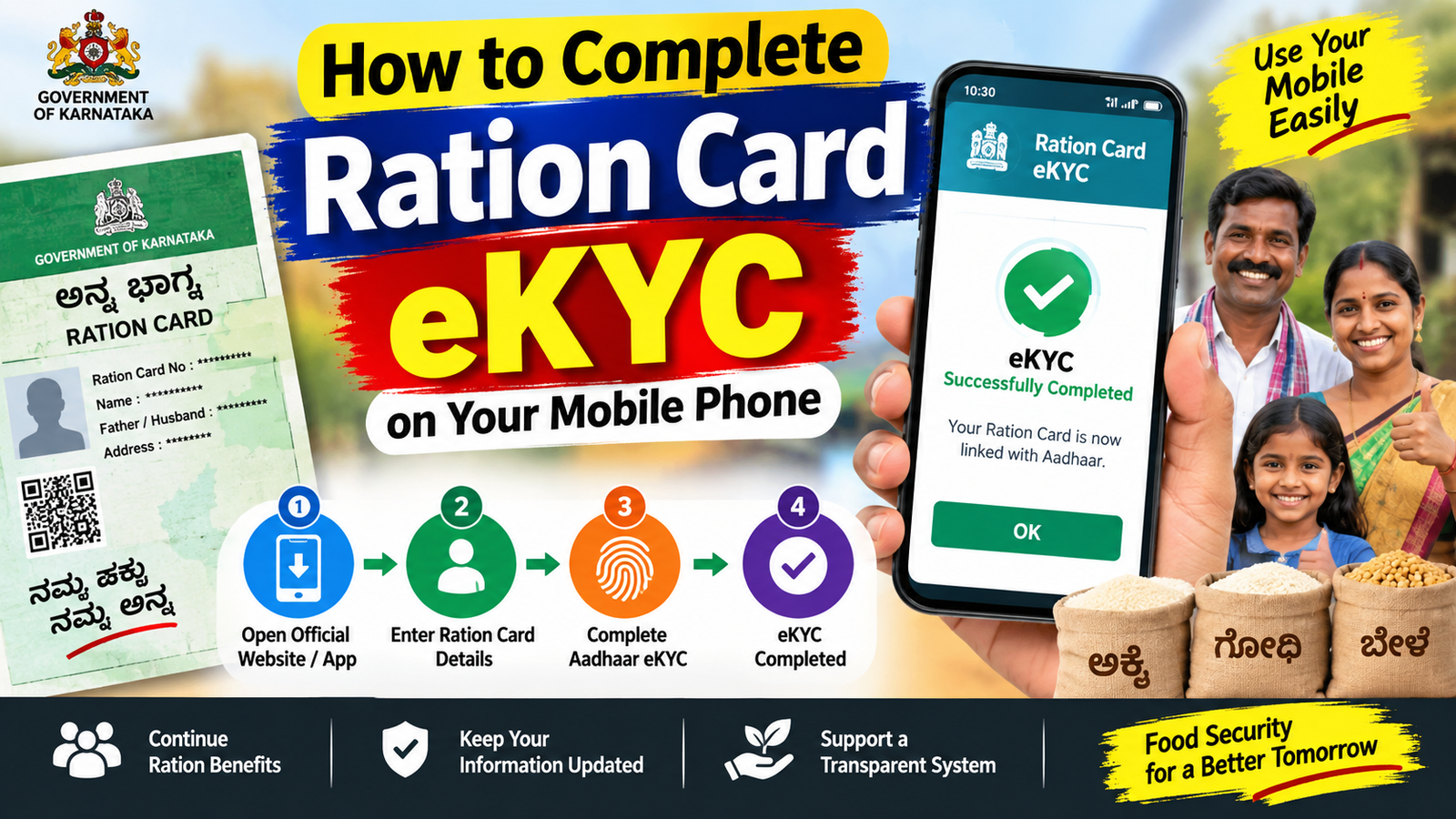
How to Complete Ration Card eKYC on Your Mobile Phone
Ration card eKYC is an important process used to verify the identity of beneficiaries through Aadhaar-based authentication. Completing eKYC helps keep ration card information updated and supports smooth access to benefits under the Public Distribution System (PDS). The exact procedure may differ from one state to another, so beneficiaries should use only official government websites or applications.
What Is Ration Card eKYC?
eKYC means electronic Know Your Customer. In the ration card system, it is used to verify a beneficiary’s identity, generally through Aadhaar authentication. The Department of Food and Public Distribution has incorporated biometric-based eKYC into the PDS system.
How to Complete Ration Card eKYC Using a Mobile
Step 1: Keep Your Documents Ready
Before starting, keep your ration card number and Aadhaar card available. Make sure the mobile number associated with your Aadhaar is active if OTP authentication is offered in your state.
Step 2: Use the Official App or State Portal
The Government of India provides the Mera Ration 2.0 application for ration card beneficiaries. The app can provide information such as ration entitlements, transaction details and nearby Fair Price Shops.
However, eKYC functionality can vary by state. Some states provide dedicated online or mobile-based eKYC services through their food and civil supplies department.
Step 3: Enter Your Ration Card Details
Open the applicable official service and enter the requested information, such as your ration card number, Aadhaar details or other beneficiary information. Check every detail carefully before submitting the form.
Step 4: Complete Aadhaar Verification
If mobile-based Aadhaar authentication is available, follow the instructions shown on the screen. You may receive an OTP on your Aadhaar-linked mobile number. Enter the OTP correctly and complete the authentication.
In some states, eKYC may require biometric or face authentication instead of an OTP. In such cases, the beneficiary may need to use the approved eKYC application or visit the nearest Fair Price Shop for authentication.
Step 5: Check Your eKYC Status
After completing the process, check whether your eKYC status has changed to verified or completed. Do not submit the process repeatedly if the status is already successful.
What If Mobile eKYC Does Not Work?
If you cannot complete eKYC from your phone, do not use unofficial websites or apps. Visit your nearest Fair Price Shop or contact your state’s Food and Civil Supplies Department. Some government portals specifically provide eKYC status information and instructions for beneficiaries.
Important Safety Tips
Never share your Aadhaar OTP, PIN, password or banking information with unknown people. Download applications only from trusted government sources and carefully verify the website before entering personal information.
Final Words
Completing ration card eKYC from a mobile can be convenient when your state supports online authentication. Keep your ration card and Aadhaar details ready, use official government services, follow the verification instructions and confirm your final eKYC status. If online authentication is unavailable, your nearest Fair Price Shop can guide you through the applicable verification process






