
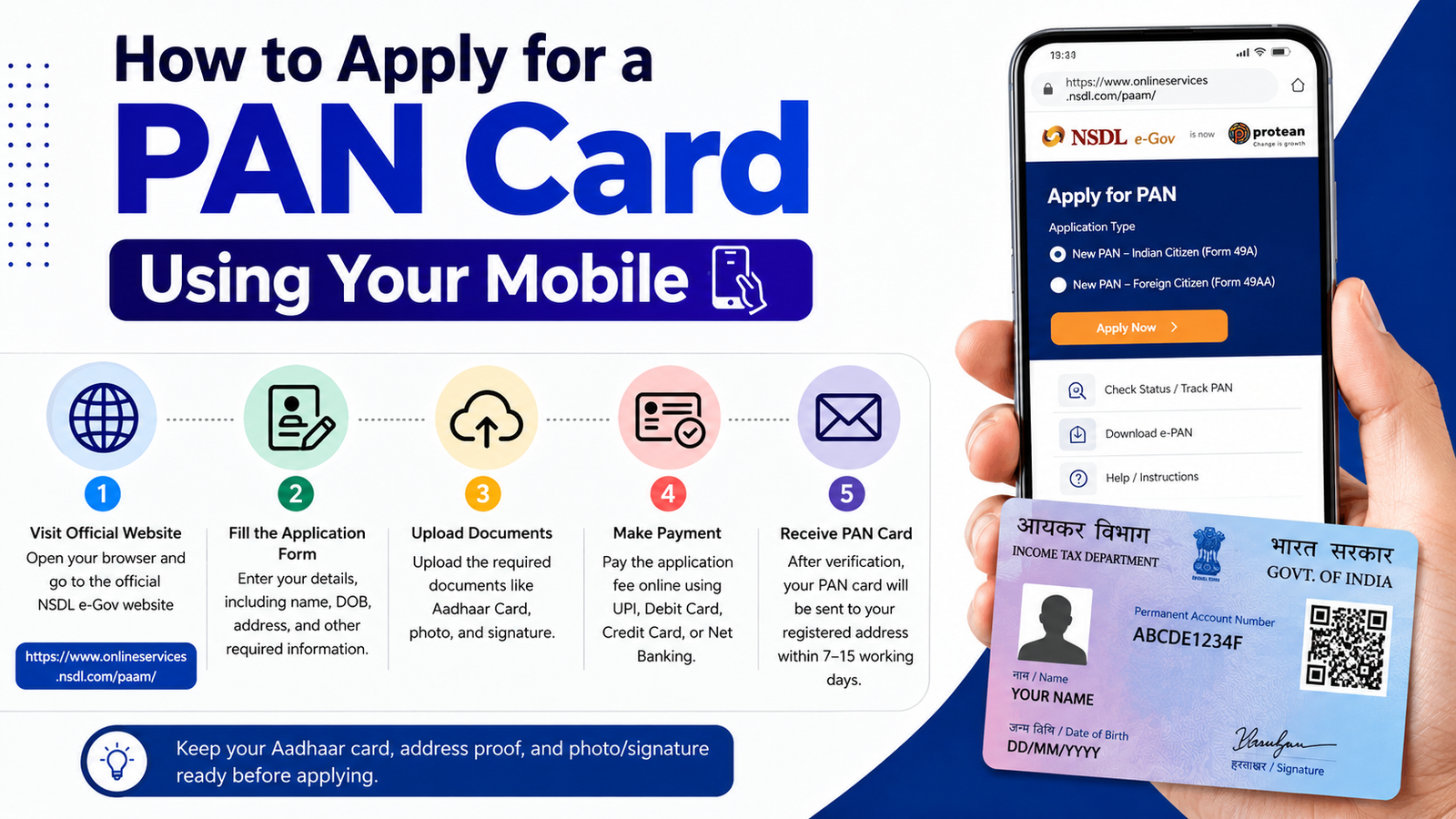
How to Apply for a PAN Card Using Your Mobile
A Permanent Account Number (PAN) card is one of the most important identity documents in India. It is issued by the Income Tax Department and is required for banking, income tax filing, investments, and many financial transactions. The good news is that you can apply for a PAN card directly from your mobile phone without visiting any office.
What is a PAN Card?
A PAN card is a 10-character alphanumeric number issued to individuals, businesses, and organizations. It helps the government track financial transactions and prevents tax evasion. Every Indian citizen who earns income or performs major financial activities should have a PAN card.
Documents Required
Before applying, keep the following documents ready:
- Aadhaar Card
- Mobile number linked with Aadhaar
- Passport-size photograph (if required)
- Signature image (for some application methods)
- Email ID
Steps to Apply for a PAN Card on Mobile
Step 1: Visit the Official PAN Portal
Open your mobile browser and visit the official PAN application portal of the Income Tax Department or authorized PAN service provider.
Step 2: Select New PAN Application
Choose the option for a new PAN card application. Select the category as “Individual” if you are applying for yourself.
Step 3: Enter Personal Details
Fill in your name, date of birth, gender, mobile number, and email address carefully. Ensure that all details match your Aadhaar card.
Step 4: Choose Aadhaar e-KYC Option
If your Aadhaar number is linked with your mobile number, you can complete the verification process through OTP authentication. This makes the application process faster and paperless.
Step 5: Upload Required Documents
Upload the necessary documents if requested. Make sure the images are clear and readable.
Step 6: Pay the Application Fee
Complete the payment using UPI, debit card, credit card, or net banking. The fee may vary depending on the type of PAN card requested.
Step 7: Submit the Application
Review all details carefully and submit the application. You will receive an acknowledgement number for tracking your application status.
How to Check PAN Card Status
After submission, use the acknowledgement number on the official portal to track the status of your PAN card application. Regular updates will be available online.
Benefits of Having a PAN Card
- Required for filing Income Tax Returns (ITR)
- Helps in opening bank accounts
- Needed for investments in mutual funds and shares
- Useful for applying for loans and credit cards
- Acts as a valid identity proof
- Required for high-value financial transactions
Important Tips
- Always enter details exactly as they appear on your Aadhaar card.
- Use only official government-approved websites for application.
- Keep your acknowledgement number safe for future reference.
- Ensure your Aadhaar-linked mobile number is active for OTP verification.
Conclusion
Applying for a PAN card through your mobile phone is simple, quick, and convenient. With Aadhaar-based e-KYC, most applicants can complete the process within a few minutes. A PAN card is an essential document for financial activities in India, so if you do not have one yet, apply online today and enjoy hassle-free access to banking and taxation services.






