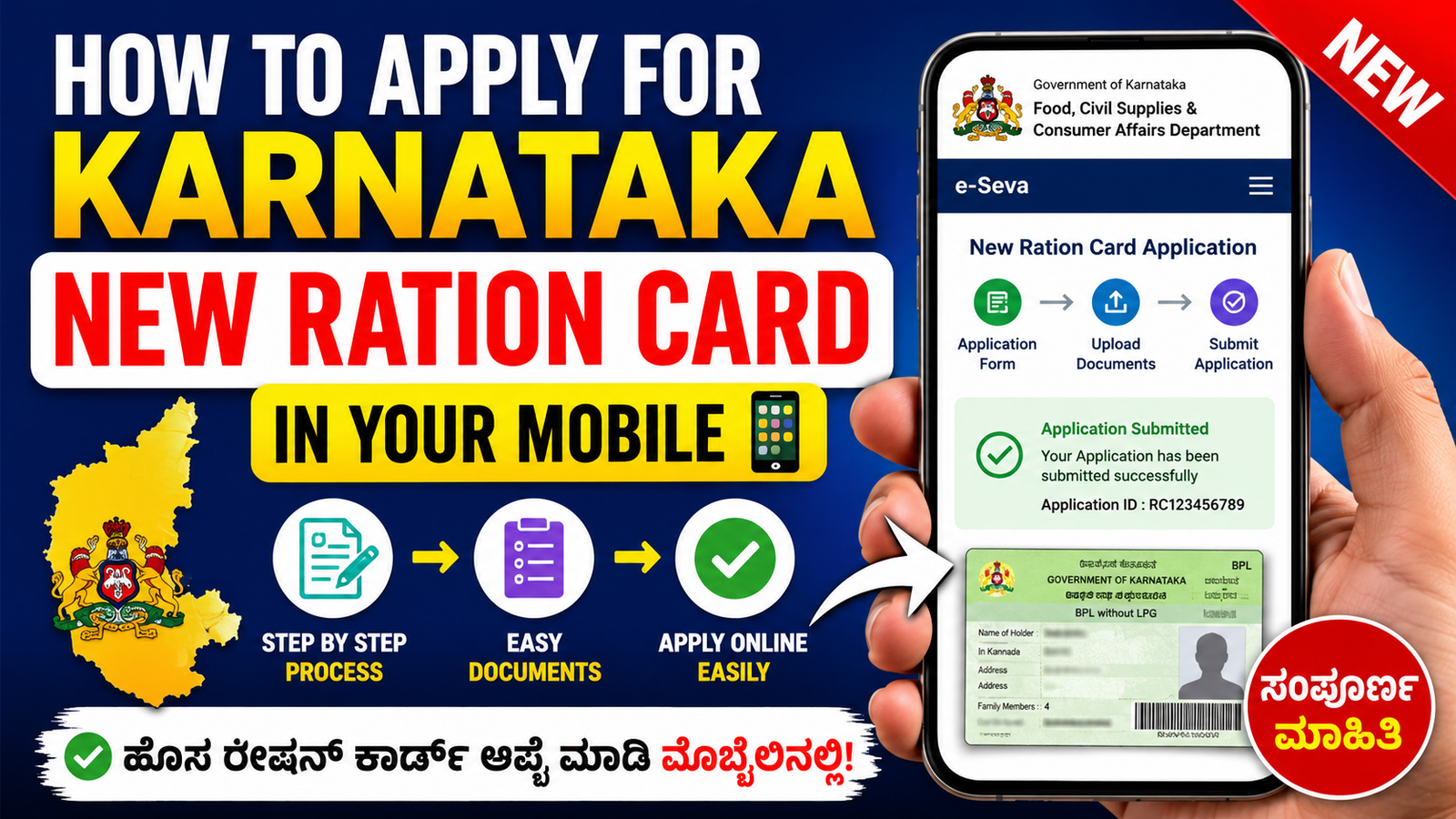
How To Apply For New Ration Card in Your Mobile in 2026
A Ration Card is one of the most important government documents in India. It helps families get subsidized food items like rice, wheat, sugar, and kerosene through the Public Distribution System (PDS). In 2026, applying for a new ration card has become very easy because you can complete the process directly from your mobile phone without visiting government offices many times.
In this article, you will learn the complete step-by-step process to apply for a new ration card using your smartphone.
What is a Ration Card?
A ration card is an official document issued by the state government. It is mainly used for:
- Getting food grains at low prices
- Identity proof
- Address proof
- Applying for government schemes
- LPG subsidy benefits
Different states provide different types of ration cards such as:
- APL Card (Above Poverty Line)
- BPL Card (Below Poverty Line)
- Antyodaya Card (AAY)
Documents Required
Before applying online, keep these documents ready in your mobile:
- Aadhaar Card of all family members
- Mobile Number linked with Aadhaar
- Passport Size Photo
- Address Proof
- Income Certificate
- Electricity Bill
- Bank Passbook copy
Make sure all documents are clearly scanned or photographed.
Step-by-Step Process to Apply for New Ration Card
Step 1: Visit Official Website
Open your mobile browser and visit your state Food Department official website or the National Food Security Portal.
For India food portal visit:
National Food Security Portal
Step 2: Register Mobile Number
Create a new account using:
- Mobile Number
- Aadhaar Number
- OTP Verification
After verification, login to the portal.
Step 3: Select “New Ration Card Apply”
After login, choose:
- “Apply New Ration Card”
- Select your district, village, or city
- Choose card type (APL/BPL/AAY)
Step 4: Enter Family Details
Now enter details of all family members:
- Name
- Age
- Aadhaar Number
- Relationship
- Occupation
Check all information carefully before submitting.
Step 5: Upload Documents
Upload scanned copies or photos of:
- Aadhaar Card
- Address Proof
- Income Certificate
- Family Photo
The file size should match the website requirements.
Step 6: Submit Application
After uploading all documents:
- Click on “Submit”
- Save the application number
- Take a screenshot for future reference
You may also receive an SMS confirmation on your mobile.
How to Check Ration Card Status
You can check application status online by entering:
- Application Number
- Registered Mobile Number
The status will show whether your application is approved, pending, or rejected.
Benefits of Applying Online
Applying through mobile provides many advantages:
- Saves time
- No need to stand in long queues
- Easy document upload
- Fast application tracking
- Available anytime from home
Important Tips
- Always use the official government website
- Enter Aadhaar details correctly
- Use an active mobile number
- Keep document copies clear
- Do not share OTP with others
Conclusion
Applying for a new ration card in 2026 is now simple and fully mobile-friendly. With a smartphone and internet connection, anyone can complete the application process from home. Make sure to upload correct documents and fill all details carefully to avoid rejection. A ration card helps families receive essential food items and many government benefits, so applying online is a smart and convenient option for everyone.