
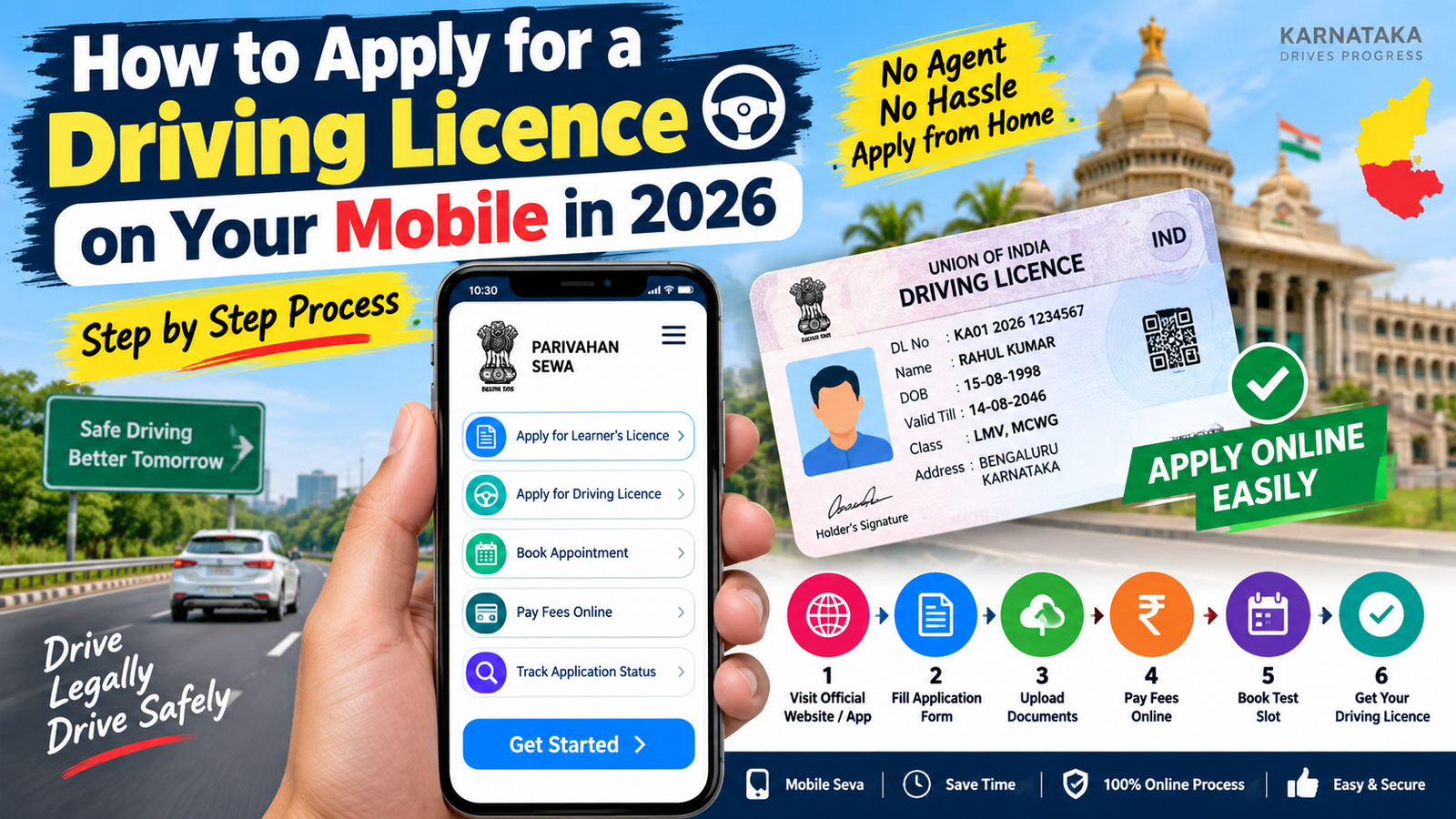
How to Apply for a Driving Licence on Your Mobile in 2026
Getting a driving licence is an important step for anyone who wants to legally drive a vehicle on Indian roads. Today, many parts of the driving licence application process can be completed online using a mobile phone. The Government of India provides online licence-related services through the Sarathi Parivahan portal.
Applicants can use the online system to apply for a Learner’s Licence, submit details, upload documents where available, pay applicable fees and book appointments or tests. However, the exact process can vary depending on the state and the service selected.
What Is Required to Apply?
Before starting the application, keep your basic details and required documents ready. Generally, applicants may need proof of identity, proof of address, date-of-birth details, a recent photograph and other documents depending on the application and state requirements.
You should also have an active mobile number for OTP verification and a smartphone with a reliable internet connection.
Step-by-Step Process to Apply
1. Open the Official Website
On your mobile browser, visit the official Sarathi Parivahan website. Select your state and choose the appropriate licence-related service.
Sarathi Parivahan official portal
2. Apply for a Learner’s Licence
For a new applicant, the first major step is generally obtaining a Learner’s Licence. Select the option for a new Learner’s Licence and enter your personal information carefully.
Check your name, date of birth, address and other details before submitting the application.
3. Upload Documents
If document uploading is available for your application, upload the required documents according to the instructions shown on the portal. Make sure the documents are clear and readable.
4. Pay the Applicable Fee
The online system allows applicable licence fees to be paid electronically. Government fee schedules list separate charges for services such as Learner’s Licence issuance, learner test, driving test and Driving Licence issuance.
5. Complete the Learner’s Licence Test
Depending on the applicable process in your state, you may need to complete a learner’s test. Follow the instructions and appointment details displayed after submitting the application.
6. Apply for the Driving Licence
After obtaining the Learner’s Licence and completing the required waiting period, you can apply for the permanent Driving Licence through the Sarathi portal. Government guidance states that a person may apply for the Driving Licence test after completing 30 days from acquiring the Learner’s Licence.
7. Attend the Driving Test
Online application does not necessarily mean the entire licence process is completed from home. Applicants may need to visit the concerned RTO on the scheduled date and complete the driving test and other required formalities.
Important Tips
Enter all information correctly and keep your application number and payment receipt safely. Always use the official Parivahan website rather than unknown websites or apps. Check the instructions shown for your state because procedures and available online services can differ.
Conclusion
Applying for a Driving Licence has become easier because several stages can now be started from a mobile phone. By using the official Sarathi Parivahan portal, applicants can submit applications, complete available online formalities, pay fees and book required appointments. Make sure you complete any mandatory RTO visit or driving test before expecting the final licence to be issued.






