How To Set Viral Air Touch Lock In Your Mobile
Smartphones are becoming more advanced every year, and users are always searching for unique features to make their devices more attractive and easier to use. One interesting feature is Air Touch Lock. It allows users to control certain mobile functions using hand movements without directly touching the smartphone screen. In this guide, you will learn how to install and set up an Air Touch Lock application on your Android mobile.
What Is Air Touch Lock?
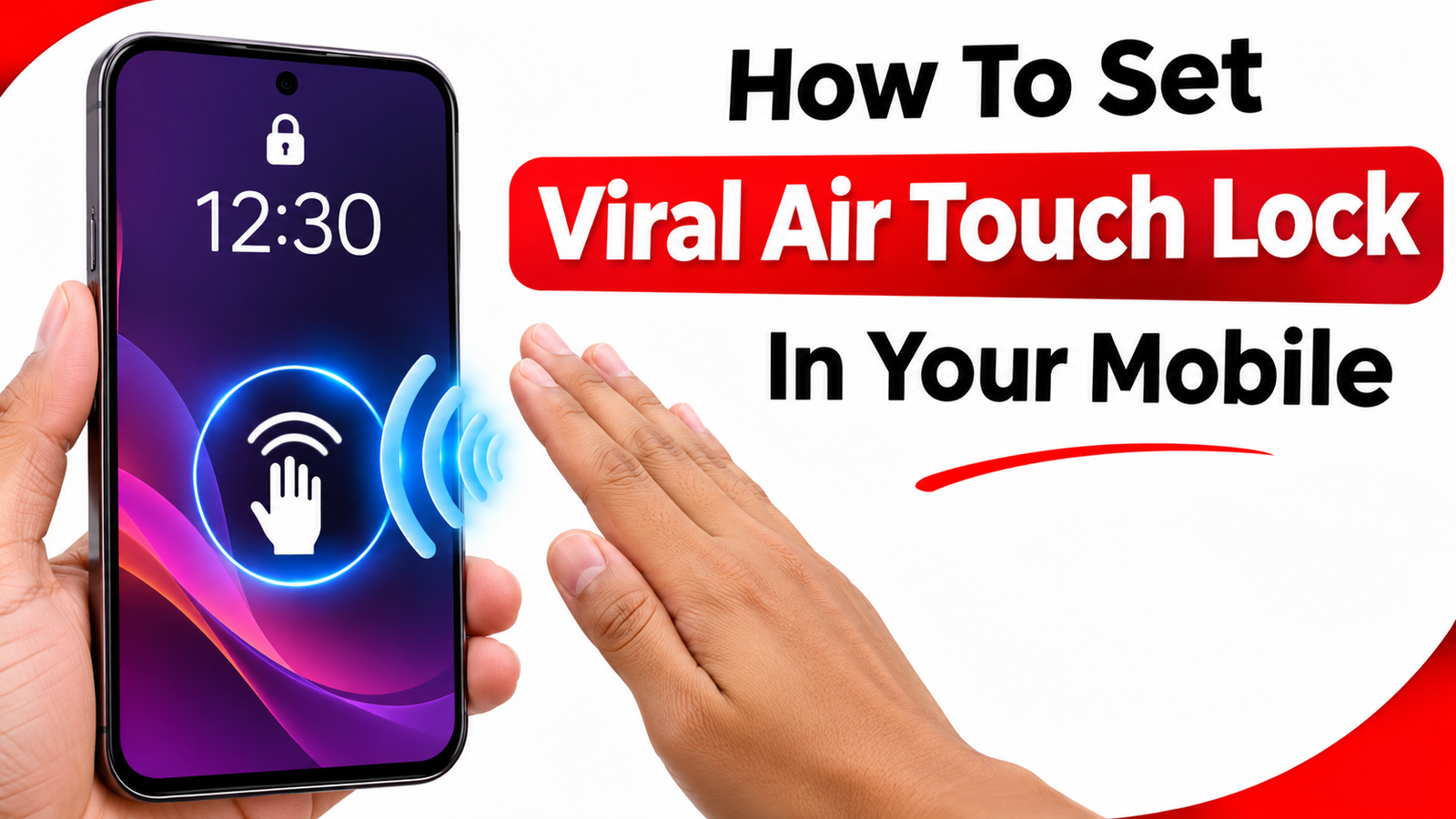
Air Touch Lock is a gesture-based mobile control feature that can use your smartphone’s proximity sensor or camera to detect hand movements. Depending on the application, you can wave your hand near the phone to activate a particular action, such as locking the screen.
It is a useful option for people who want to try a different way of controlling their smartphones.
How To Install Air Touch Lock Application
Follow these steps to get started:
- First, open the Google Play Store on your Android smartphone.
- Search for an Air Touch Lock or Proximity Sensor Screen Lock application.
- Check the application details, developer name, ratings and user reviews.
- Choose a suitable application and install it.
- Open the application after installation.
- Read the instructions displayed on the home screen.
- Enable the required permissions if you trust the application.
- Find the Air Gesture or Proximity Sensor option.
- Activate the screen-lock feature if it is available.
- Adjust the sensitivity according to your requirements.
How To Use Air Touch Lock
After completing the setup, test the feature by moving your hand near the proximity sensor, which is generally located around the top of your smartphone screen.
If your selected application supports this gesture, it may detect your hand movement and perform the configured locking action. Some applications also offer additional gesture controls and customization options.
Remember that the exact working method depends on your mobile model and the application you install.
Benefits Of Air Touch Lock
Air Touch Lock can provide several useful features:
- Lock your smartphone without pressing the power button.
- Experiment with touchless gesture controls.
- Customize supported hand gestures.
- Make everyday smartphone interactions more convenient.
- Try a different and interesting mobile experience.
Important Things To Remember
Before installing an Air Touch Lock application, check whether your smartphone supports the required sensors. Some applications may require accessibility permissions or camera access. Grant permissions only when necessary and after checking the developer’s privacy policy.
Also, avoid downloading unknown APK files because they may contain unwanted software. Sensor monitoring or camera-based gesture detection can consume additional battery power.
Conclusion
Air Touch Lock is an interesting smartphone feature for Android users who enjoy experimenting with modern mobile technology. By choosing a suitable application and configuring its supported gesture settings, you can try locking your device without directly touching the screen. Always select trusted applications and check compatibility before using them.