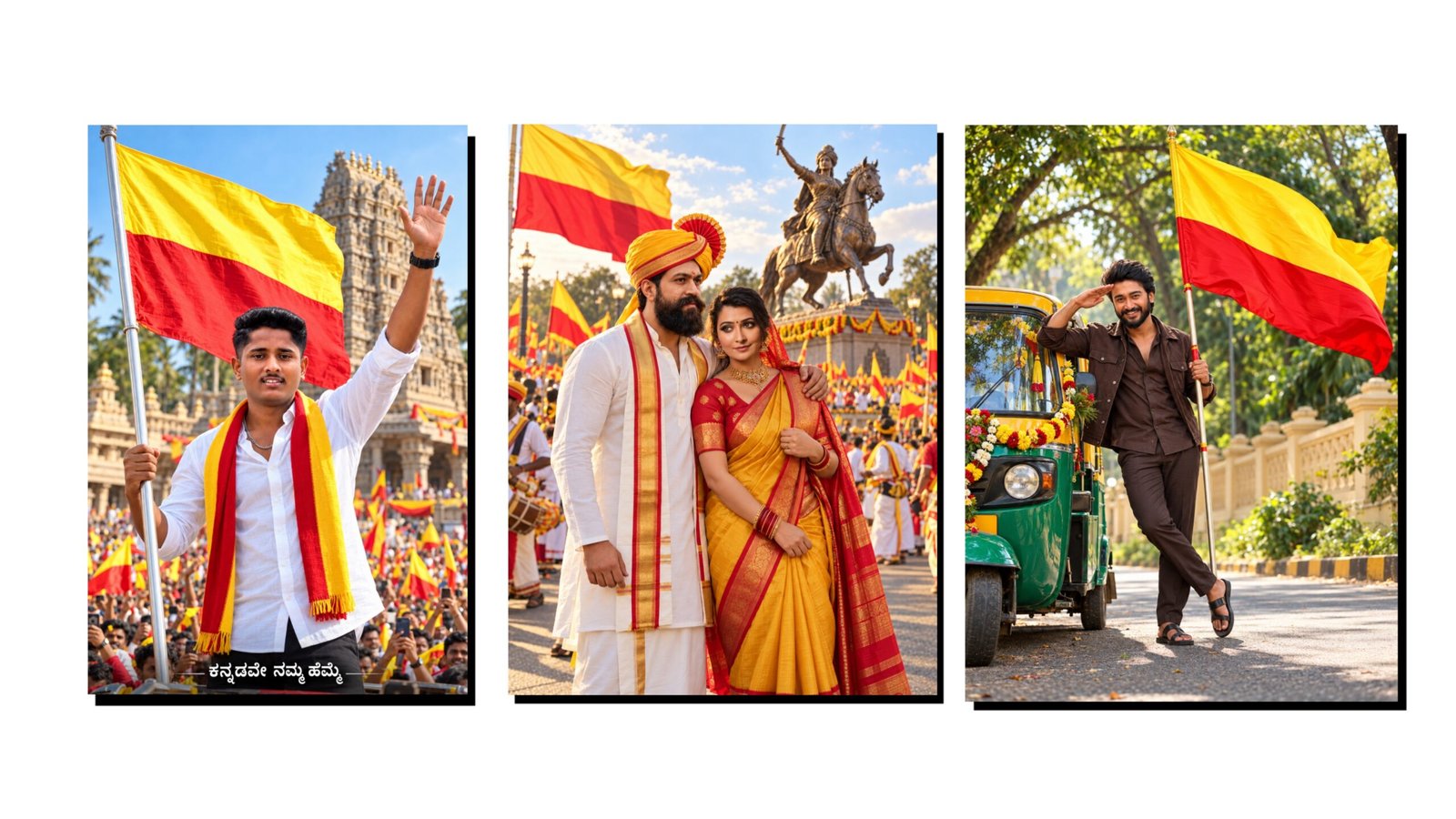
How To Create Trending Ganesh Festival Images Using ChatGPT
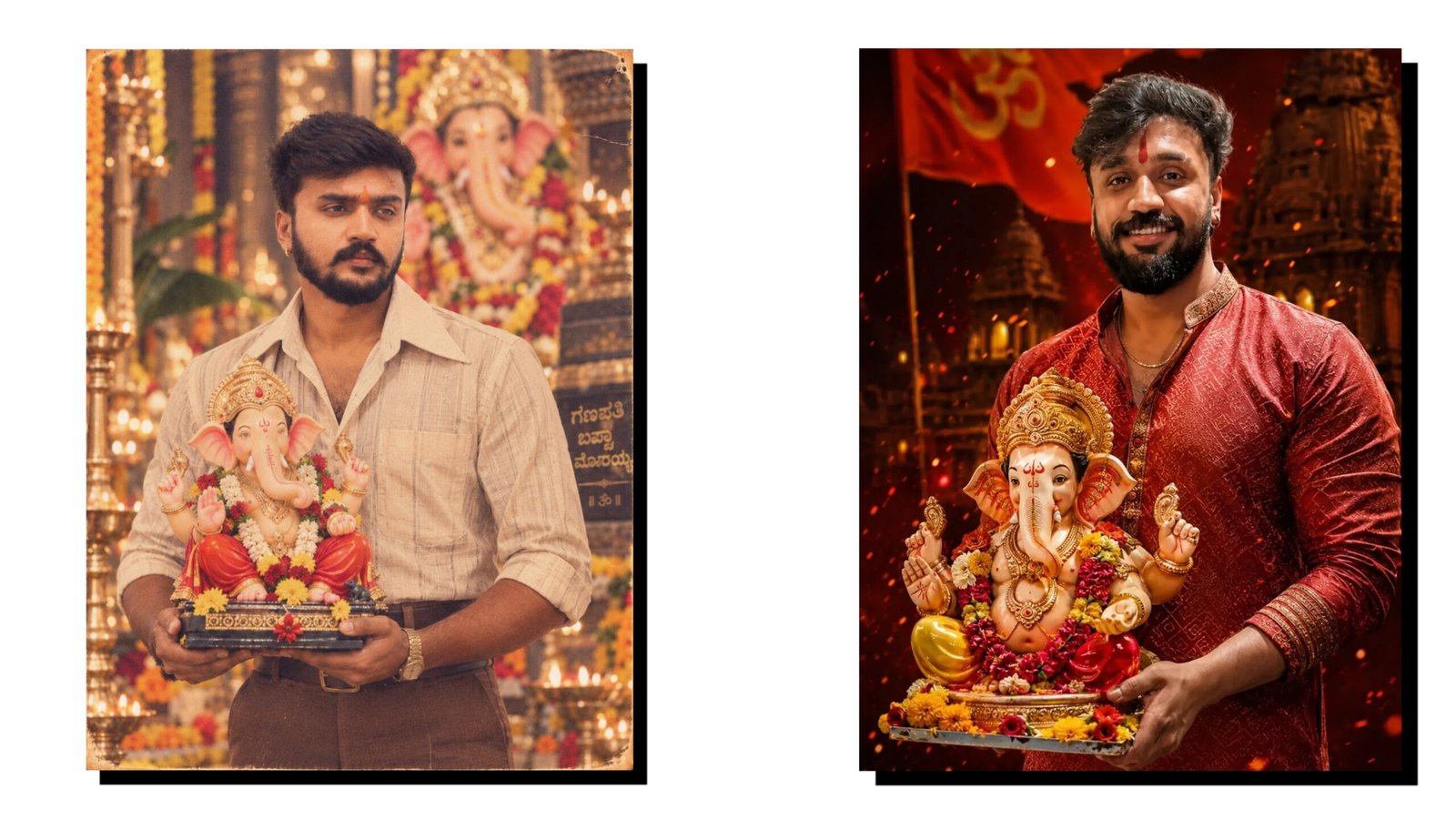
Ganesh Festival is one of the most popular celebrations in India, and festive images are widely shared on Instagram, Facebook, WhatsApp, and other social media platforms. Today, you do not need professional graphic design skills to create attractive Ganesh Festival images. With ChatGPT and an AI image-generation feature, you can turn a simple idea into a creative festival poster within minutes.
What Do You Need?
To create a trending Ganesh Festival image, you mainly need a smartphone, an internet connection, and access to ChatGPT with image-generation capability. You should also have a clear idea about the type of image you want to create.
You can create devotional posters, Instagram posts, WhatsApp status images, festival greetings, Ganesh Chaturthi posters, realistic Lord Ganesha images, or colorful celebration designs.
Step 1: Open ChatGPT
First, open ChatGPT on your Android phone, iPhone, or computer. Sign in to your account and start a new conversation.
Look for the option that allows you to create or generate images. Depending on your ChatGPT interface, the image-generation option may appear directly in the chat.
Step 2: Write a Detailed Image Prompt
The quality of an AI-generated image depends heavily on your instructions. Instead of writing only “Create a Ganesh image,” provide details about the subject, background, lighting, composition, and overall style.
For example, you can use a prompt like:
“Create a highly realistic and beautiful Lord Ganesha festival poster, traditional Indian decoration, colorful flowers, glowing diyas, elegant golden ornaments, festive background, cinematic lighting, vibrant atmosphere, detailed artwork, premium social media poster, vertical 9:16 format.”
You can modify the prompt according to your requirements.
Step 3: Choose the Right Image Style
ChatGPT can help you create different visual styles. You can request a realistic, cinematic, traditional, artistic, modern, 3D, or colorful festival design.
For Instagram Stories and WhatsApp Status, a 9:16 vertical format is useful. For Instagram feed posts, square or portrait designs can work well. If you are creating a YouTube thumbnail, ask for a 16:9 landscape composition.
Step 4: Add Festival Text
If you want text on the poster, clearly mention the wording in your prompt. For example, you can request:
“Add the text ‘Happy Ganesh Chaturthi’ in an elegant festive style.”
For better results, keep the text short and check the generated image carefully because AI-generated text can sometimes contain spelling or layout errors.
Step 5: Improve the Image
If the first result does not match your expectations, continue the conversation and ask ChatGPT to modify it. You can request a brighter background, different decorations, more traditional clothing, additional flowers, a cleaner composition, or a different aspect ratio.
Trending Ganesh Festival Image Ideas
You can create several types of content, including:
- Ganesh Chaturthi greeting posters
- Traditional Ganesha devotional images
- Instagram Story designs
- WhatsApp Status images
- Festival invitation posters
- Ganesh Festival banners
- Cinematic Ganesha artwork
- Modern 3D-style festival posters
Final Words
Creating trending Ganesh Festival images using ChatGPT is simple and accessible even for beginners. The key is to write a detailed prompt and clearly explain the style, background, lighting, size, and purpose of the image. With a few creative ideas and some prompt improvements, you can create attractive festival visuals suitable for social media, websites, and personal greetings.