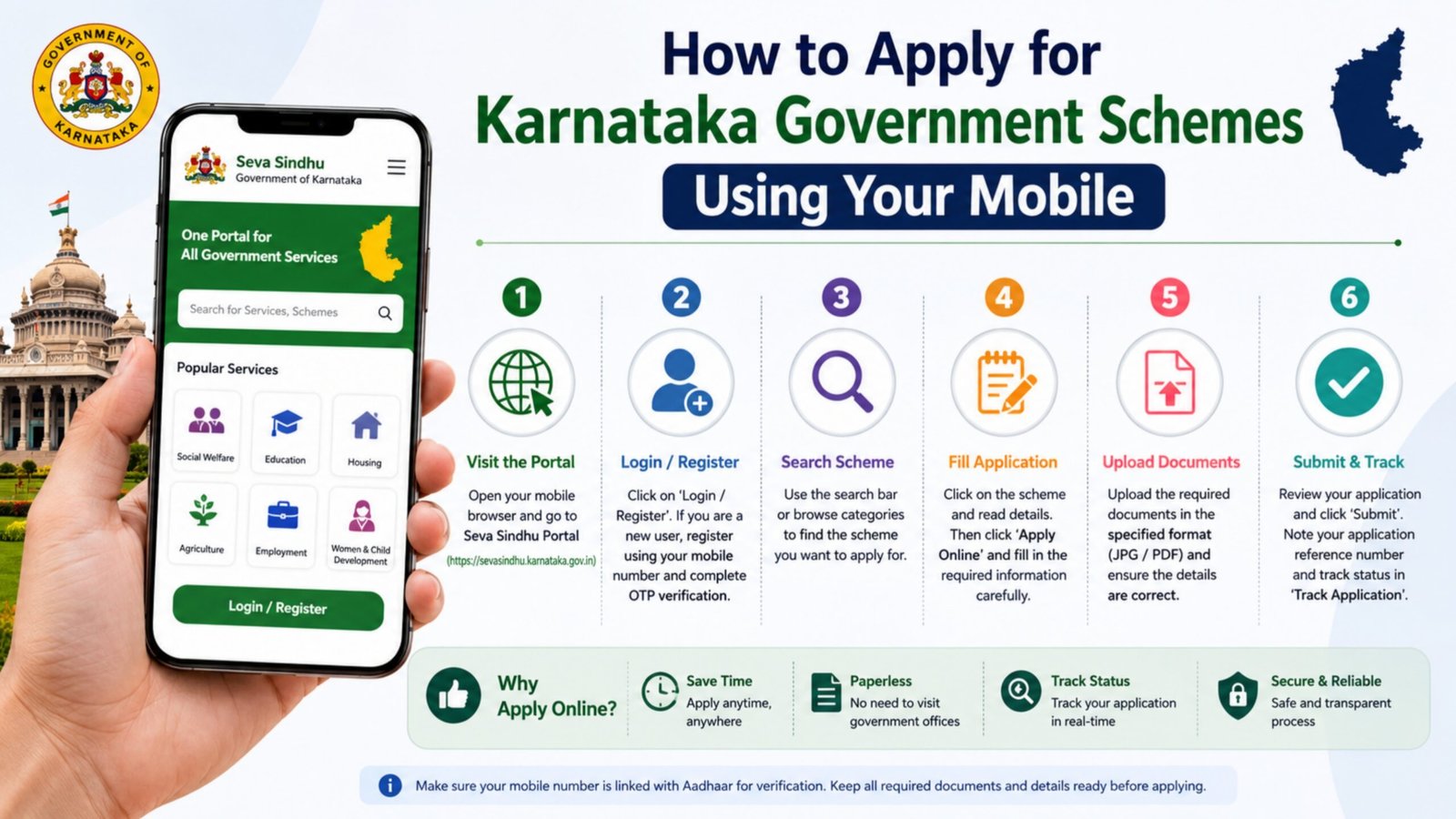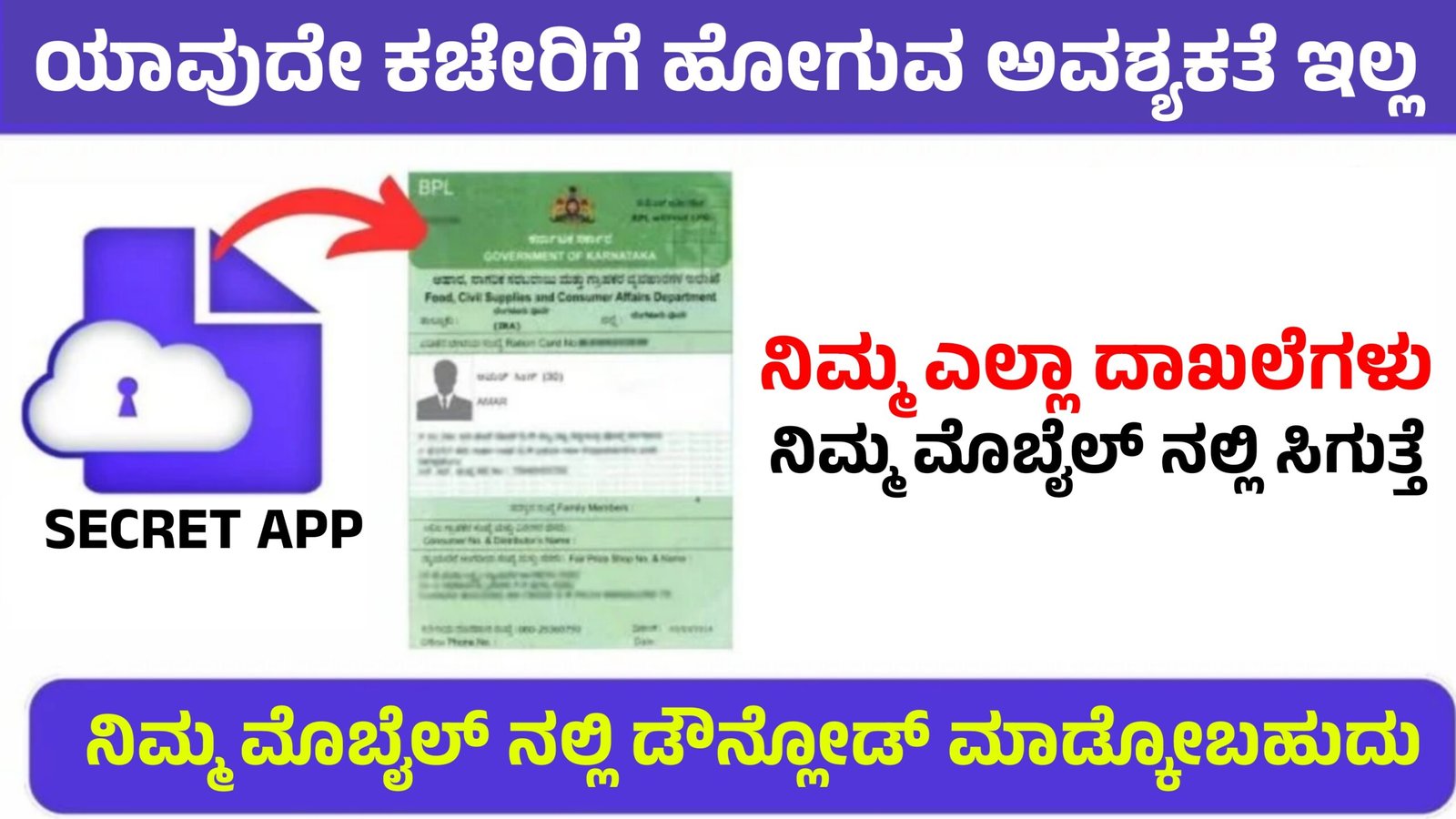
How to Get All Government Documents in Your Mobile in 2026
In 2026, the Government of India has made it very easy for citizens to access important documents directly on their smartphones. Instead of carrying physical copies, people can now store and download digital documents securely using official government platforms. This digital system saves time, improves safety, and helps citizens access services anytime and anywhere. If you want to get all your important documents in your mobile, follow the methods explained below.
1. Use DigiLocker for Digital Documents
One of the most trusted platforms to store government documents is the DigiLocker. It is a secure digital locker developed by the Government of India. This application allows users to download and store official documents such as Aadhaar card, driving licence, PAN card, vehicle RC, insurance papers, and educational certificates.
To use DigiLocker, first install the app from the Google Play Store or Apple App Store. After installing, open the app and register using your mobile number. You will receive an OTP for verification. Once your account is created, link your Aadhaar number to activate full services. After linking Aadhaar, you can search for various government departments and download your documents directly into your digital locker. These documents are legally valid and can be shown whenever required.
2. Access Vehicle Documents Using mParivahan
For vehicle-related documents like driving licence and RC, you can use the mParivahan application. This app is developed by the Ministry of Road Transport and Highways and helps users access transport services digitally.
To get your vehicle documents, install the mParivahan app and create an account using your mobile number. After login, enter your vehicle registration number or driving licence number. The app will automatically fetch the details from the government database. You can then download and save the digital copy in your phone. These digital documents are accepted by traffic police across India.
3. Use UMANG App for Multiple Government Services
Another useful platform is the UMANG app. UMANG provides access to hundreds of central and state government services in a single application. Through this app, you can check PF details, download certificates, track government schemes, and access various citizen services.
To start using UMANG, download the app and register with your mobile number. After verification, search for the department you need. Many government services allow users to download certificates and documents directly within the app.
4. Benefits of Keeping Documents in Mobile
Storing documents digitally provides many advantages. First, it reduces the risk of losing physical documents. Second, it allows quick access whenever needed. Third, digital documents are verified and secure because they come directly from government databases. Finally, citizens can easily share documents online for jobs, education, or government applications.
5. Important Safety Tips
While downloading documents online, always use official government apps and websites. Avoid installing unknown applications that request personal details. Keep your mobile number and OTP confidential to protect your data. It is also recommended to enable password or biometric security in document apps.
Conclusion
In 2026, accessing government documents through mobile phones has become simple and convenient. Applications like DigiLocker, mParivahan, and UMANG allow citizens to download and store important documents securely. By using these digital platforms, people can manage their official records safely and access them anytime without carrying physical files. This digital document system is an important step toward a smarter and paperless India.