How to Get Karnataka Full Land History in Mobile
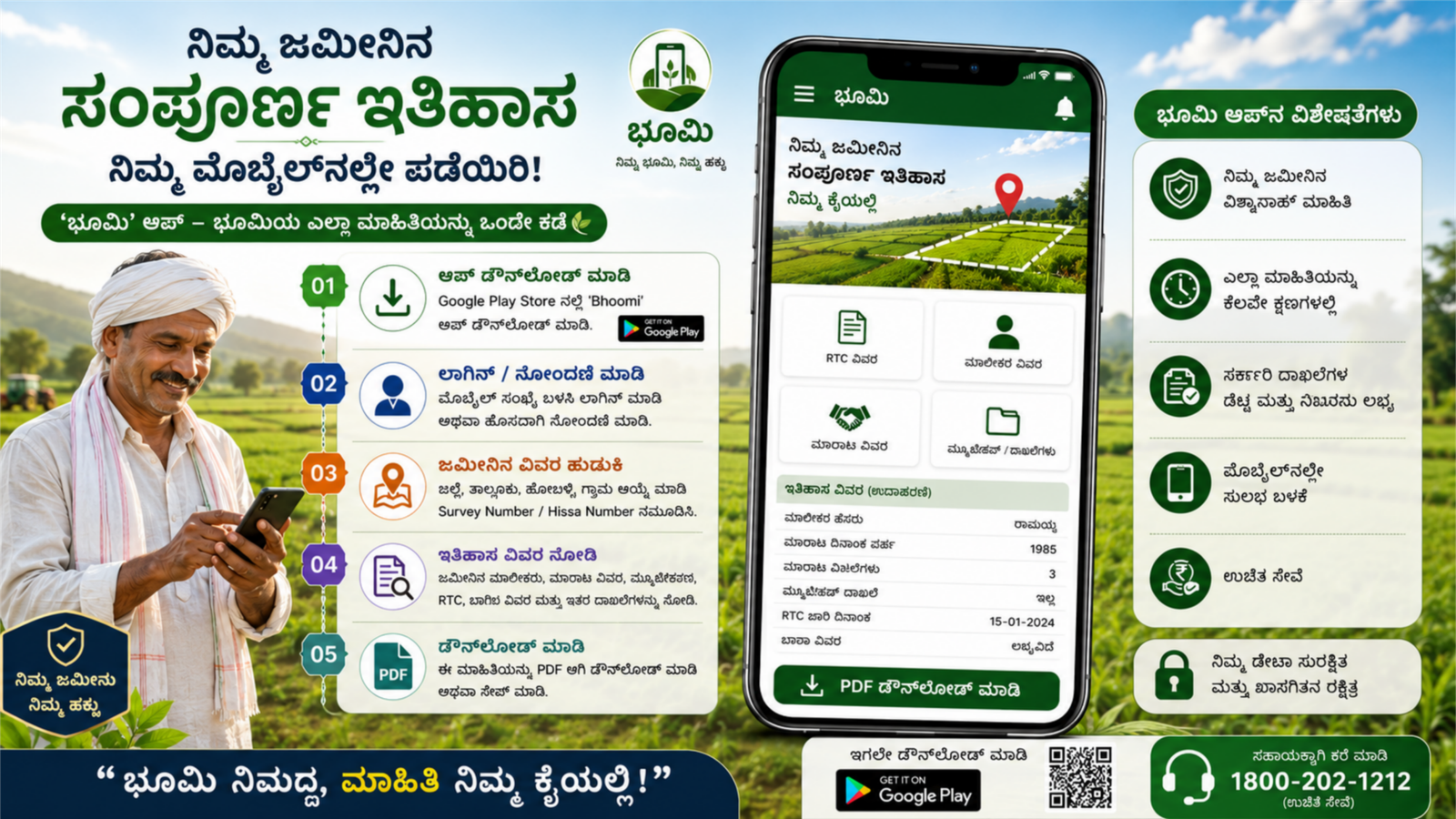
Getting Karnataka full land history online is now very easy through official government portals. Citizens can check RTC details, mutation records, previous owners, survey numbers, and land transaction history directly from their mobile without visiting government offices. This guide explains the complete process using trusted Karnataka revenue department websites.
What is Karnataka Land History?
Karnataka land history includes:
- RTC (Record of Rights, Tenancy and Crops)
- Mutation Register Extract
- Survey Number details
- Previous ownership records
- Land type (agricultural/non-agricultural)
- Bhoomi land records Karnataka
- Pahani details
These records are maintained digitally by the Karnataka Revenue Department to ensure transparency and prevent land fraud.
Official Website to Check Karnataka Land Records
You can check full land history through the official Bhoomi Online Portal:
This portal is managed by the Government of Karnataka and provides secure access to digitized land records.
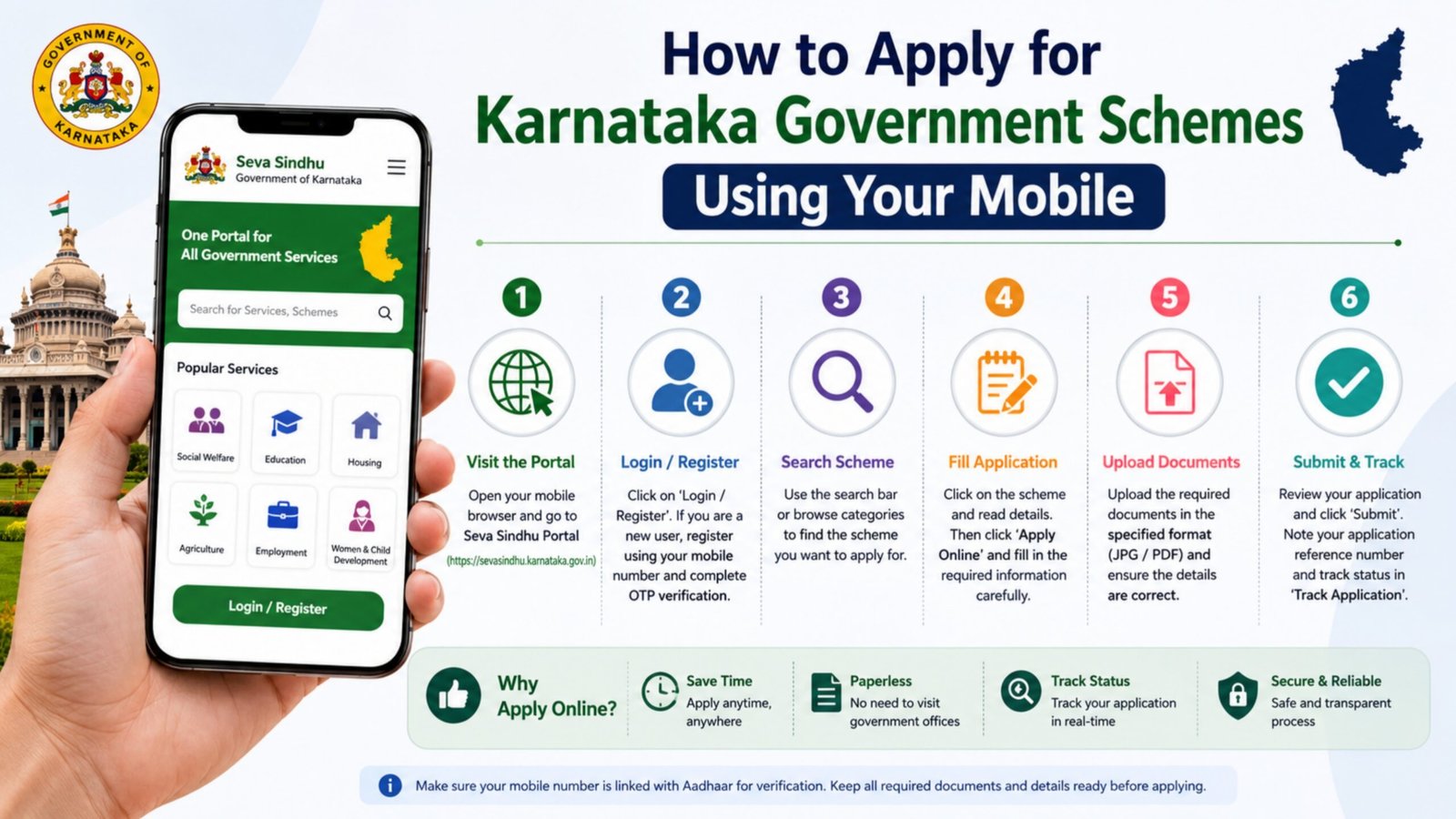
Steps to Get Karnataka Full Land History on Mobile
Follow these simple steps:
Step 1: Open Official Website
Open Google Chrome on your mobile and visit:
landrecords.karnataka.gov.in
Step 2: Select “View RTC & MR”
On the homepage, click on “View RTC & Mutation Register” option.
Step 3: Choose District Details
Select:
- District
- Taluk
- Hobli
- Village
Step 4: Enter Survey Number
Enter your Survey Number or Owner Name to search land details.
Step 5: Verify with OTP
Enter the captcha code and complete OTP verification if required.
Step 6: Download Land Record
You can now:
- View RTC online
- Download PDF copy
- Check mutation status
- View ownership history
How to Check Mutation and Ownership History
To check mutation records:
- Go to “Mutation Status” option.
- Enter survey number or mutation number.
- Click search.
- You can see complete transaction and ownership change history.
This helps you verify land transfer details before buying property.
Benefits of Checking Land History Online
- Prevents land fraud and fake documents
- Saves time and travel cost
- Instant access to Bhoomi RTC Karnataka
- Transparent property ownership verification
- Helpful for bank loan approval and legal verification
Important Tips
- Always use the official Karnataka Bhoomi website.
- Do not share OTP with anyone.
- Keep survey number ready before checking records.
- Cross-check details with local revenue office if required.
Conclusion
Checking Karnataka full land history in mobile is simple and secure through the official Bhoomi Online portal. By using the Karnataka land records website, citizens can easily access RTC, mutation details, survey information, and ownership history anytime from their smartphone. This digital service ensures transparency, protects property rights, and makes land verification fast and convenient.