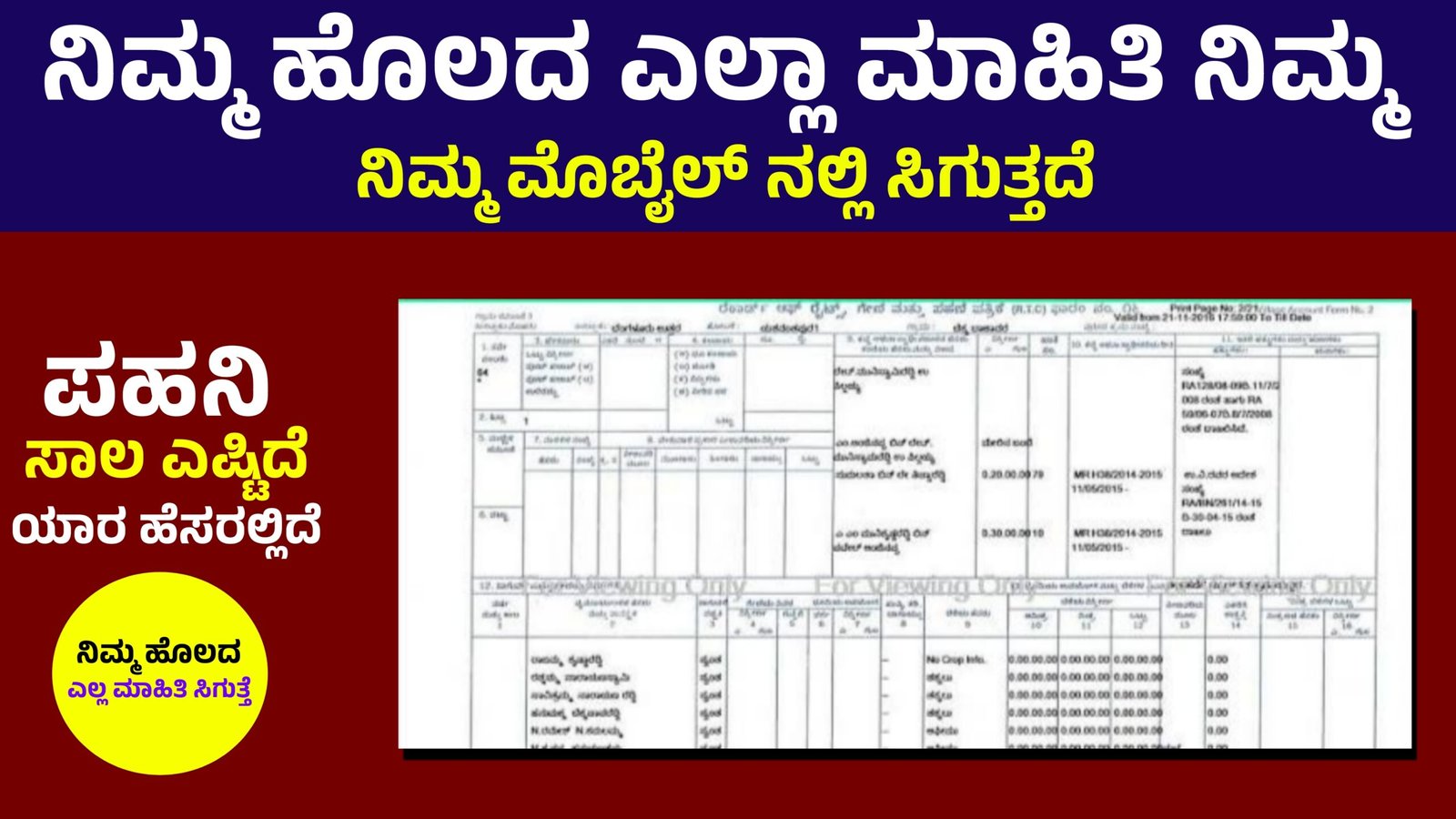
How to Get My Land Details in Mobile
Checking your land records online has become very simple in India. Now you can access digital land records, RTC details, Khata extract, and survey number information directly from your mobile phone. This guide explains the complete process in easy language with updated and unique keywords for better understanding.
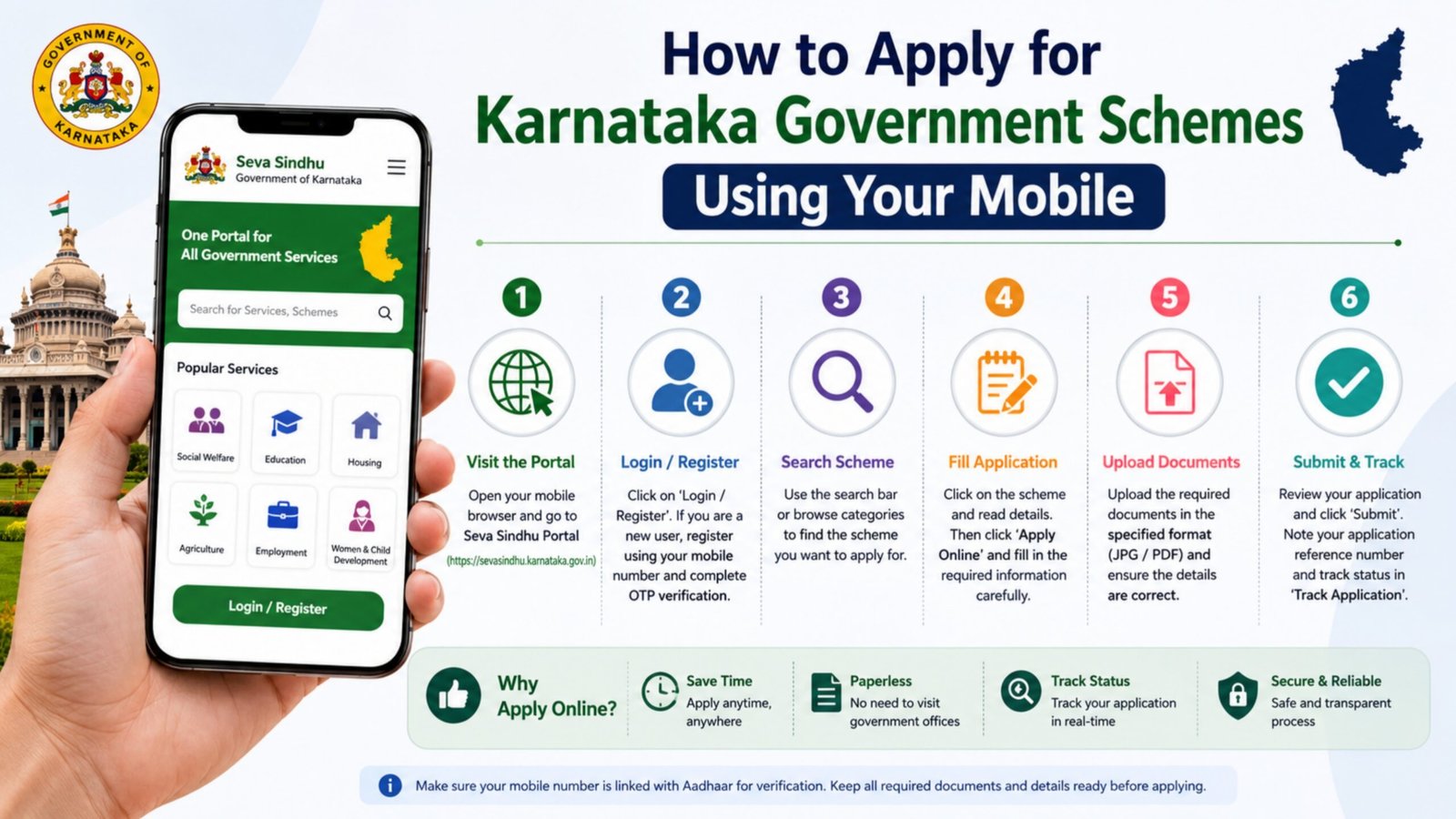
1. Visit Your State’s Official Land Records Website
Land records are managed by individual state governments. You must visit your state’s revenue department portal. For example:
- Karnataka – Bhoomi
- Andhra Pradesh – MeeBhoomi
- Telangana – Dharani
- Maharashtra – Mahabhulekh
Open Google Chrome on your mobile and search:
“Your State Name + Land Records Online”
Always choose the official government website ending with .gov.in to avoid fake portals.
2. Select District, Taluk, and Village
After opening the official land record portal:
- Select your District
- Choose your Taluk / Tehsil
- Select your Hobli or Village
- Enter your Survey Number or Owner Name
This information is available in old land documents or previous RTC copies.
3. Check RTC / Pahani / Jamabandi Details
Different states use different names:
- Karnataka – RTC (Record of Rights, Tenancy and Crops)
- Telangana – Pahani
- Maharashtra – 7/12 Extract
- North India – Jamabandi
Click on “View RTC” or “Land Record Details.”
Enter the captcha code and submit.
You can now see:
- Land owner name
- Survey number
- Land extent (area)
- Crop details
- Soil type
- Mutation status
You can download the digital RTC copy PDF directly to your mobile.
4. Use Mobile Apps (If Available)
Some states also provide mobile applications for easy access:
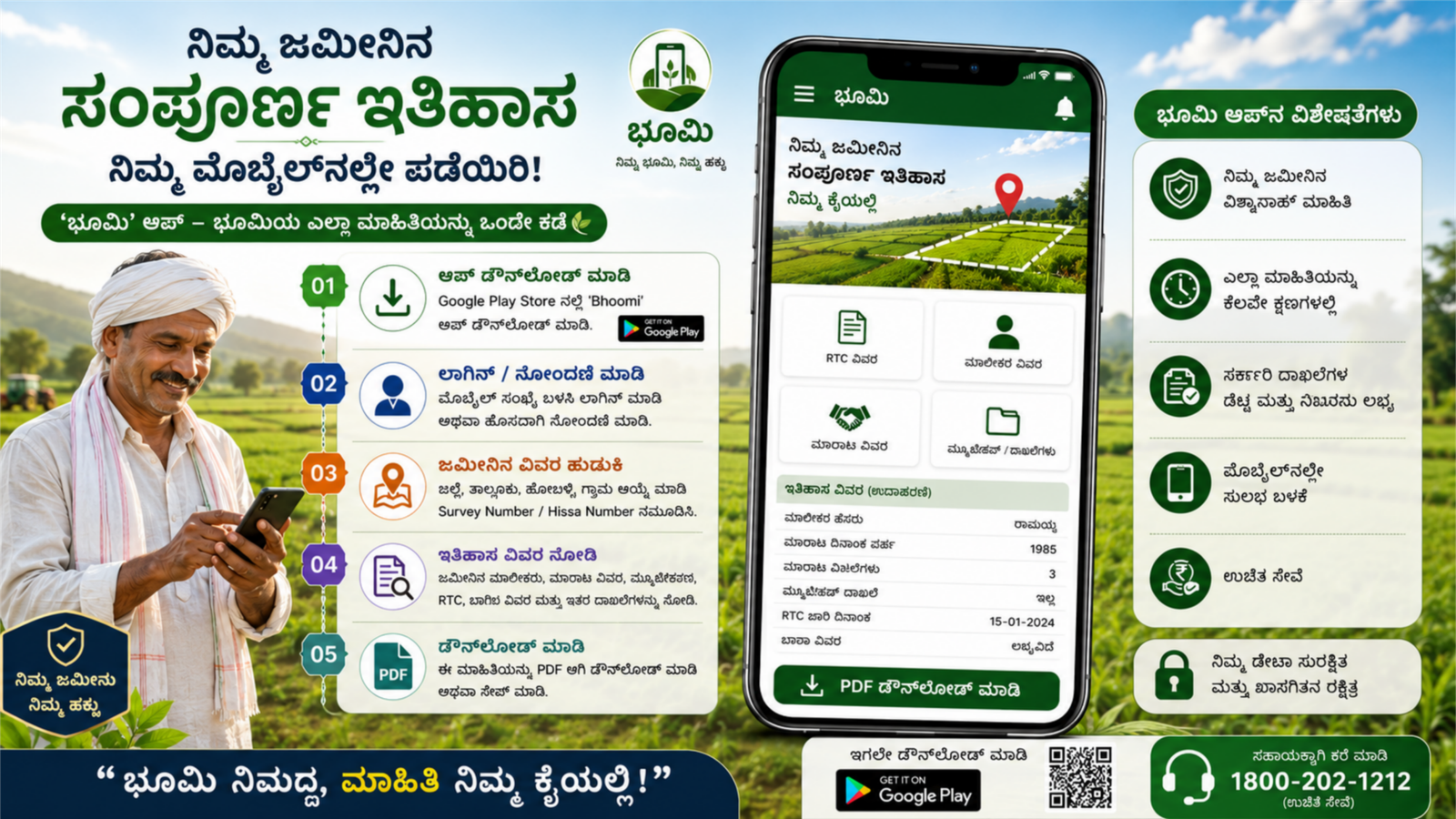
For Karnataka users, the Bhoomi Online Land Records App helps check:
- RTC online copy
- Mutation status
- Khata extract
- Land conversion details
Download apps only from Google Play Store and verify publisher details.
5. Check Mutation Status Online
If land ownership was transferred recently, you can check mutation request status online.
Steps:
- Open your state revenue portal
- Click on “Mutation Status”
- Enter Application Number or Survey Number
- View approval or pending status
This helps verify if the land transfer is legally updated.
6. Important Documents Required
To check land details online, keep:
- Survey number
- Aadhaar linked mobile number (sometimes required)
- Previous RTC copy (optional)
No need to visit the Taluk office unless corrections are required.
7. Benefits of Checking Land Records Online
- Saves time and travel cost
- Prevents land fraud
- Ensures legal ownership verification
- Easy access to digital land database
- Helpful for bank loans and crop insurance
Final Words
Getting your land details in mobile is now simple with India’s digital land management system. By using your state’s official land record portal like Bhoomi, MeeBhoomi, Dharani, or Mahabhulekh, you can instantly check RTC, survey number, mutation status, and ownership details. Always use official government websites for secure and accurate land information access.