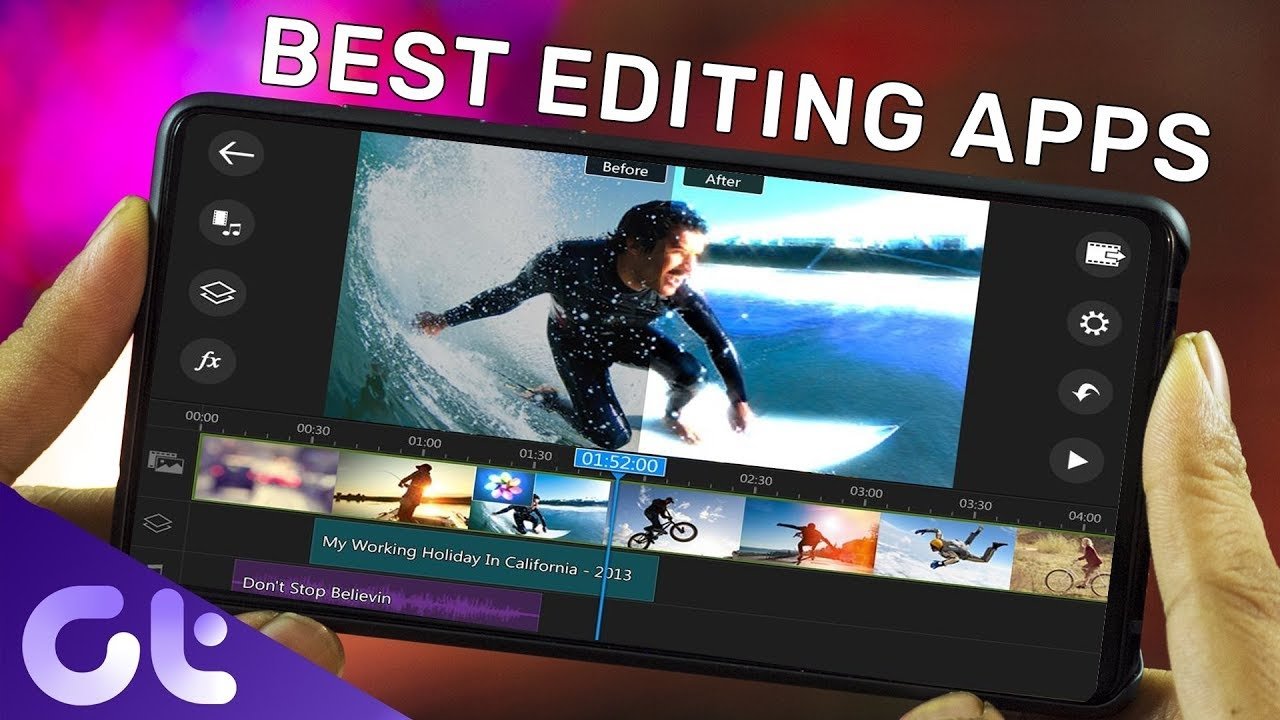
Top Best Editing Applications for Professional Content Creation
In the fast-growing world of digital content, choosing the best editing app is essential for creators who want to produce high-quality videos, photos, and social media content. Whether you’re a YouTuber, Instagram creator, freelancer, or marketing professional, the right video editing software can help boost engagement, audience retention, and even your monetization earnings. Below is a complete guide to the top best editing applications that offer powerful tools, user-friendly interfaces, and excellent performance for both beginners and professionals.
1. CapCut
CapCut is one of the most popular free editing apps for mobile and desktop users. It offers AI-powered tools such as auto captions, background removal, and motion tracking. With built-in transitions, effects, music libraries, and templates, CapCut makes video editing easy even for beginners. Its ability to export in high resolution makes it ideal for platforms like YouTube, TikTok, Instagram, and Facebook. This app is highly recommended for creators aiming to increase audience engagement and achieve better eCPM through polished content.
2. VN Video Editor
VN Video Editor is known for its clean interface and professional features. It supports multi-layer editing, keyframe animation, speed control, and color grading tools similar to those in high-end desktop editors. VN is completely free and does not leave a watermark, making it a top choice for beginners, vloggers, and travel content creators. Its lightweight performance and advanced timeline editing make it perfect for producing videos that attract high CPM advertisers.
3. KineMaster
KineMaster has long been a favorite among mobile editors because of its professional-grade tools. It includes chroma key (green screen), blending modes, voiceovers, audio mixing, and premium effects. The app offers both free and subscription-based plans, allowing creators to choose what fits their needs. KineMaster is perfect for gaming creators, educators, and YouTubers who need strong editing power to craft premium-quality videos that boost watch time and ad revenue.
4. PowerDirector
PowerDirector stands out with its fast rendering, 4K export, and AI-powered enhancement tools. It’s a great choice for those who want desktop-like editing on their mobile device. Features such as motion graphics, stabilizer, and video overlays help create highly professional content. PowerDirector is widely used by short-form video creators and marketers targeting high-value audiences.
5. InShot
InShot is one of the best apps for editing videos and photos for social media. It includes tools for trimming, merging, speed control, filters, text, and music. InShot also excels at creating vertical content, making it perfect for Instagram Reels, YouTube Shorts, and TikTok. Because short-form videos attract massive engagement, using InShot can help creators get higher eCPM through viral-friendly content.
6. Adobe Premiere Rush
Adobe Premiere Rush is a simplified version of Adobe Premiere Pro, built for creators on the go. It offers premium transitions, color presets, multi-track editing, and seamless integration with Adobe Creative Cloud. Premiere Rush is great for vloggers, filmmakers, and business creators who want consistent, high-quality video output that appeals to advertisers and premium audiences.
Conclusion
Choosing the best editing application depends on your style, content goals, and platform. CapCut and VN are perfect for free yet powerful editing. KineMaster and PowerDirector offer advanced features comparable to desktop editors. InShot is ideal for social media creators, while Adobe Premiere Rush suits professionals who want consistent branding and quality.
By using these top editing tools, you can create high-quality content that attracts more viewers,
increases retention, and boosts your monetization success with premium-value ads and high eCPM results.