How to Download All Documents in DigiLocker : Complete Guide
DigiLocker is one of India’s most secure and reliable cloud platforms for storing official documents such as Aadhaar, PAN Card, Driving Licence, Vehicle Registration Certificate, Insurance Papers, Educational Certificates, and more. For individuals who use digital services regularly—whether for banking, insurance, finance, travel, or government verifications—knowing how to download all documents in DigiLocker is extremely useful. This guide provides a clear, step-by-step process to help you download every document safely while maintaining the highest level of digital security.
What Is DigiLocker?
DigiLocker is a cloud-based document wallet launched under the Digital India initiative. It allows users to store, view, share, and download verified government-issued documents online. These documents are directly fetched from authoritative databases such as UIDAI, Income Tax Department, Ministry of Road Transport, CBSE, IRDAI, and various state departments. Because of this integration, all documents available in DigiLocker are legally valid and accepted across finance, insurance, banking, and travel sectors.
Steps to Download All Documents in DigiLocker
1. Log In to DigiLocker
To begin, visit the DigiLocker website or open the mobile app. Sign in using your registered mobile number, Aadhaar number, or username. You will receive an OTP for secure login. This secure OTP-based authentication ensures your digital identity remains protected from fraud and unauthorized access, which is important for all high-value services like banking and insurance.
2. Access the ‘Issued Documents’ Section
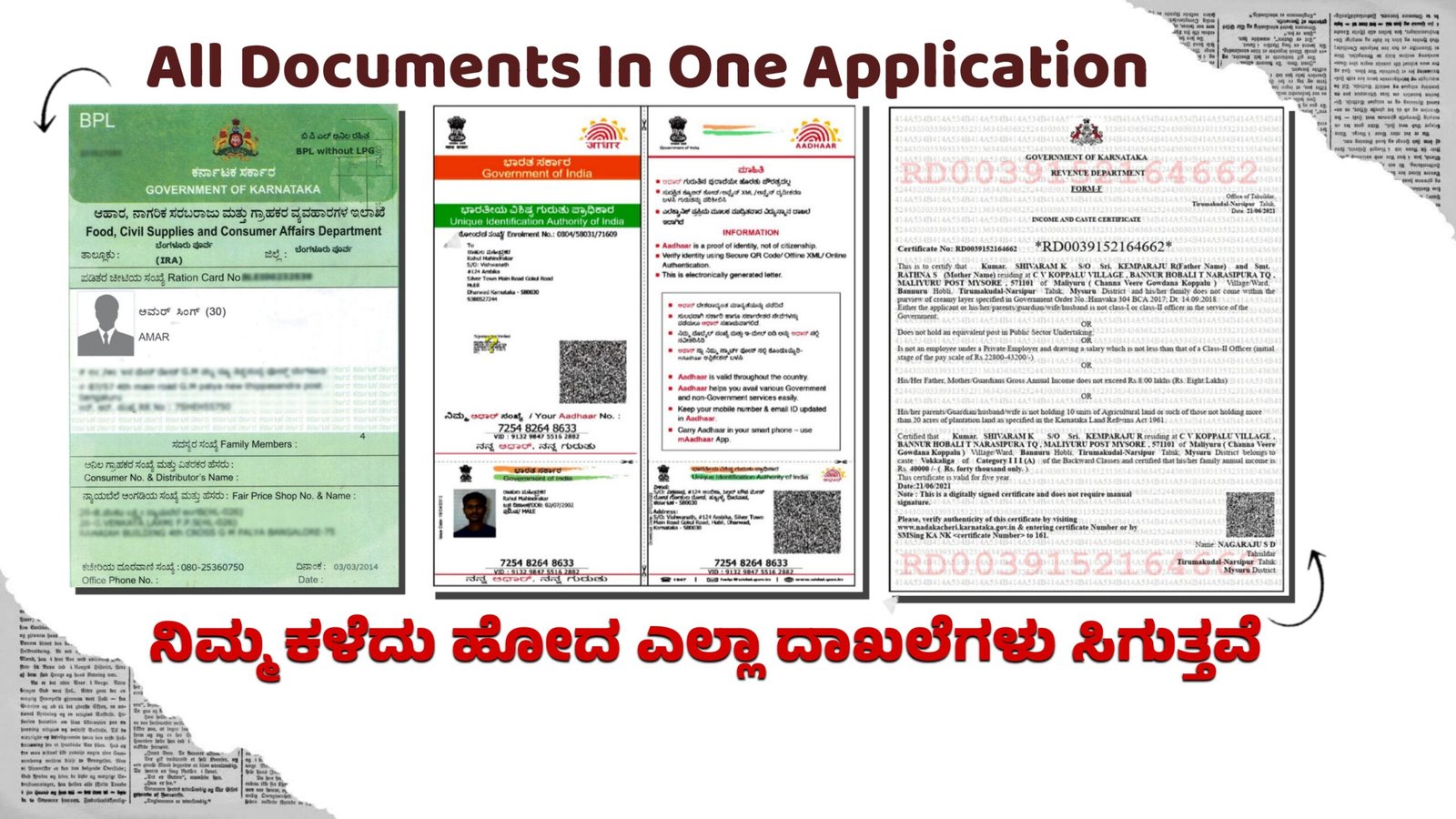
Once logged in, navigate to the “Issued Documents” tab. This area stores all your automatically fetched documents from government databases—such as your Driving Licence, RC, PAN, Aadhaar, Vehicle Insurance, and School Certificates. These documents are verified and directly issued by respective departments, making them 100% authentic.
3. Select the Document You Want to Download
Click on the document you wish to download. For example, if you want to download your Driving Licence, simply tap on it. A preview will appear, showing your official digital document. DigiLocker ensures all your files are stored in high quality, suitable for use in KYC verification, financial applications, insurance claims, and educational admissions.
4. Click the ‘Download’ Button
Below the preview window, you will see the ‘Download PDF’ or ‘Save to Device’ option. Tap on it to download the file. The document will be saved in PDF format, which is universally accepted across various online services, including loans, digital banking, mutual fund investments, and travel bookings.
5. Download ‘Uploaded Documents’ (If Needed)
Apart from issued documents, DigiLocker also allows users to upload their personal documents such as passports, medical reports, insurance papers, property documents, or bank statements. To download these files:
- Go to the ‘Uploaded Documents’ section
- Select the document
- Tap Download
This makes DigiLocker a powerful digital storage vault for users who handle multiple high-value documents related to business, finance, real estate, and taxation.
Why Download Documents from DigiLocker?
Downloading your documents is not only convenient but also beneficial in situations where you need instant access for:
- Bank account opening
- Loan applications
- Insurance claims
- Digital KYC verification
- Travel and hotel check-ins
- University admissions
- Government job applications
Having all documents stored securely and downloadable at any time increases efficiency and reduces dependency on physical files.
Conclusion
DigiLocker is a highly secure and efficient platform that helps you access and download all your important documents within minutes. Its integration with key government departments ensures your files are authentic, verified, and accepted across sectors such as finance,
insurance, banking, and digital services. By following the simple steps above, you can safely download and use your documents anytime, anywhere.