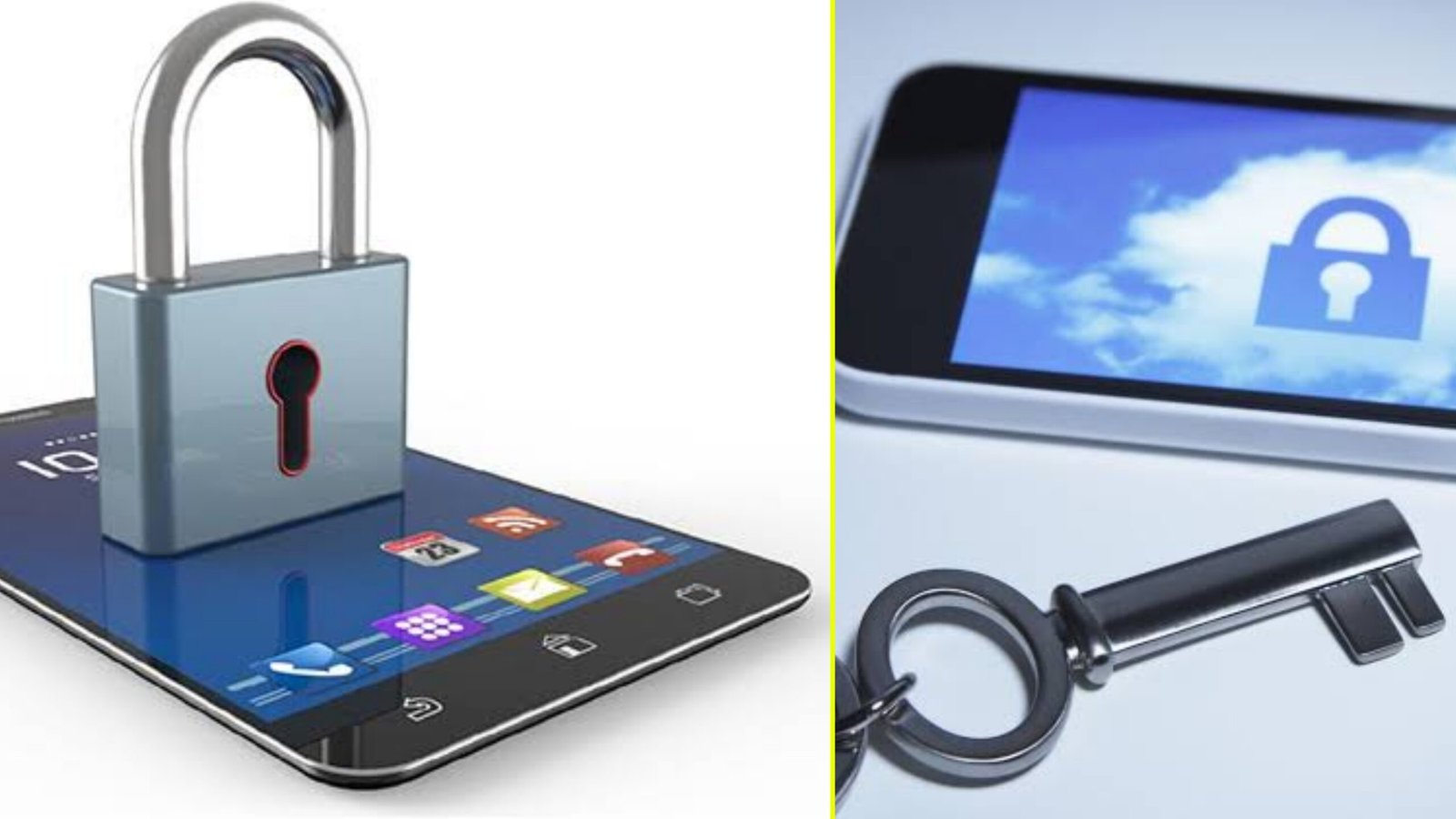
A mobile lock screen app is a security and personalization tool designed to manage access to a smartphone and provide a tailored user experience. These apps serve as the first interface a user interacts with when turning on their phone. They enhance both functionality and security, offering various features that cater to user needs.
Key Features:
- Security:
- Lock screen apps provide authentication methods like PIN, password, pattern, fingerprint, or face recognition to prevent unauthorized access.
- Advanced apps include multi-layer security features like anti-theft measures, intruder selfies, and remote lock options.
- Customization:
- These apps allow users to personalize their lock screens with themes, wallpapers, widgets, and shortcuts.
- Dynamic wallpapers, animations, or daily updates enhance aesthetic appeal.
- Convenience:
- Quick access to essential tools such as the camera, flashlight, notifications, and music controls without unlocking the phone.
- Some apps integrate with smart assistants or offer gesture controls for added efficiency.
- Notifications Management:
- Display notifications directly on the lock screen, with options to respond, dismiss, or prioritize them.
- Enhanced privacy options to hide sensitive content while still showing alerts.
- Smart Features:
- Context-aware functionalities, such as automatic unlocking when connected to trusted devices or in specific locations.
- Weather updates, calendar events, and news headlines on the lock screen.
- Battery Optimization:
- Many apps optimize power consumption by offering features like dark mode or selective display of animations.
- Ad-Free or Premium Versions:
- While some lock screen apps are free, premium versions offer advanced features like ad-free experiences, additional themes, and enhanced security options.
Benefits:
- Enhanced Security: Protects personal data from unauthorized access.
- Improved Productivity: Quick access to tools and notifications saves time.
- Personalization: Creates a more engaging and visually appealing interface.
- Versatility: Works across different devices and operating systems.
Popular Lock Screen Apps:
- Microsoft Start (formerly Next Lock Screen): Known for productivity features.
- CM Locker: Offers anti-theft functionalities.
- Hi Locker: Combines classic and modern styles with smart features.
In summary, mobile lock screen apps are essential tools that balance security, functionality, and personalization, enhancing the overall smartphone experience