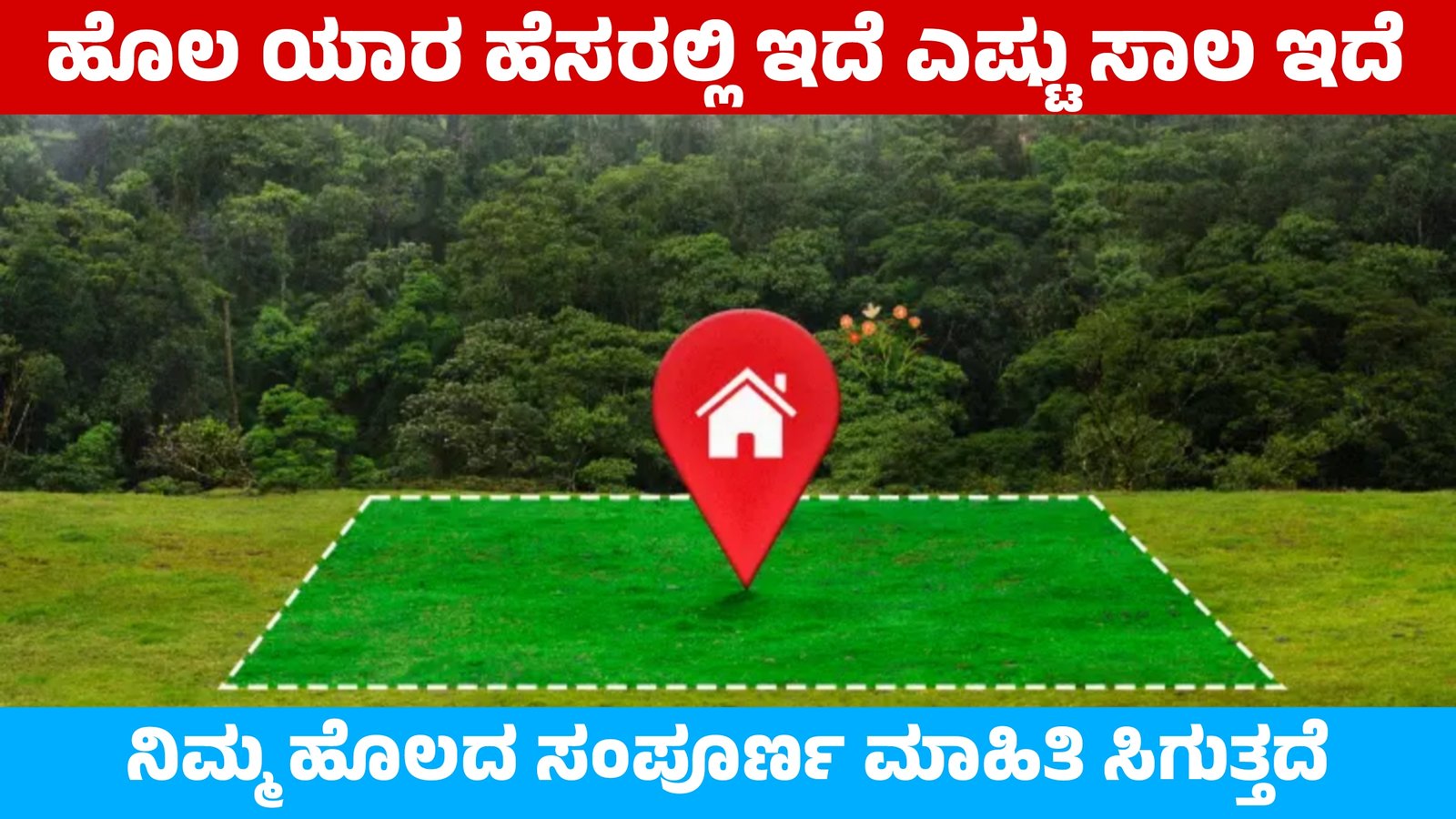
How to Check My Land Full Details and Loans Information Online Step-by-Step Guide
Knowing your land records is important for every property owner. Today, you can easily check land full details, land ownership, land map (Bhulekh), survey number, Pattadar details, and land loans information online without visiting any office. Almost every state has a digital land portal that helps farmers and landowners access their property records instantly. This guide explains how to check land details and verify loan records on land using safe and official methods.
What Are Online Land Records?
Online land records are digital copies of government property documents. These portals display essential details like:
- Owner name (Pattadar / Khatadar)
- Survey number / Khata number
- Land transfer and mutation history
- Crop details and tenancy information
- Land map (Bhunaksha)
- Encumbrance certificate (loan record)
- Soil classification and land use type
These records are highly useful for property verification, agriculture loans, buying or selling land, and legal documentation.
How to Check Land Details Online?
You can check land information using state government portals. Most websites fall under Bhulekh, Bhunaksha, Bhu-Naksha, DLR, Jamabandi, and E-Dharti portals. Follow these steps:
Step 1: Visit Your State Land Portal
Search in Google:
“Your State Name + Bhulekh + Land Records”
Example: Maharashtra Bhulekh, Telangana Dharani, Uttar Pradesh Bhulekh, Karnataka Bhoomi, Tamil Nadu Patta Chitta.
Step 2: Select Location
- Choose District
- Select Taluka/Tehsil
- Select Village
- Enter Survey Number / Khata Number / Owner Name
Step 3: View and Download Record
Click on View Record / Search Record and download the PDF. You can print it for future use.
How to Check Land Loans and Encumbrance Certificate (EC)?
If you want to check whether a loan is taken on land, you must download the Encumbrance Certificate (EC). Most states provide EC online through the Registration and Stamps Department Portal.
Steps to Check Loan Status on Land
- Go to your State Registration Department Website
- Click on Encumbrance Certificate / EC Search
- Enter Survey Number or Document Number
- Enter Property Details (Area, District, Sub-Registrar Office)
- Submit and download the EC
If the Encumbrance Certificate shows any financial transaction, it confirms that a loan or mortgage is applied on the land.
EC helps buyers ensure the land is free from pending loans or disputes.
Top Benefits of Checking Land Records Online
- 24×7 access to property documents
- No need to visit government offices
- Free or very low-cost services
- Helps identify fake land sellers
- Avoids duplicate property registration
- Important for legal verification and bank loans
Safety Tips While Checking or Using Online Land Data
- Always use government portals only
- Avoid sharing your Aadhaar number or personal banking details
- Do not trust unofficial agents or fake websites
- For legal confirmation, consult a licensed lawyer or surveyor
Final Words
Knowing land details and loan status online helps protect your property from fraud and legal issues. Using state land portals, Bhulekh, Bhunaksha, and EC services, every landowner can get accurate and official records in minutes. Stay informed, stay safe, and secure your property with digital land records.