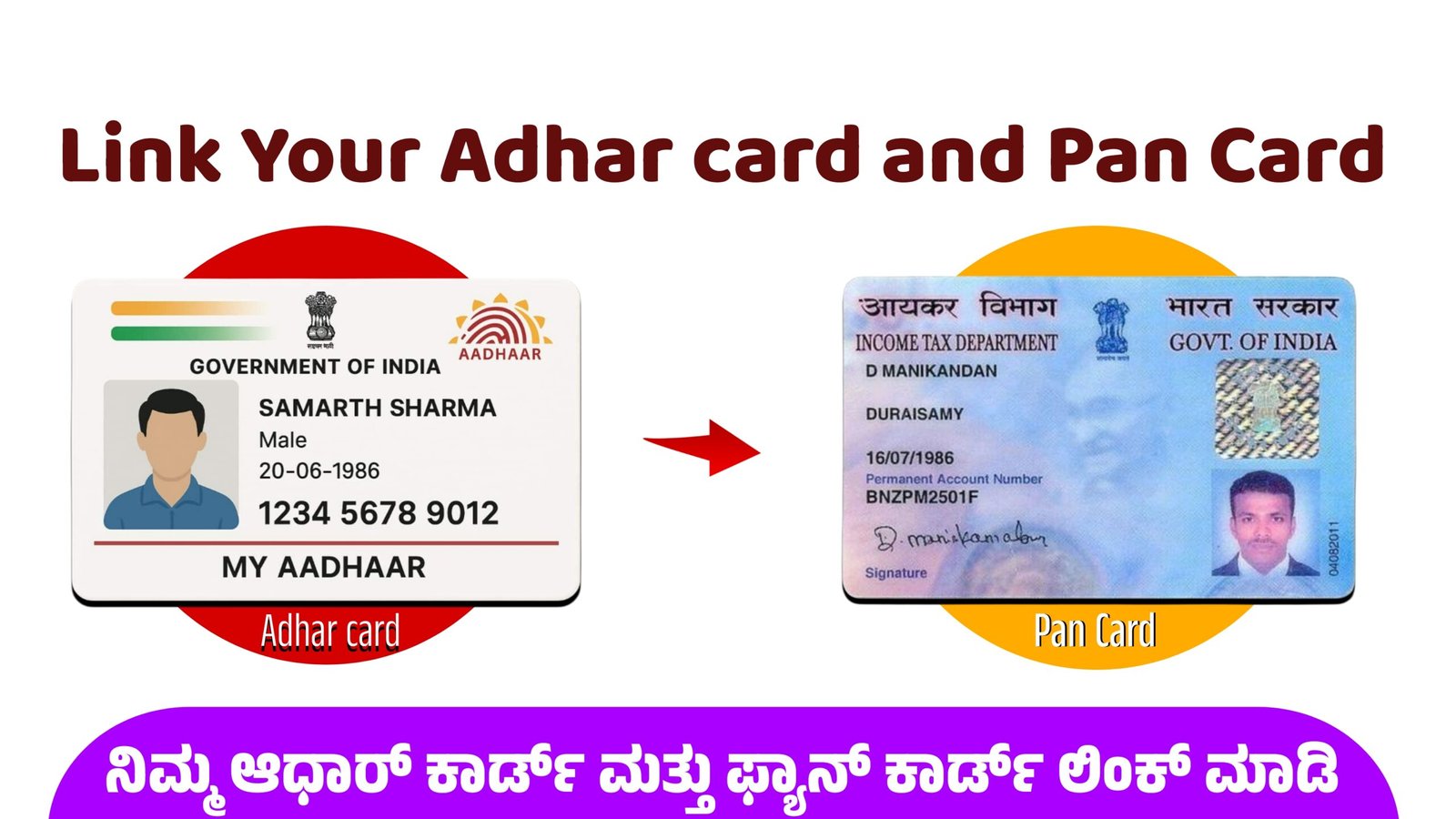
How to Link Aadhaar Card and PAN Card – Complete Step-by-Step Guide
Linking your Aadhaar card with your PAN card is one of the most important compliance steps for Indian taxpayers. The Government of India has made the Aadhaar–PAN link mandatory to ensure smooth identity verification, reduce tax fraud, and streamline online KYC procedures. Without completing the Aadhaar PAN linking process, individuals may face issues in income tax filing, refund processing, and validation of financial documents. Here is a complete, easy-to-understand guide on how to link Aadhaar card and PAN card online and offline.
Why Linking Aadhaar and PAN Is Important
The Aadhaar PAN link helps the government maintain accurate financial records and ensure that each taxpayer has a unique identity. It prevents the use of multiple PAN cards, strengthens tax compliance, and makes financial transactions more secure. For users, it simplifies everything from online KYC verification to opening bank accounts, investing in mutual funds, and submitting digital documents on the Income Tax e-Filing portal. If your PAN is not linked with Aadhaar, your PAN can become inoperative, which means you cannot complete several essential financial tasks.
How to Link Aadhaar Card and PAN Card Online
The easiest way to complete the Aadhaar PAN linking process is through the official Income Tax e-Filing portal. Follow the steps below:
Step 1: Visit the Official Website
Go to the Income Tax e-Filing portal. On the home page, you will find the option “Link Aadhaar” under the Quick Links section.
Step 2: Enter Your Aadhaar and PAN Details
You will be asked to enter:
- PAN number
- Aadhaar number
- Your name as per Aadhaar
- Mobile number
Make sure your personal details match exactly. Even small spelling differences can cause verification errors.
Step 3: Verify With OTP
Once you submit your details, an OTP will be sent to your registered mobile number linked with Aadhaar. Enter the OTP to continue the process.
Step 4: Pay the Linking Fee (If Applicable)
As per current rules, linking Aadhaar and PAN after the due date may require a fee. You can complete the payment online through net banking, UPI, debit card, or other supported modes.
Step 5: Final Confirmation
After successfully verifying the OTP and completing the payment, the portal will process your request. You will receive a confirmation message once the Aadhaar PAN link is completed.
How to Link Aadhaar Card and PAN Card Through SMS
If you prefer an offline method, you can use an SMS service. Follow this format:
UIDPAN Aadhaar Number PAN Number
Send the message to 567678 or 56161.
Example:UIDPAN 123456789012 ABCDE1234F
If your details match, your Aadhaar PAN linking request will be processed.
Common Issues and How to Solve Them
- Mismatch of Name or Date of Birth
- Update Aadhaar through the UIDAI portal or update PAN through NSDL before linking.
- Mobile Number Not Registered With Aadhaar
- Visit an Aadhaar Seva Kendra to update your number.
- Payment Not Reflected
- Wait 24 hours and then retry linking on the e-filing portal.
Final Thoughts
Completing the Aadhaar PAN link process is quick, simple, and essential for smooth financial operations. Whether you want to file your income tax return, complete online KYC, or manage investment accounts, linking these two documents ensures seamless identity verification. With the government’s focus on digital compliance, it is important to
Link Now – Click Here
complete the Aadhaar PAN linking process as soon as possible to avoid future complications.