How to Get Your Property Details on Mobile 2026
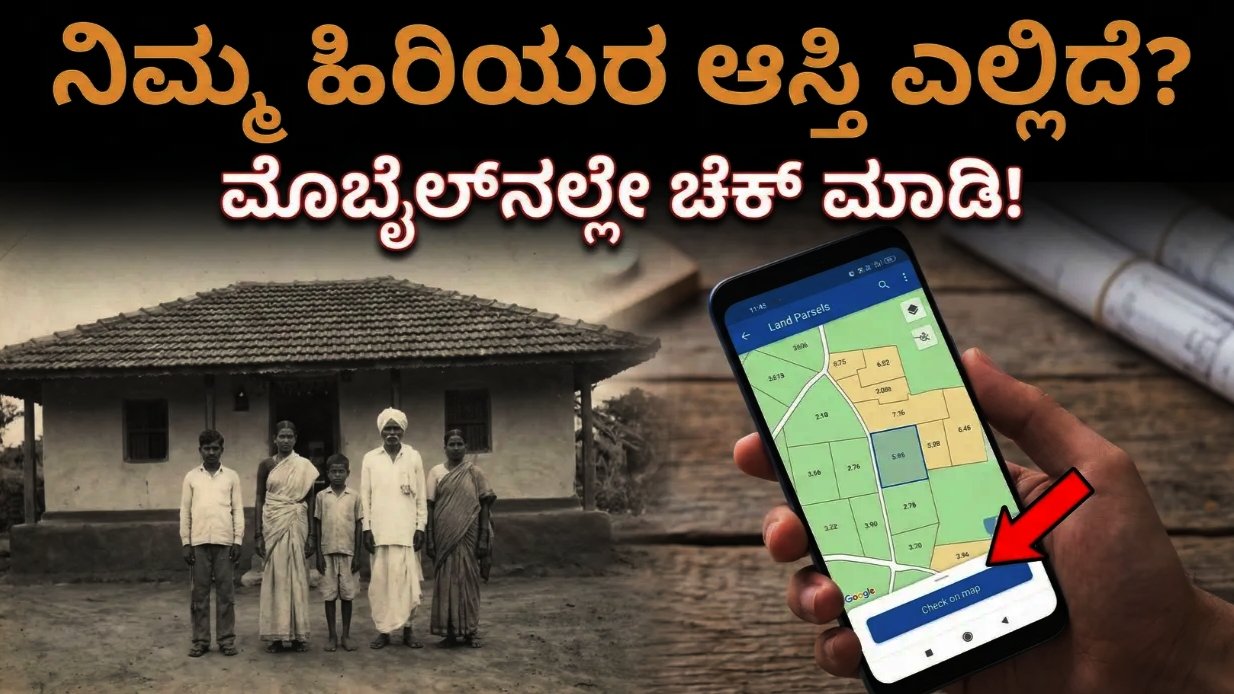
In today’s digital era, checking your property details online using a mobile phone has become very simple. The Government of India and state governments have introduced online land record portals so citizens can easily access their property information, ownership details, survey number, land records, and tax information without visiting government offices. This digital system helps people save time and ensures transparency in land records.
If you want to get your property details on mobile, follow the steps below.
1. Visit the Official Land Records Website
Every state in India has its own online land records portal. For example, in Karnataka the official website is Bhoomi Karnataka Land Records Portal, which provides access to land information such as RTC (Record of Rights), survey number, owner name, and land type.
Open your mobile browser such as Google Chrome and visit the official portal.
This website is managed by the Government of Karnataka and allows citizens to check property details online.
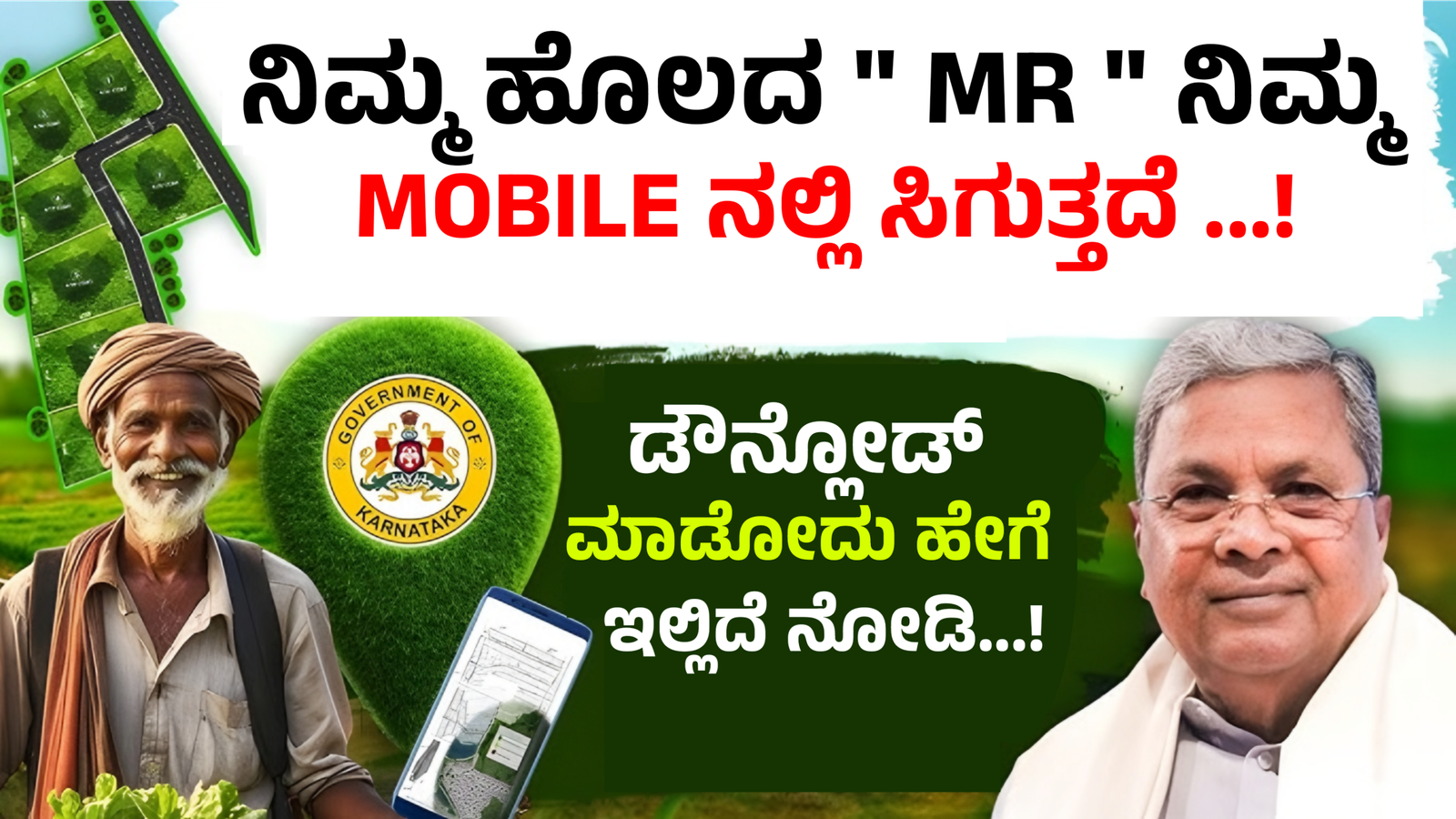
2. Select the “View RTC and MR” Option
After opening the website, you will see different services related to land records. Choose the option “View RTC and MR”.
RTC stands for Record of Rights, Tenancy, and Crops, which contains complete information about the land owner and property.
3. Enter Property Information
Now you need to enter some details related to your property, such as:
- District
- Taluk
- Hobli
- Village
- Survey Number
These details help the system locate the exact land record stored in the government database.
4. Submit the Details
After filling in the required information, click the “Fetch Details” or “Submit” button. Within a few seconds, the portal will display the full property information on your mobile screen.
5. Check the Property Record
Once the details appear, you can see important information such as:
- Property owner name
- Survey number
- Land size and classification
- Type of land (agricultural or residential)
- Mutation number
- Cultivation details
This digital document acts as an official reference for land ownership.
6. Download or Save the Document
Most portals allow you to download or print the land record as a PDF file. You can save the file on your mobile for future reference or share it with banks, government offices, or legal authorities when required.
Benefits of Checking Property Details Online
There are many advantages to accessing property details on your mobile:
- No need to visit the Taluk office
- Saves time and travel expenses
- Transparent and secure information
- Easy verification of land ownership
- Helps during property purchase or sale
Online land record systems also help reduce fraud and illegal property transactions.
Important Tips
Before checking property details online, keep the following points in mind:
- Always use the official government website.
- Enter the correct survey number and village details.
- Use a secure internet connection on your mobile device.
- If records are not updated, contact your local revenue office.
Conclusion
Getting your property details on a mobile phone is now quick and convenient thanks to digital land record systems. By using official portals like the Bhoomi Karnataka Land Records Portal, citizens can easily check land ownership, survey numbers, and mutation records anytime from home. This online service improves transparency and makes property management much easier for landowners across India.