How to Check My Land Details Using the Best Application in India
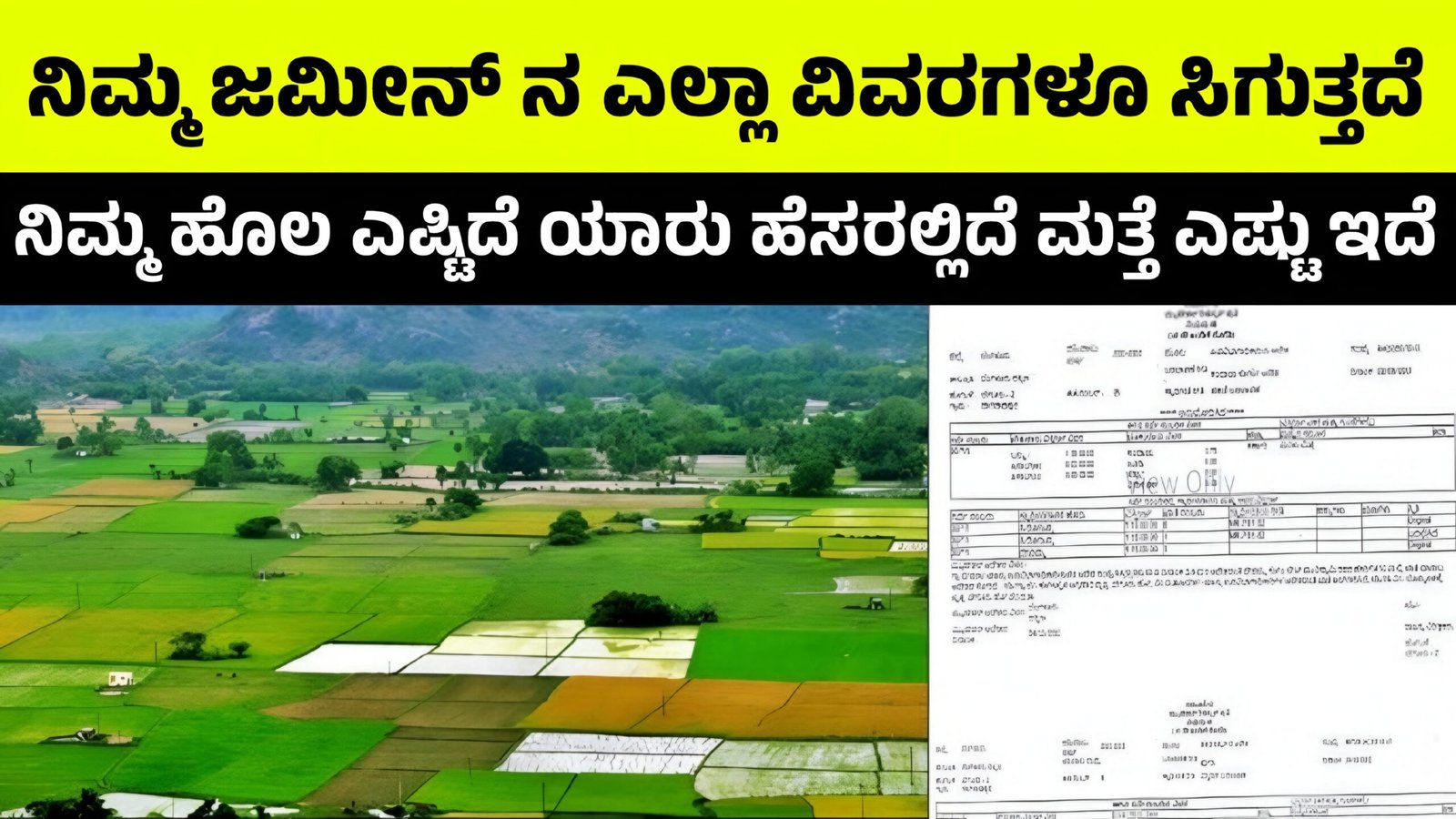
Checking land details has become very easy in India due to the availability of official government mobile applications and online portals. Earlier, people had to visit the village office, taluk office, or revenue department and wait for days to get land records. Today, with the help of the best land record applications, you can check your land details anytime from your mobile phone.
This article explains how to check land details, which is the best application, and step-by-step process in a simple and clear manner.
What Are Land Details?
Land details include important information such as:
- Owner name
- Survey number
- Land size and boundaries
- Type of land (agricultural / non-agricultural)
- RTC / Pahani details
- Khata details
- Encumbrance (loan or legal issues)
These records are officially maintained by the state revenue departments.
Best Application to Check Land Details in India
There is no single app for the entire country, but each state has its own official land record application. These apps are government-approved and safe to use.
1. Bhoomi App (Best for Karnataka)
For Karnataka residents, Bhoomi Land Records App is the best and most trusted application.
Key Features:
- View RTC (Record of Rights, Tenancy & Crops)
- Check owner name
- Survey number details
- Land area and crop details
- Mutation status
Who Should Use It:
Farmers, landowners, buyers, and sellers in Karnataka.
2. Bhulekh App (Other States)
Many states like Uttar Pradesh, Bihar, Odisha, Madhya Pradesh, and Rajasthan use Bhulekh portals or apps.
Common Features:
- Khata number search
- Khasra and Khatauni details
- Land ownership details
- Download land record copy
3. Dharani App (Telangana)
Telangana users can check land records using the Dharani App.
Features:
- Pattadar passbook details
- Land transaction status
- Mutation and registration info
Step-by-Step Guide: How to Check Land Details Using Bhoomi App (Karnataka)
Follow these simple steps:
Step 1: Download the App
- Open Google Play Store
- Search for “Bhoomi – Karnataka Land Records”
- Install the official app
Step 2: Open the Application
- Select your preferred language (Kannada or English)
Step 3: Choose “View RTC”
- Click on RTC Services
- Select View RTC / Pahani
Step 4: Enter Land Information
You need to enter:
- District
- Taluk
- Hobli
- Village
- Survey number
Step 5: Submit and View Details
- Click on Fetch Details
- Your land details will appear on the screen
You can also download or take a screenshot for reference.
Documents Needed to Check Land Details
You do not need physical documents, but having the following information helps:
- Survey number
- Owner name (optional)
- Village name
- Taluk and district
Benefits of Using Land Record Applications
Saves time and money
No need to visit government offices
Reduces corruption and middlemen
Easy access to verified data
Helps before buying or selling land
Important Things to Remember
- Always use official government apps only
- Details shown are for information purposes
- For legal transactions, get certified copies
- Keep your survey number safe
- Check land details regularly to avoid fraud
Conclusion
Using the best land record application is the safest and fastest way to check your land details in India. For Karnataka residents, the Bhoomi App is the most reliable option. Other states also provide similar official apps like Bhulekh and Dharani. These applications bring transparency, convenience, and trust to land record management.