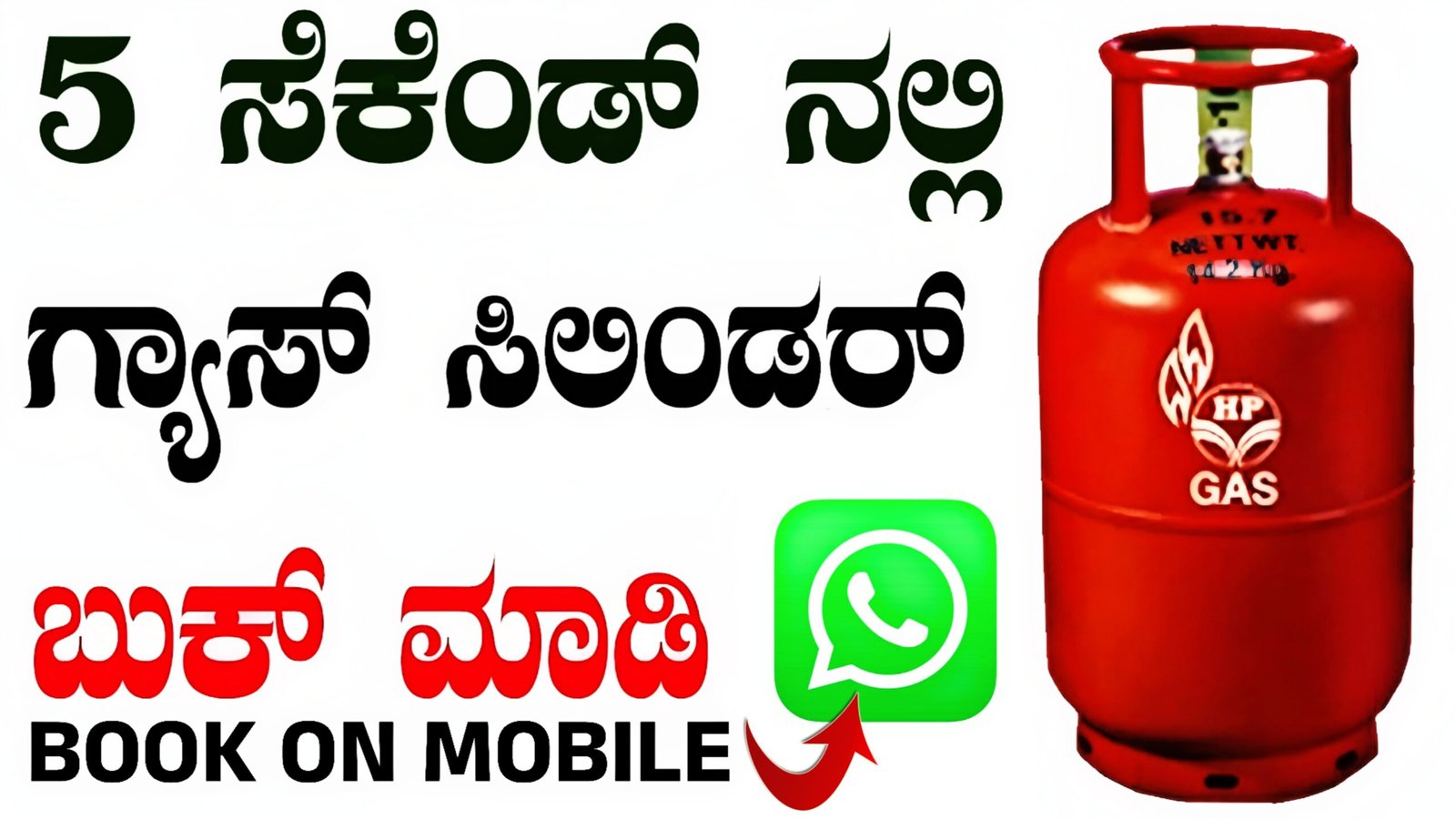
How to Book a Gas Cylinder on Mobile
Booking an LPG gas cylinder using your mobile phone is now the easiest and fastest way to ensure uninterrupted cooking gas supply at home. In India, major gas providers like Indane, Bharat Gas, and HP Gas offer multiple mobile-based booking options. This guide explains how to book a gas cylinder on mobile, using apps, SMS, WhatsApp, IVR, and online portals with clear steps and unique keywords.
1. Gas Cylinder Booking Using Mobile App
Most LPG companies provide official mobile apps for Android and iOS users.
Steps to Book via App:
- Open the Google Play Store and install your provider’s app:
- Indane Gas App
- Bharat Gas App
- HP Pay / HP Gas App
- Register using your mobile number linked with LPG consumer ID.
- Log in with OTP verification.
- Select “Book Refill” or “Book Cylinder”.
- Confirm your address and distributor.
- Click Submit Booking Request.
- You will receive a booking reference number via SMS.
Benefits:
Fast, paperless, track delivery, digital payment support.
2. Gas Cylinder Booking via SMS
If you don’t use apps, you can book a cylinder by sending an SMS.
Steps:
- Register your mobile number with your gas agency.
- Send SMS in this format:
- For Indane: Send
REFILLto your local Indane booking number. - For Bharat Gas: Send
LPGto the official SMS number. - For HP Gas: Send
BOOKto the HP Gas SMS number.
- For Indane: Send
- You will receive a confirmation message with booking ID.
Keywords: LPG SMS booking, mobile refill request, gas booking by message.
3. Gas Cylinder Booking via WhatsApp
Some gas agencies support WhatsApp LPG booking.
Steps:
- Save your distributor’s WhatsApp number.
- Send a message:
HiorBook Gas - Follow the auto-reply instructions.
- Confirm your consumer number.
- Get your booking confirmation instantly.
Benefits:
No app needed, easy chat-based booking.
4. Gas Cylinder Booking via IVR (Calling from Mobile)
You can also book by calling a toll-free number.
Steps:
- Call the official IVR number of your LPG provider.
- Choose your language.
- Select “Book Refill” option.
- Confirm your registered mobile number.
- Booking confirmation SMS will be sent.
Keywords: IVR gas booking, call to book LPG cylinder.
5. Online Gas Booking Using Mobile Browser
You can use your mobile browser to book LPG.
Steps:
- Open the official website of Indane / Bharat Gas / HP Gas.
- Log in using your registered mobile number.
- Click on “Book Refill”.
- Submit your request and track delivery.
6. How to Pay for Gas Cylinder Using Mobile
After booking, you can pay using:
- UPI apps (Google Pay, PhonePe, Paytm)
- Debit card / Credit card
- Net banking
- Cash on delivery (if supported)
Digital payment helps you track subsidy directly into your bank account.
7. Important Tips for Mobile Gas Booking
- Always use registered mobile number.
- Keep your consumer ID handy.
- Update your address if you change location.
- Track booking using the reference number.
- Contact distributor if delivery is delayed.
Conclusion
Booking a gas cylinder using your mobile is simple, fast, and safe. Whether you use a mobile app, SMS, WhatsApp, IVR call, or website, you can book LPG in just a few minutes without visiting the gas agency. With digital payment and delivery tracking, mobile gas booking is the smart choice for every Indian household.
WhatsApp Numbers :
HP GAS : – 92222 01122
INDIAN GAS : – 75888 88824
BHARAT GAS : – 1800 22 4344