How to Apply for Karnataka Government Smart Card in Mobile
The Karnataka Government Smart Card is a digital identity-based card issued under various welfare departments to deliver benefits directly to eligible citizens. These smart cards are linked with subsidy schemes, healthcare services, food security programs, labour benefits, and transport concessions managed by the Government of Karnataka. Citizens can easily apply for most smart card services online using their mobile phone through the official state portal.
This article explains the complete step-by-step process, required documents, eligibility details, and online tracking method.
What is Karnataka Government Smart Card?
A Karnataka Smart Card is an electronic benefit card integrated with Aadhaar and government databases. It helps the state government provide transparent and fast delivery of public welfare schemes. Depending on the department, the smart card may relate to:
- Food and Civil Supplies (Ration Smart Card)
- Health Insurance Card
- Labour Welfare Smart Card
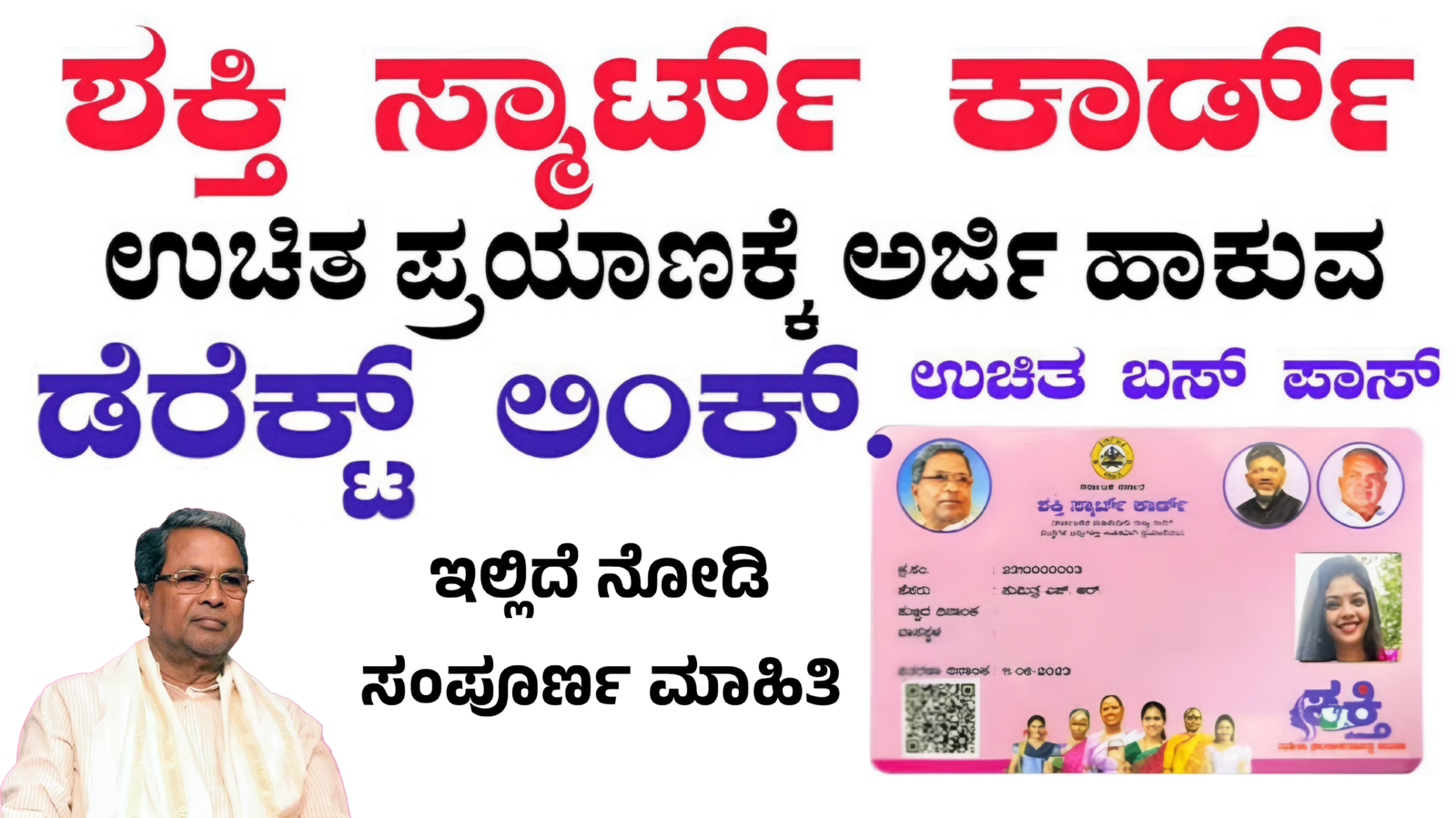
- Student Bus Pass Smart Card
- Social Security Pension Card
Each department provides application access through the official e-governance platform.
Official Portal to Apply Smart Card Online
The Karnataka Government provides online services through the centralized portal:
This portal allows citizens to register, apply for schemes, upload documents, and track application status directly from mobile.
Documents Required for Smart Card Application
Before applying online, keep these documents ready in your mobile:
- Aadhaar Card (mandatory)
- Aadhaar linked mobile number
- Passport size photograph
- Address proof
- Income certificate (if required)
- Caste certificate (if applicable)
- Bank account details
- Existing ID proof
Ensure documents are clearly scanned and readable in JPG or PDF format.
Step-by-Step Process to Apply Karnataka Smart Card Using Mobile
Step 1: Open Official Website
Open Chrome browser on your mobile and visit the Seva Sindhu portal. Avoid third-party websites for security reasons.
Step 2: Register or Login
- Click on “New User Register”
- Enter Aadhaar number
- Verify with OTP sent to registered mobile number
- Create username and password
If already registered, login using credentials.
Step 3: Select Department and Service
After login:
- Click on “Apply for Services”
- Choose the relevant department
- Select the Smart Card service
Read eligibility guidelines carefully before proceeding.
Step 4: Fill Online Application Form
Enter personal details such as:
- Name (as per Aadhaar)
- Address
- Family details
- Bank account number
Upload required documents and verify information.
Step 5: Pay Service Fee (If Applicable)
Some smart card services may require a small processing fee. Payment options include:
- UPI
- Debit Card
- Net Banking
After successful payment, download the acknowledgment receipt.
How to Track Karnataka Smart Card Application Status
You can check your application status through:
- Seva Sindhu “Track Application” option
- Karnataka One portal
Enter your reference number to view approval progress.
How to Download Smart Card Online
Once approved:
- Login to Seva Sindhu
- Go to “Issued Documents”
- Download Smart Card PDF
- Print for future use
Some departments may dispatch physical smart cards by post.
Important Tips for Fast Approval
- Ensure Aadhaar and mobile number are linked
- Upload clear documents
- Double-check bank details
- Apply only through official portals
- Save application reference number
Conclusion
Applying for Karnataka Government Smart Card through mobile is simple, secure, and time-saving. The Seva Sindhu online portal enables citizens to access multiple welfare services without visiting government offices. By following the above step-by-step guide, eligible applicants can complete smart card registration, track status, and download the card easily from home.