How to Apply for a Voter ID Card on Mobile: Complete Step-by-Step Guide
A Voter ID card is an essential identity document that allows every eligible Indian citizen to participate in elections. With digital services expanding rapidly, applying for a Voter ID card is now easier than ever. You can complete the entire process using just your mobile phone, without visiting any government office. Here is a simple, unique, and plagiarism-free guide to help you apply for a Voter ID card through your smartphone.
1. What Is a Voter ID Card and Why Is It Important?
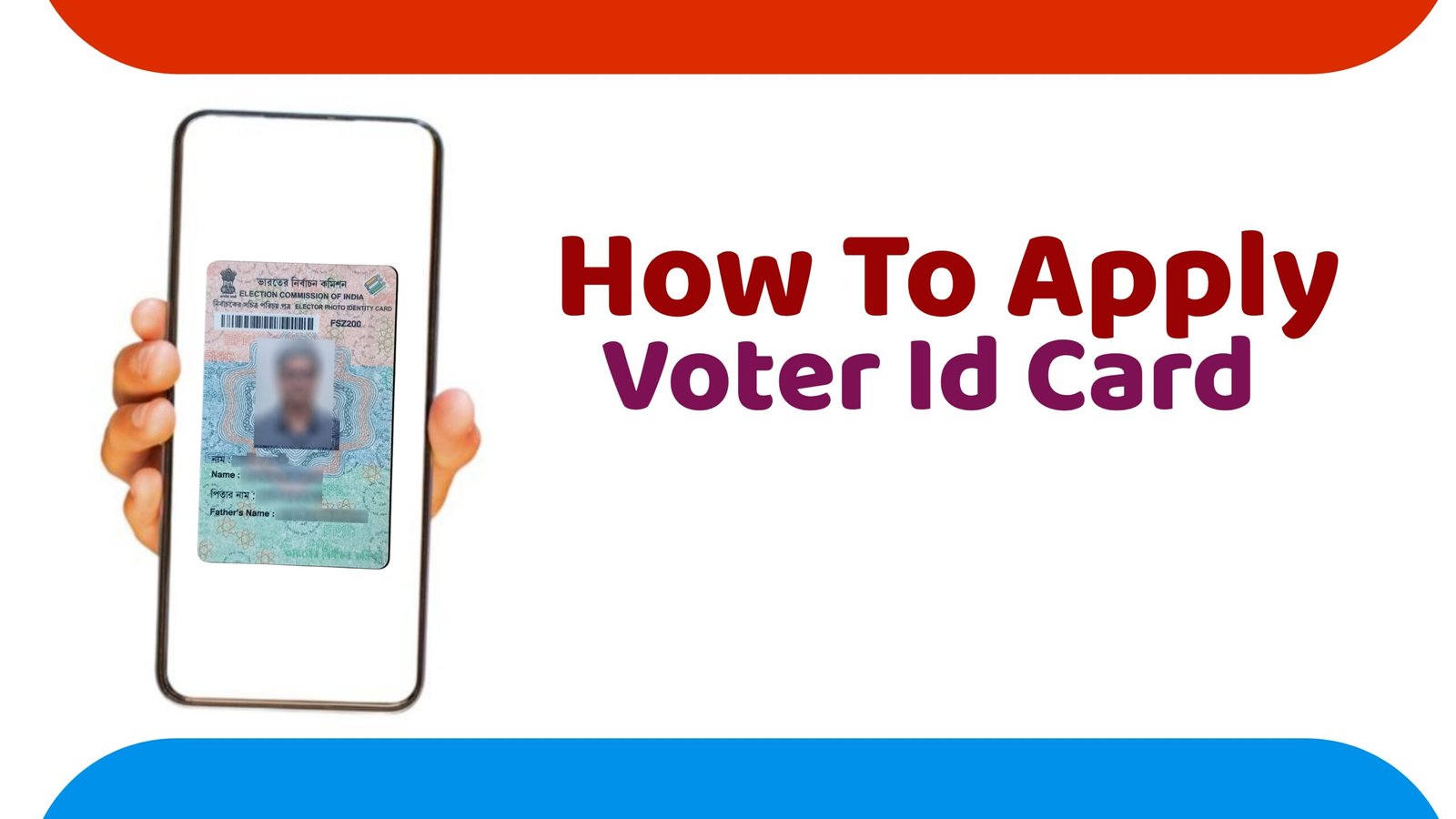
A Voter ID, also known as the EPIC (Electors Photo Identity Card), is issued by the Election Commission of India. It serves three major purposes:
- Works as valid identity proof
- Allows you to vote in elections
- Helps maintain accurate voter records
In today’s digital age, applying for it has become more convenient, thanks to mobile-friendly platforms like NVSP (National Voter Service Portal) and the Voter Helpline App.
2. How to Apply for a Voter ID Card Using Mobile
You can apply for your Voter ID using two methods on mobile:
- Through the Voter Helpline Mobile App
- Through the NVSP website on your phone browser
Below is the complete step-by-step process for both.
Method 1: Apply Using Voter Helpline App
Step 1: Install the App
Go to the Google Play Store or Apple App Store and search for “Voter Helpline App”. Download and install it.
Step 2: Register or Log In
Open the app and sign up using your mobile number. Enter the OTP to verify.
Step 3: Select ‘Voter Registration’
On the app dashboard, tap “New Voter Registration” if you are applying for the first time.
Step 4: Fill Form 6
Form 6 is used for adding your name to the voter list. You will need to enter:
- Full name
- Date of birth
- Gender
- Current address
- Family details
Make sure all information is correct, as this will appear on your Voter ID.
Step 5: Upload Required Documents
You will need to upload clear photos of:
- Address proof (Aadhaar, ration card, electricity bill, etc.)
- Age proof (birth certificate, school certificate, etc.)
- Passport-size photograph
Ensure the images are clean and readable.
Step 6: Submit the Application
Review the details and tap Submit. You will receive a reference number to check your application status.
Method 2: Apply Using NVSP Mobile Website
If you don’t want to install an app, you can apply through the NVSP website using your mobile browser.
Step 1: Visit NVSP Portal
Open your mobile browser and go to nvsp.in.
Step 2: Create an Account
Sign up with your mobile number and verify with OTP.
Step 3: Select “New Voter Registration”
Click on Form 6 for first-time voter registration.
Step 4: Fill the Online Form
Enter your personal, residential, and family details carefully.
Step 5: Upload Documents
Upload scanned copies or clear photos of your ID proof and photo.
Step 6: Final Submission
Submit the form and note your reference ID.
3. What Happens After Submission?
Once you submit the application:
- A Booth Level Officer (BLO) may visit your home for verification.
- After verification, your name will be added to the voter list.
- The Election Commission will process and issue your Voter ID.
- You can also download a digital Voter ID (e-EPIC) through the app.
4. Important Tips for Faster Approval
- Use clear, high-quality photos when uploading documents.
- Ensure your mobile number is active for verification calls or messages.
- Double-check spelling details to avoid corrections later.
- Keep your reference number safe.
Conclusion
Applying for a Voter ID card on mobile is fast, simple, and completely online. The Voter Helpline App and NVSP portal make the process convenient, saving time and effort. By following the steps above, you can easily apply for your
Voter ID from the comfort of your home and ensure your participation in democracy.