
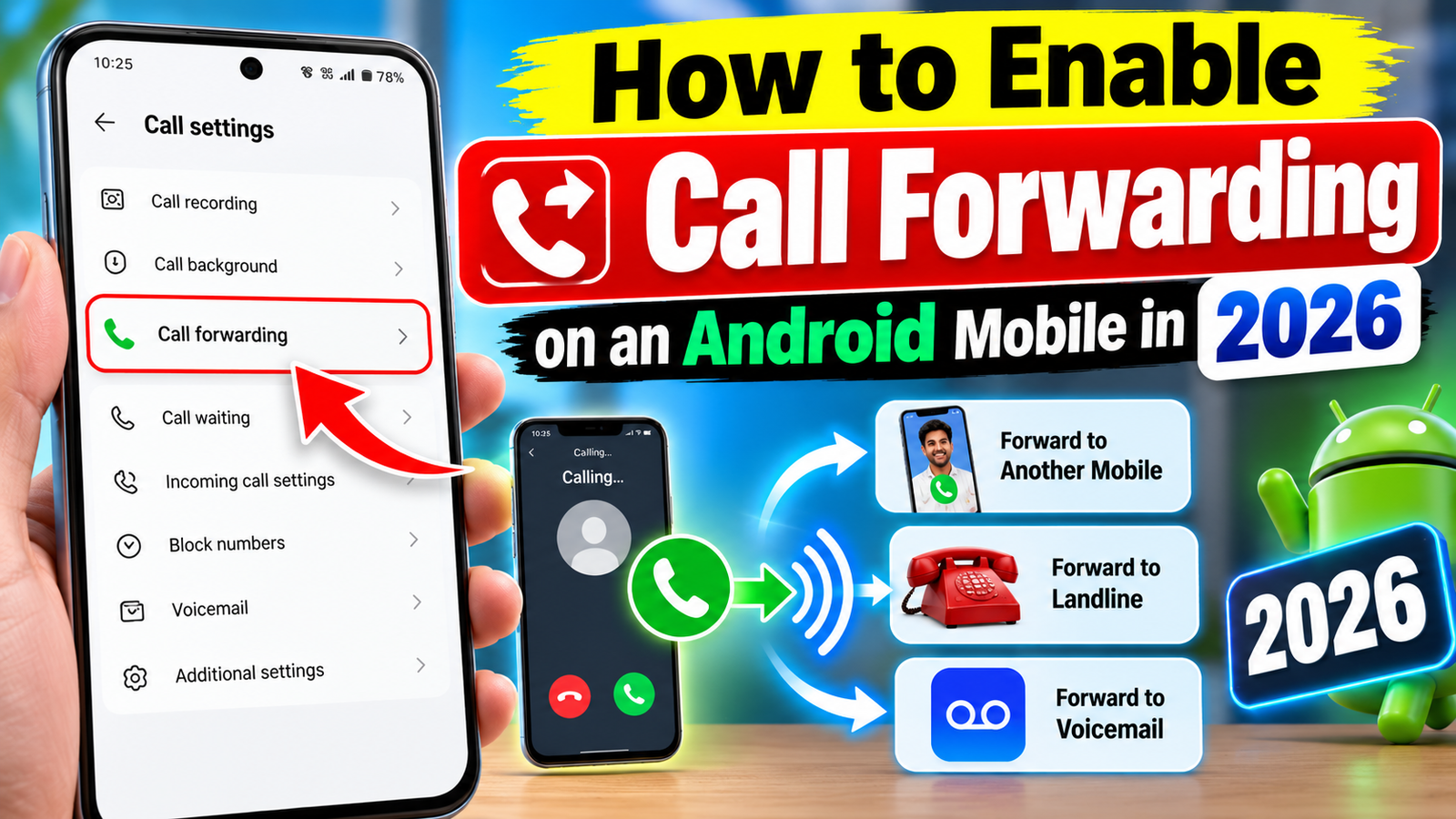
How to Enable Call Forwarding on an Android Mobile in 2026
Call forwarding is a useful mobile feature that allows incoming calls to be redirected from one phone number to another. It can be helpful when your phone is switched off, you are busy, have no network coverage, or simply want another number to receive your calls. Most Android smartphones support call forwarding, although the exact menu names can vary depending on the phone brand and mobile network.
What Is Call Forwarding?
Call forwarding automatically sends incoming calls to another number that you select. For example, if you are unable to answer calls on your primary SIM, you can forward them to another mobile number.
Different options may be available, including forwarding all calls, forwarding when your line is busy, forwarding when you do not answer, or forwarding when your phone is unreachable.
How to Turn On Call Forwarding on Android
The following general steps work on many Android phones:
- Open the Phone or Dialer application.
- Tap the three-dot menu or Settings option.
- Select Calling Accounts, Calls, or a similar option.
- Choose the SIM card for which you want to enable forwarding.
- Look for Call Forwarding.
- Select the type of forwarding you want to use.
- Enter the phone number where you want to receive forwarded calls.
- Confirm the setting and wait for the activation message.
The exact steps can differ between Samsung, Xiaomi, OnePlus, Vivo, Oppo, Motorola and other Android devices.
Types of Call Forwarding
Android phones and mobile networks may provide several forwarding choices.
Always Forward: Every incoming call is redirected to the selected number.
When Busy: Calls are forwarded when you are already on another call.
When Unanswered: Calls are redirected if you do not answer within the permitted time.
When Unreachable: Calls are forwarded when your phone is switched off or outside the network coverage area.
Not every carrier provides all four options.
How to Turn Off Call Forwarding
To disable the feature, open the Phone app, go to Call Settings, select your SIM and open Call Forwarding. Choose the active forwarding option and select Turn Off or Disable.
You can also check your mobile operator’s official instructions because some networks provide specific service codes for activating or cancelling call forwarding.
Important Things to Remember
Call forwarding is generally controlled by your mobile network, so availability and charges can vary by operator and plan. Before using the feature, check your carrier’s current terms.
Also, make sure that you enter the destination phone number correctly. If you no longer need call forwarding, disable it to avoid unintentionally redirecting future calls.
Conclusion
Call forwarding is a convenient Android feature for people who do not want to miss important calls. In 2026, you can usually enable it through the Phone app and call settings, although the exact menu can vary between devices and mobile operators. If the option is missing, contact your network provider or check its official support information for the latest instructions






