
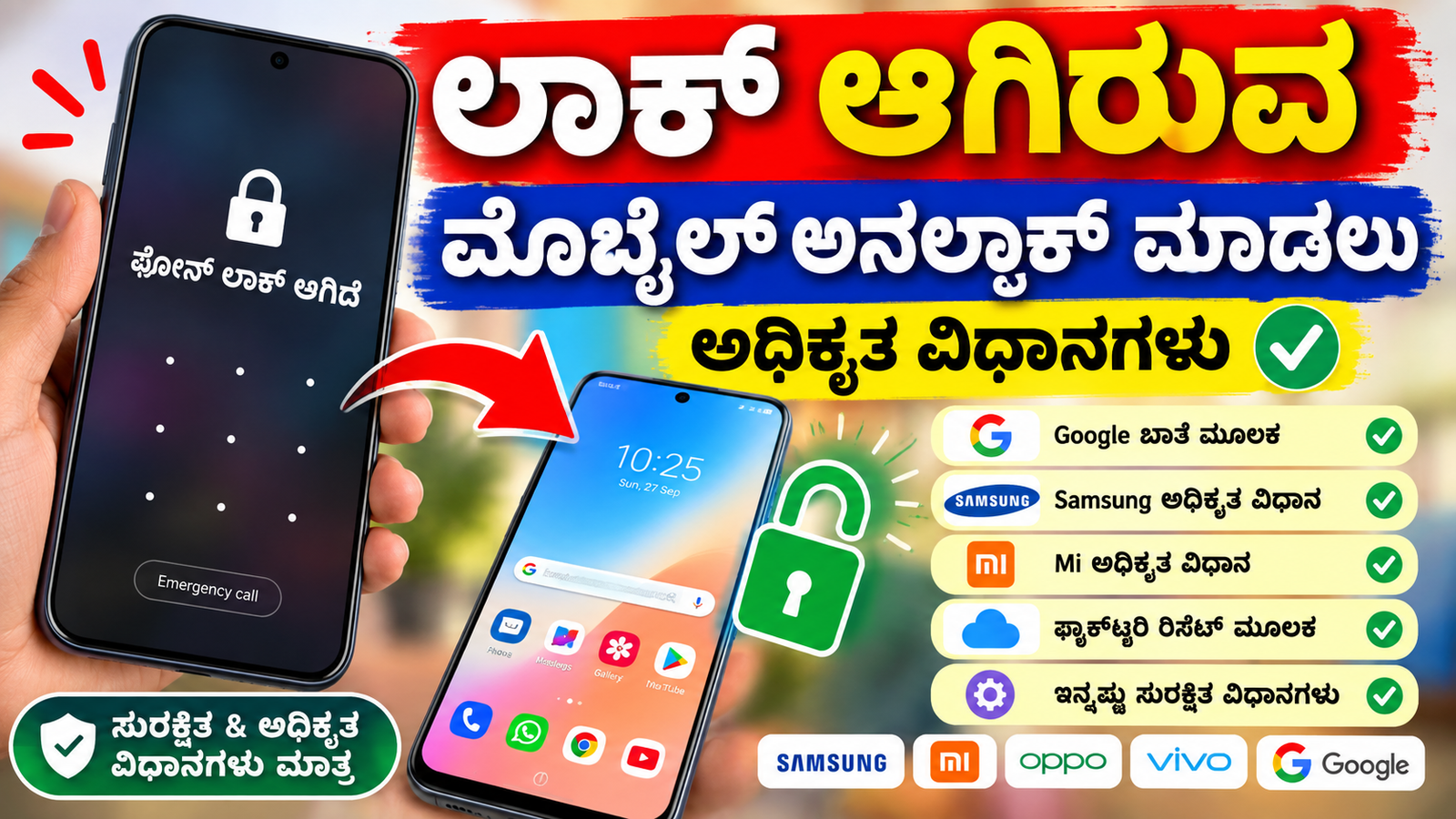
How to Unlock a Locked Phone Using Official Methods
A locked smartphone can be frustrating, especially when you need access to important contacts, photos, apps, or documents. However, trying unknown unlocking tools or security-bypass methods can put your personal data and device at risk. The safest approach is to use the official recovery options provided by your phone manufacturer or operating system.
1. Try Your Existing Screen Lock
First, make sure you are entering the correct PIN, password, or pattern. Avoid repeatedly guessing the code because many smartphones temporarily block additional attempts after several incorrect entries.
If you recently changed your screen lock, try the previous method only if your phone officially provides an option to use it for recovery.
2. Use Your Google Account on Android
Some Android phones provide account-based recovery options depending on the device model, Android version, and security settings. If an official recovery option appears on the lock screen, follow the instructions and sign in using the Google account associated with the phone.
Keep in mind that modern Android devices generally do not allow a Google account to simply remove a forgotten screen lock.
3. Use Find My Device
Google’s Find My Device service can help you locate, secure, or erase a compatible Android phone. If you cannot recover your screen lock, an official option may be to erase the device and set it up again.
Erasing the phone removes locally stored data, so this should only be considered when other recovery options are unavailable and you have access to your backups.
4. Use Apple’s Official Recovery Options
For an iPhone or iPad, Apple provides official procedures for forgotten passcodes. In many situations, the device must be erased and then restored from an available backup.
You may also need your Apple Account credentials after the reset because Activation Lock is designed to prevent unauthorized use of a lost or stolen device.
5. Contact the Phone Manufacturer
If the phone is still inaccessible, visit the manufacturer’s official support website or an authorized service center. Keep your purchase receipt, warranty information, and identification documents if they are requested.
Authorized technicians can explain which recovery options are available for your particular model.
6. Be Careful With Unlocking Websites and Apps
Avoid websites or applications claiming that they can instantly remove a PIN, password, pattern, Google account, or Activation Lock without verification. Such services may be unsafe, fraudulent, or designed to collect personal information.
Never provide your password, verification codes, or recovery keys to an unknown person.
Conclusion
The safest way to unlock a locked phone is to use the recovery procedure officially supported by the device manufacturer. Depending on the phone, you may be able to recover access through an existing account, backup, or official recovery feature. If no recovery option is available, an authorized factory reset or service-center procedure may be necessary.
Before resetting your phone, check whether important photos, contacts, and documents are backed up. Most importantly, only unlock a device that you own or are authorized to access.






