
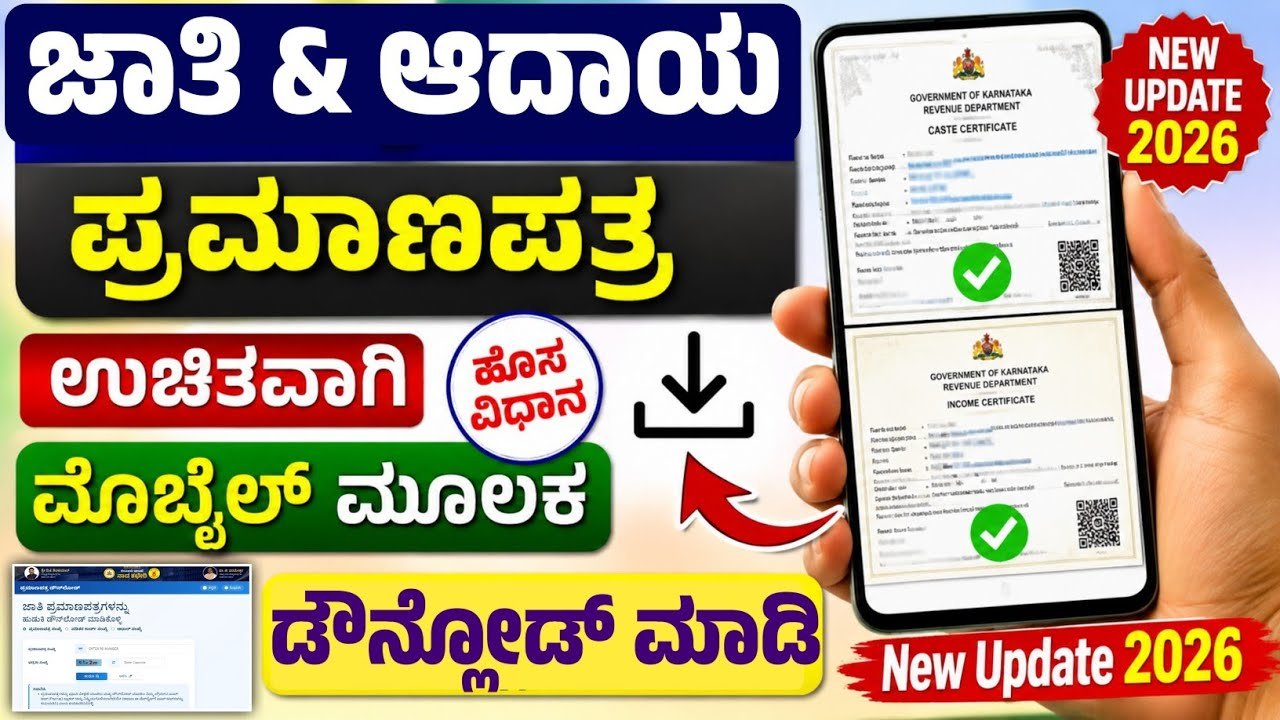
How to Download Income and Caste Certificate on Your Mobile Useing Website
Income and Caste Certificates are important government documents used for scholarships, education admissions, government schemes, reservations, fee concessions and various other official purposes. In Karnataka, citizens can access several government certificate services online, which can make the process easier without visiting a government office repeatedly. If your certificate has already been issued, you may be able to download it using your mobile phone.
What Are Income and Caste Certificates?
An Income Certificate is an official document that verifies the annual income of an individual or family. It is commonly required when applying for scholarships, educational benefits, subsidies and certain government welfare schemes.
A Caste Certificate provides official information about a person’s caste category. It may be required for reservation benefits, educational admissions, scholarships, government recruitment and other eligible services.
How to Download the Certificate Using Your Mobile
The exact procedure can vary depending on the state portal and the way your application was submitted. Karnataka residents can use the state’s official online government service platforms to access eligible certificate services.
First, open a trusted government service website on your mobile browser. Avoid downloading certificates from unknown websites or links shared through social media.
Look for the section related to Revenue Department services, certificates, application status or certificate verification. Select the relevant service and enter the details requested by the portal.
You may need information such as your application number, acknowledgement number, mobile number or other identification details. Enter the information carefully and submit the request.
If your application has been approved and the certificate is available digitally, the portal may display a download or print option. Tap the download option and save the PDF file to your mobile phone.
Check the Certificate Details
After downloading the document, open the PDF and carefully check your name, address, certificate number, date of issue and other important information. Make sure the details are correct before using the document for an application.
It is also a good idea to keep a backup copy in secure cloud storage or another safe location. You can print the certificate whenever a physical copy is required.
If You Cannot Download It
Sometimes a certificate may not appear because the application is still under processing, the entered details are incorrect, or the certificate has not yet been digitally issued. In such cases, check the application status using the official portal.
If there is an error in the certificate, contact the appropriate Revenue Department office or government service centre for assistance.
Important Safety Tips
Always use official government websites and verified government applications for certificate services. Never share your OTP, password, Aadhaar details or other sensitive information with unknown persons.
Before downloading or submitting a certificate, verify that the website is an official government portal. This helps protect your personal information and reduces the risk of fraudulent websites.
Conclusion
Downloading an Income or Caste Certificate through a mobile phone can save time when the certificate is already available online. By using the official government portal, entering the correct application details and checking the downloaded document carefully, citizens can conveniently keep a digital copy of their important certificate.






