
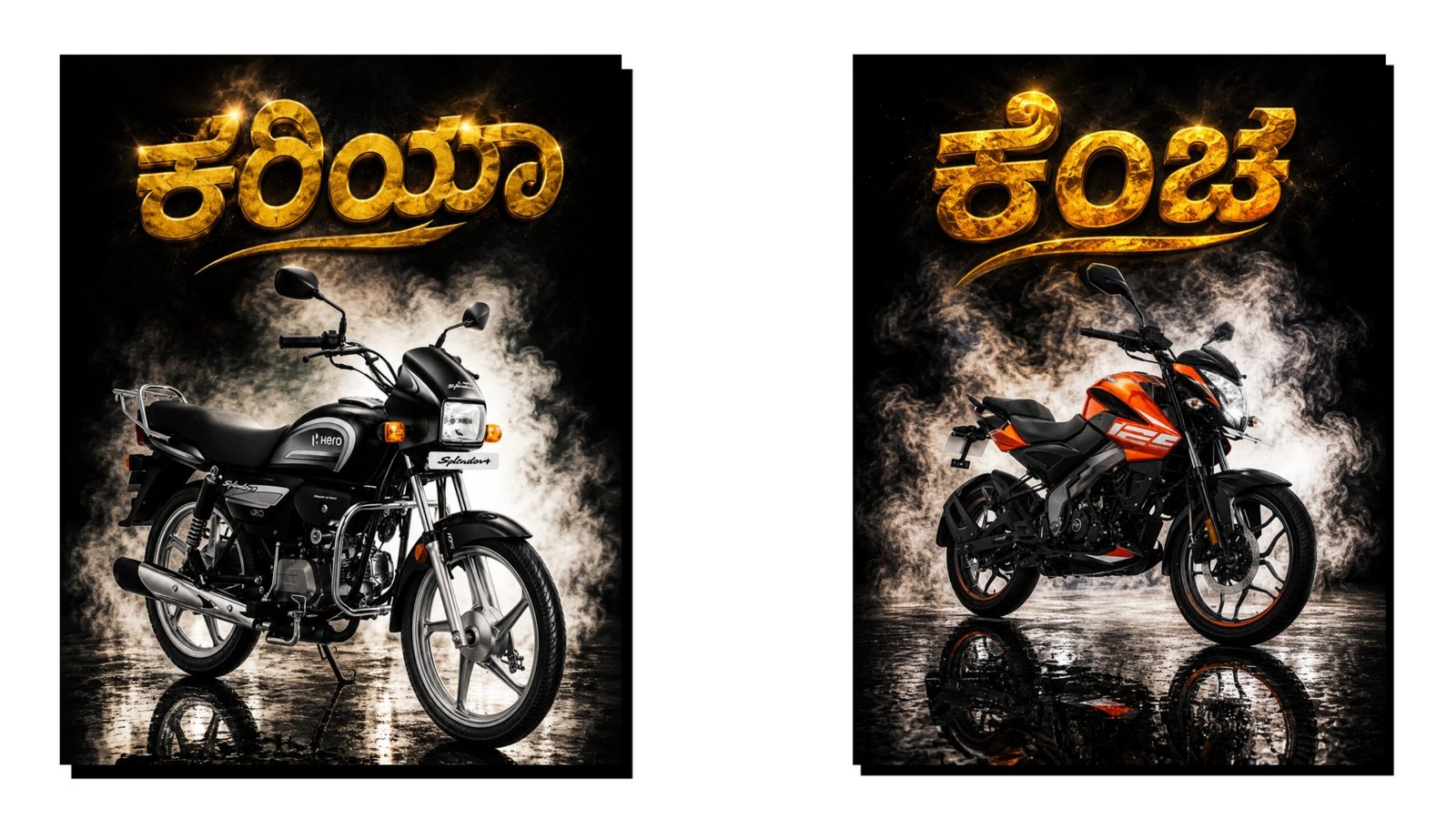
How to Create Trending AI Images Using ChatGPT
Artificial Intelligence (AI) image generation has become one of the biggest digital trends in 2026. From social media creators and bloggers to business owners and students, many people are using AI-generated images to create eye-catching content. ChatGPT can help you create detailed image prompts that produce professional and trending AI images within minutes.
What Are AI Images?
AI images are digital pictures created using artificial intelligence tools. Instead of manually designing graphics, users simply describe the image they want, and the AI generates it automatically. These images can be used for YouTube thumbnails, Instagram posts, blog banners, advertisements, presentations, and more.
Why Use ChatGPT for AI Image Creation?
ChatGPT helps users write detailed prompts that improve image quality. A good prompt tells the AI exactly what to create, including the subject, background, colors, lighting, style, and image size. The more detailed the prompt, the better the final result.
Benefits of using ChatGPT include:
- Fast image prompt creation
- Professional-quality descriptions
- Creative ideas for trending content
- Time-saving workflow
- Better image accuracy
Steps to Create Trending AI Images Using ChatGPT
Step 1: Decide Your Image Topic
Choose a topic that is currently popular. Examples include:
- Technology and AI
- Government schemes
- Mobile applications
- Business and finance
- Travel destinations
- Farming and agriculture
- Motivational content
Step 2: Open ChatGPT
Visit ChatGPT and describe the image you want. For example:
“Create a professional YouTube thumbnail showing a farmer using a smartphone in a green pomegranate farm with modern AI technology in the background. Use bright colors and realistic lighting.”
Step 3: Generate a Detailed Prompt
ChatGPT will create a detailed prompt that can be used in AI image generators. A strong prompt may include:
- Subject details
- Background elements
- Camera angle
- Lighting effects
- Image style
- Resolution requirements
Step 4: Create the Image
Use the generated prompt with an AI image generator. Enter the prompt and generate the image. If needed, modify the prompt and generate additional versions until you achieve the desired result.
Step 5: Edit and Optimize
After creating the image:
- Add text if required
- Adjust brightness and contrast
- Crop for social media platforms
- Resize for YouTube thumbnails or blog posts
Tips for Creating Viral AI Images
- Use realistic lighting and high-detail descriptions.
- Mention “4K quality” or “ultra-realistic” in prompts.
- Include trending themes and modern designs.
- Use vibrant colors that attract attention.
- Create images that tell a story.
Conclusion
Creating trending AI images with ChatGPT is simple, fast, and effective. By writing detailed prompts and using modern AI image generators, anyone can create professional-quality visuals without advanced design skills. Whether you are a content creator, blogger, student, or business owner, ChatGPT can help you generate creative ideas and detailed prompts that result in stunning AI images. With practice and experimentation, you can create unique, engaging, and viral AI images that stand out on social media and other digital platforms
Promt : - Replace background with clean overexposed white studio light, add strong backlight behind subject, create soft rim lighting glow around edges, increase contrast, add cinematic shadows slightly darken subject front for depth enhance muscle definition and texture soft haze atmosphere, professional studio lighting, ultra realistic, high detail, 4K and Add a shadow of black horse behind, looking as it's a bike shadow, representing the bike And A Name (ಕಾಳಿ ) golden colour text 





