
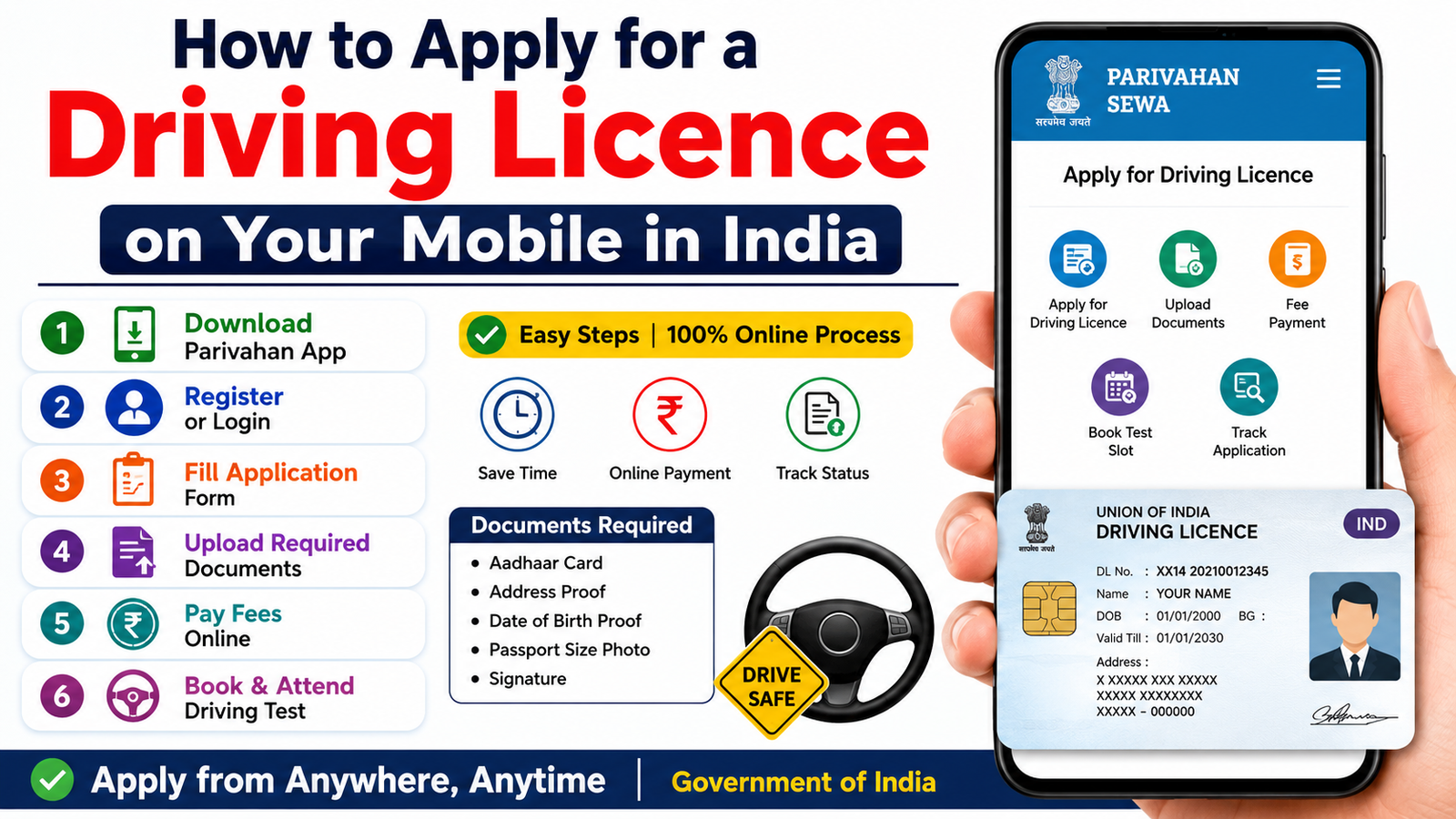
How to Apply for a Driving Licence on Your Mobile in India
A Driving Licence (DL) is one of the most important documents for anyone who wants to drive a vehicle legally in India. The Government of India has made the application process simple and digital through the Parivahan portal. Now, applicants can complete most of the Driving Licence application process directly from their mobile phones without visiting multiple offices. This guide explains the complete procedure, eligibility, required documents, and application steps.
Benefits of Applying Online
Applying for a Driving Licence through your mobile offers several advantages:
- Saves time and travel expenses
- Easy online application process
- Secure digital document submission
- Online fee payment facility
- Application status tracking from anywhere
- Faster processing and transparency
Eligibility Criteria
Before applying for a Driving Licence, applicants must meet the following conditions:
| Vehicle Type | Minimum Age |
|---|---|
| Motorcycle without gear (up to 50cc) | 16 years |
| Motorcycle with gear | 18 years |
| Light Motor Vehicle (Car) | 18 years |
| Commercial Vehicle | 20 years or as per state rules |
Applicants should also have basic knowledge of traffic rules and road safety regulations.
Documents Required
Keep the following documents ready before starting the application:
- Aadhaar Card
- PAN Card (optional)
- Mobile Number linked with Aadhaar
- Passport-size photograph
- Signature scan
- Proof of Address
- Learner’s Licence (for permanent Driving Licence)
- Date of Birth proof
How to Apply for a Driving Licence on Mobile
Step 1: Visit the Official Portal
Open your mobile browser and visit the official Parivahan Sewa website.
Step 2: Select Your State
Choose your state from the list available on the portal.
Step 3: Apply for Learner’s Licence
If you do not have a Learner’s Licence, first apply for one. Fill in the required personal information and upload the necessary documents.
Step 4: Complete Aadhaar Authentication
Verify your identity using Aadhaar-based authentication and OTP verification.
Step 5: Pay the Application Fee
Pay the prescribed fee online using UPI, debit card, credit card, or net banking.
Step 6: Take the Learner’s Licence Test
Depending on your state, the learner’s test may be conducted online or at the Regional Transport Office (RTO).
Step 7: Apply for Permanent Driving Licence
After completing the mandatory learner’s licence period, apply for a permanent Driving Licence through the same portal.
Step 8: Book Driving Test Slot
Select a convenient date and time for the driving skill test at your nearest RTO.
Step 9: Attend the Driving Test
Appear for the driving test with the required documents and vehicle.
Step 10: Receive Your Driving Licence
Once you pass the test, your Driving Licence will be issued and delivered according to your state’s process.
Application Fee
The fee varies by state and vehicle category. Applicants can check the latest fee details on the official Parivahan portal before submitting the application.
Important Tips
- Enter all details correctly.
- Use an active mobile number.
- Keep scanned documents clear and readable.
- Follow traffic rules while preparing for the test.
- Track application status regularly online.
Conclusion
Applying for a Driving Licence through your mobile has become simple and convenient in 2026. By using the online Parivahan services, applicants can complete registration, document submission, fee payment, and status tracking from home. Ensure that all information is accurate and prepare well for the learner’s and driving tests to obtain your Driving Licence smoothly






