Artificial Intelligence has transformed the way we create digital content, and AI image generation is one of the most exciting trends in 2026. Tools like Google Gemini and ChatGPT are now widely used to generate high-quality images from simple text prompts. Whether you are a student, content creator, or blogger, learning how to create trending AI images can help you stand out online.
What is AI Image Generation?
AI image generation is the process of creating visuals using artificial intelligence based on text instructions called prompts. Instead of designing manually, users describe what they want, and the AI produces the image. Platforms powered by advanced models like DALL·E make this possible with stunning accuracy and creativity.
Why AI Image Creation is Trending
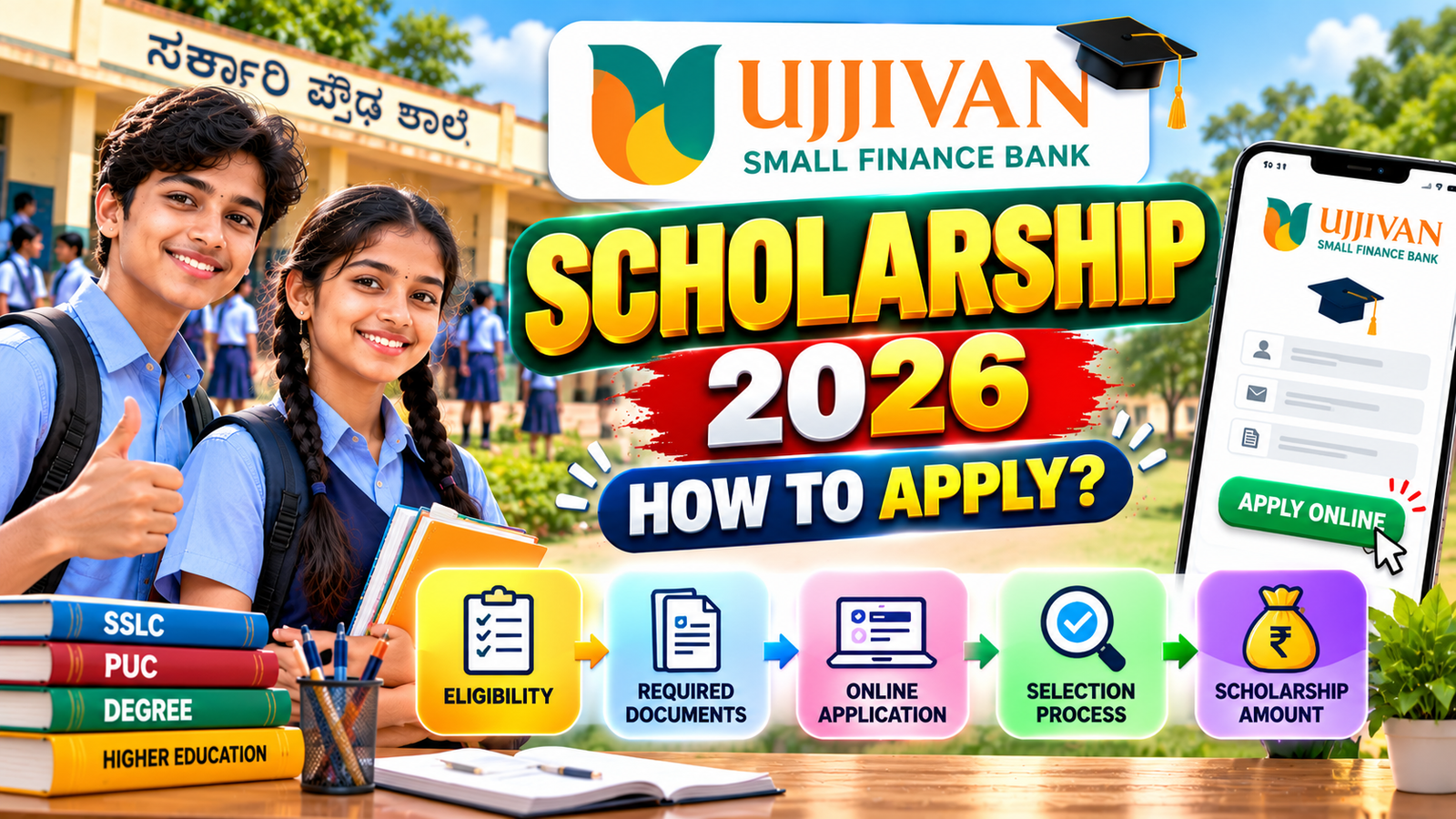
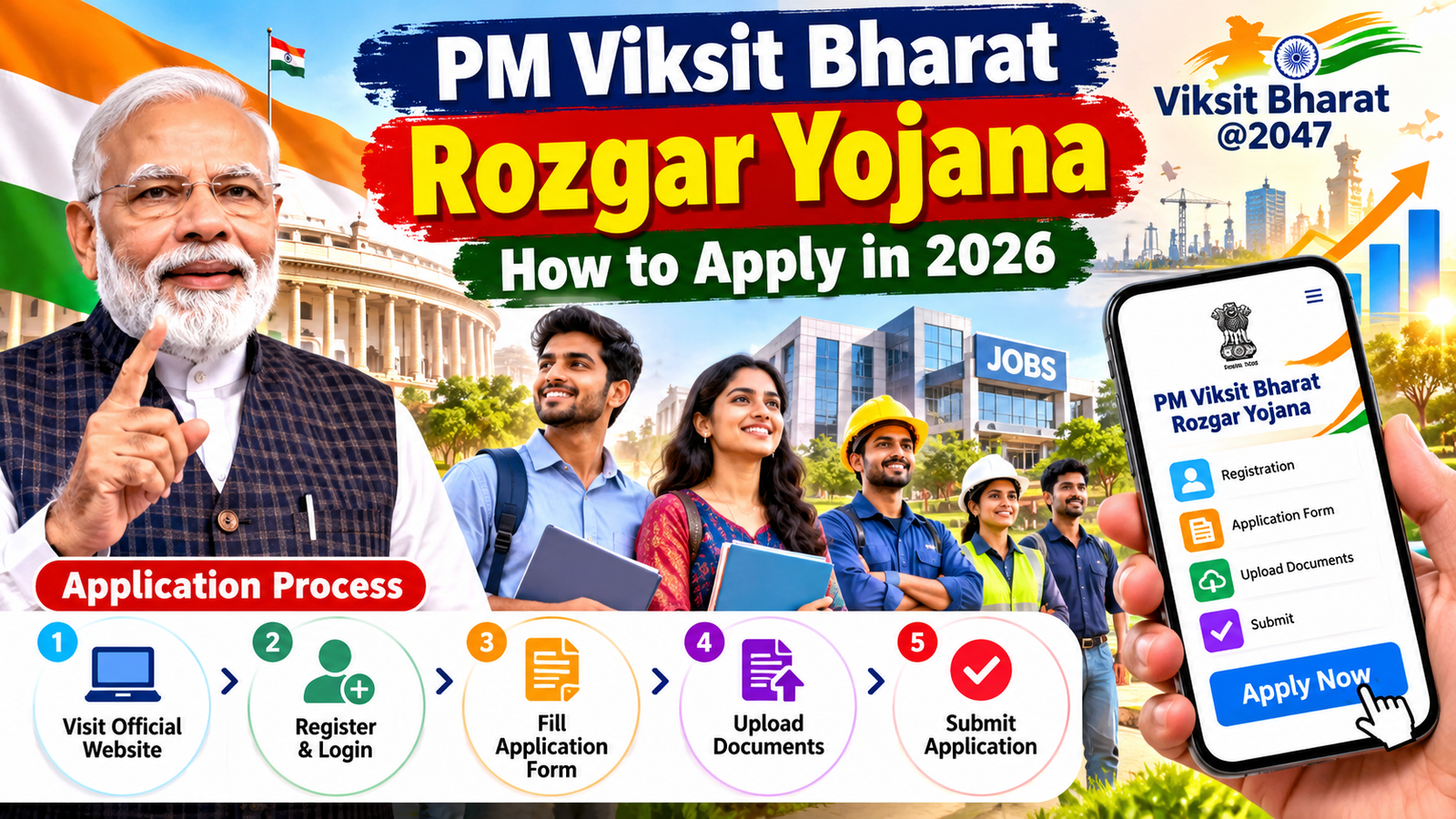
The popularity of AI-generated images is growing because it saves time, requires no design skills, and produces unique results. Social media platforms, blogs, and YouTube creators are using AI images for thumbnails, posts, and branding. The ability to create realistic, cartoon, anime, or fantasy images instantly has made this technology highly attractive.
How to Create AI Images Using ChatGPT
To create images using ChatGPT, follow these simple steps:
- Open ChatGPT
- Write a clear and detailed prompt. For example: “A futuristic city at sunset with flying cars and neon lights, ultra-realistic, 4K quality.”
- Submit the prompt and wait for the AI to generate the image.
- Download or refine the image by adjusting your prompt.
The key to better results is writing detailed prompts. Include style, lighting, colors, mood, and resolution to get high-quality images.
Google Gemini
Google Gemini also supports creative image generation. Here’s how you can use it:
- Open Gemini and access its creative tools.
- Enter a descriptive prompt such as: “A cartoon-style boy studying under a tree, bright colors, soft lighting.”
- Customize the style if options are available.
- Generate and save the image.
Gemini is known for integrating AI with real-time data, making it useful for contextual and creative outputs.
Tips for Writing Trending Prompts
To create viral AI images, focus on these prompt techniques:
- Use specific keywords like “cinematic,” “ultra-realistic,” or “digital art.”
- Add details about lighting such as “golden hour” or “neon glow.”
- Mention resolution like “4K” or “high detail.”
- Combine styles, for example, “anime + realistic fusion.”
- Keep experimenting and refining your prompts.
Best Use Cases for AI Images
AI-generated images can be used for blog thumbnails, Instagram posts, YouTube covers, digital art, and even educational content. Many users are also creating personalized avatars and trending AI profile pictures.
Conclusion
AI image generation using Google Gemini and ChatGPT is revolutionizing digital creativity. With the right prompts and a bit of experimentation, anyone can create stunning and trending visuals without professional design skills. As AI continues to evolve, mastering prompt writing will become an essential skill for content creators in the digital world.
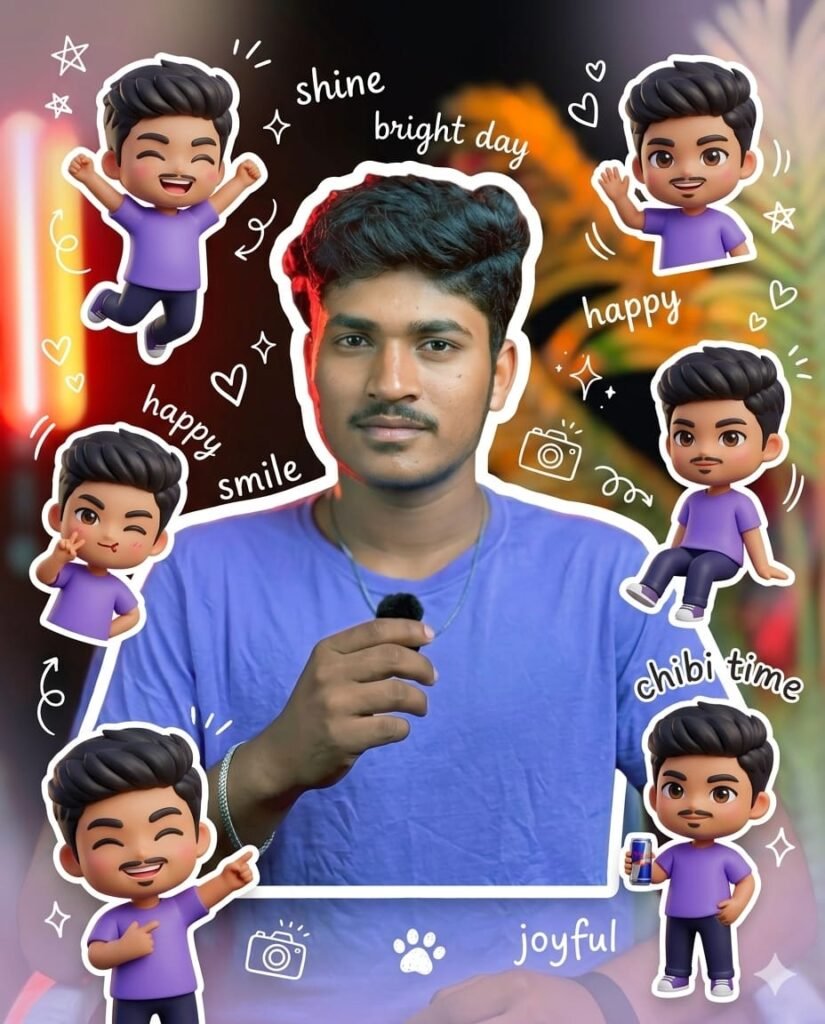
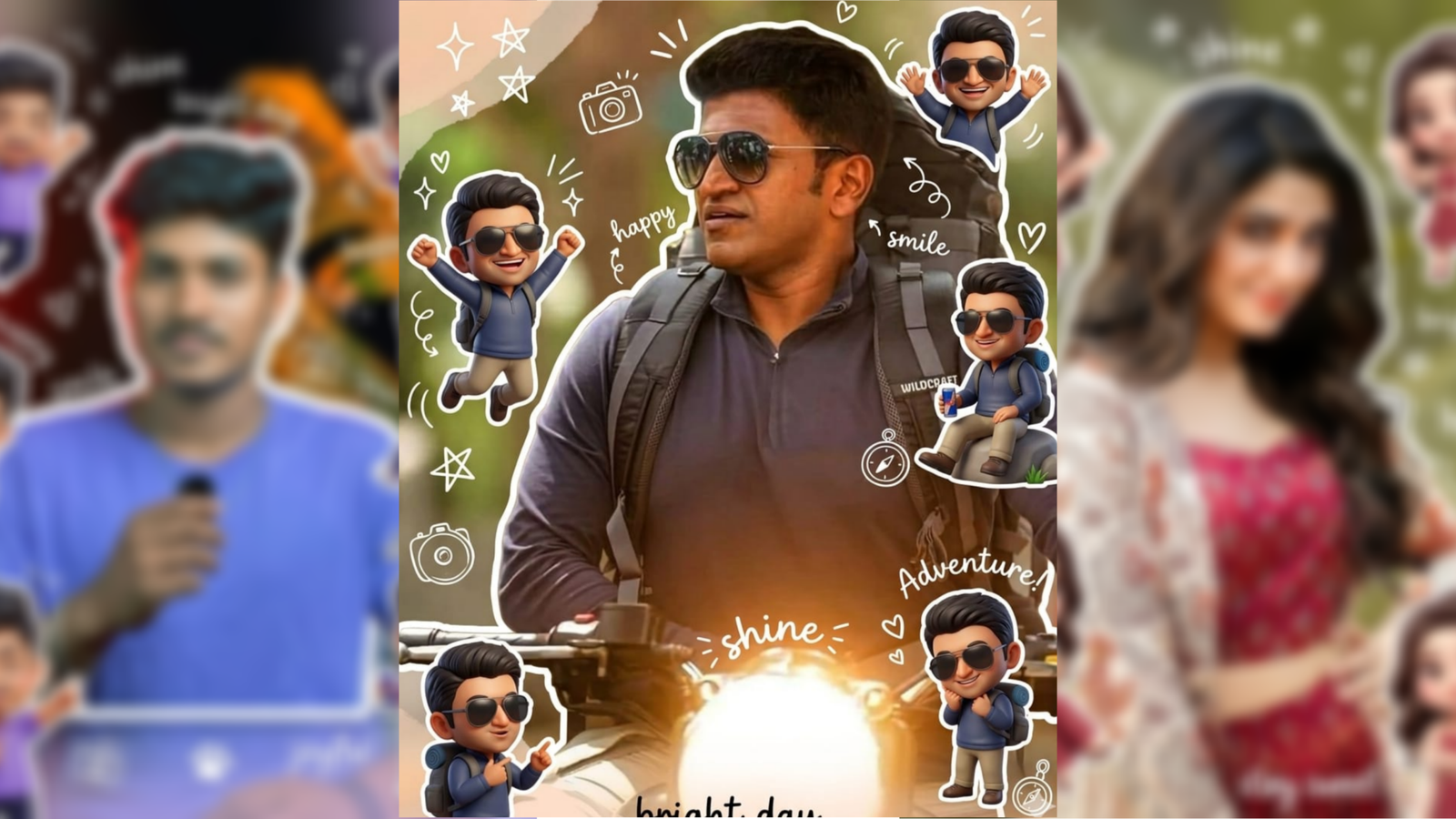
Use a real face as a reference
photo.The background is the same as
in the photo. The lighting is warm,
soft, and clean, with subtle shadows.
Around the image, add several mini
chibi (3D cute style) versions of the
character, while maintaining the
original facial features.expressions:
jumping cheerfully waving sitting
relaxedholding a drink cute and
playful expressions Add hand-drawn
white doodle elements: outline
around the main body stars, hearts,
sparkles motion lines small cute
icons Add aesthetic handwriting
such as:"shine,""bright day,"
"happy,""smile," etc.(casual doodle
font)Overall style: clean o aesthetic
composition white sticker outline
soft pastel color tone high detail 3D
chibi glossy look cute Korean style
instagrammable 4:5 ratio
9