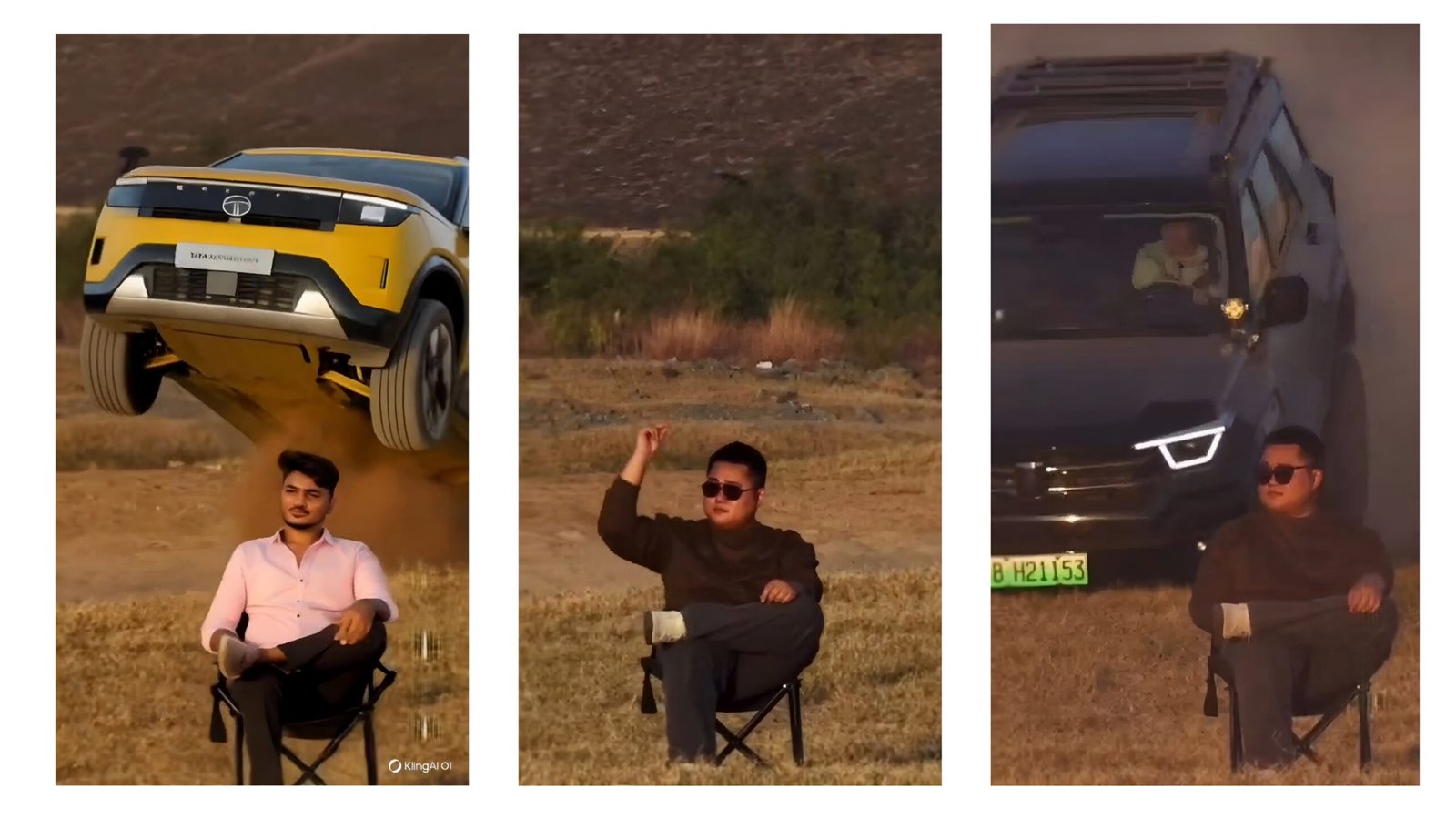
How to Create a Trending Car AI Video Using the Kling AI Tool
AI-generated car videos are currently trending on Instagram Reels, YouTube Shorts, and Facebook videos. With realistic motion, cinematic camera angles, and luxury visuals, creators are gaining millions of views without owning a real car. One of the most powerful tools for this purpose is Kling AI, which allows you to generate high-quality AI videos from text or images. This guide explains how to create a viral car AI video using Kling AI, step by step, in simple language.
What Is Kling AI?
Kling AI is an advanced AI video generation tool that converts text prompts or images into realistic videos. It is popular for creating cinematic scenes such as luxury cars driving on highways, sports cars drifting, futuristic city rides, and slow-motion vehicle shots. The tool uses deep learning to understand motion, lighting, reflections, and camera movement, making videos look professional and realistic.
Why Car AI Videos Are Trending
Car AI videos attract attention because:
- People love luxury and sports cars
- AI visuals look cinematic and premium
- Short videos perform well on social media
- No need for real car, camera, or location
- Easy to create with the right prompt
These videos work extremely well for Instagram Reels, YouTube Shorts, automotive pages, and personal branding.
Step 1: Access the Kling AI Tool
- Open the official Kling AI platform
- Sign up using your email or social account
- Log in to the dashboard
- Choose the Text-to-Video or Image-to-Video option
For beginners, text-to-video is easier and more flexible.
Step 2: Decide Your Car Video Concept
Before writing a prompt, decide what kind of video you want:
- Luxury car cinematic drive
- Sports car drifting scene
- Night city car ride
- Off-road SUV adventure
- Futuristic electric car
Clear ideas help the AI generate better results.
Step 3: Write a Powerful AI Prompt (Most Important Step)
Your prompt controls the entire video. A good prompt should include:
- Car model or type
- Environment (city, highway, desert, rain)
- Camera angle and movement
- Lighting and mood
- Video quality keywords
Example Prompt:
Avoid short prompts. Be descriptive but natural.
Step 4: Adjust Video Settings
After entering the prompt:
- Select video duration (5–10 seconds is ideal for reels)
- Choose aspect ratio (9:16 for Instagram & Shorts)
- Set quality to high or ultra if available
- Keep motion smooth, not extreme
Then click Generate Video.
Step 5: Wait and Preview the Output
Kling AI may take a few minutes to generate the video. Once done:
- Preview the video carefully
- Check car movement, clarity, and realism
- If needed, regenerate with slight prompt changes
Small prompt improvements can greatly enhance results.
Step 6: Add Music and Final Touches
Download the video and edit it using apps like:
- CapCut
- VN Editor
- InShot
Add:
- Trending background music
- Light color grading
- Motion blur or cinematic effects
- Text like “Dream Car” or “AI Generated”
Step 7: Upload for Maximum Reach
To make your car AI video trend:
- Upload in vertical format
- Use trending hashtags like
#AICar #KlingAI #CarReels #AIVideo - Post at peak hours
- Write engaging captions
Consistency is key. Post regularly.
Final Tips for Viral Success
- Use luxury or sports cars
- Focus on lighting and reflections
- Keep videos short and impactful
- Experiment with different prompts
- Follow trending reel styles
Conclusion
Creating a trending car AI video using Kling AI is simple if you use the right prompt and creative vision. With no camera, no car, and no budget, you can produce cinematic automotive videos that look professional and viral-ready. By practicing prompt writing and following social media trends, anyone can grow fast using AI-generated car videos.